A quiet shift is underway in the way we run artificial intelligence on personal computers. The days when a lightweight chatbot or image generator could be spun up on mid-range hardware are fading fast. Today, even basic AI workloads require more horsepower than most desktops were built to handle.
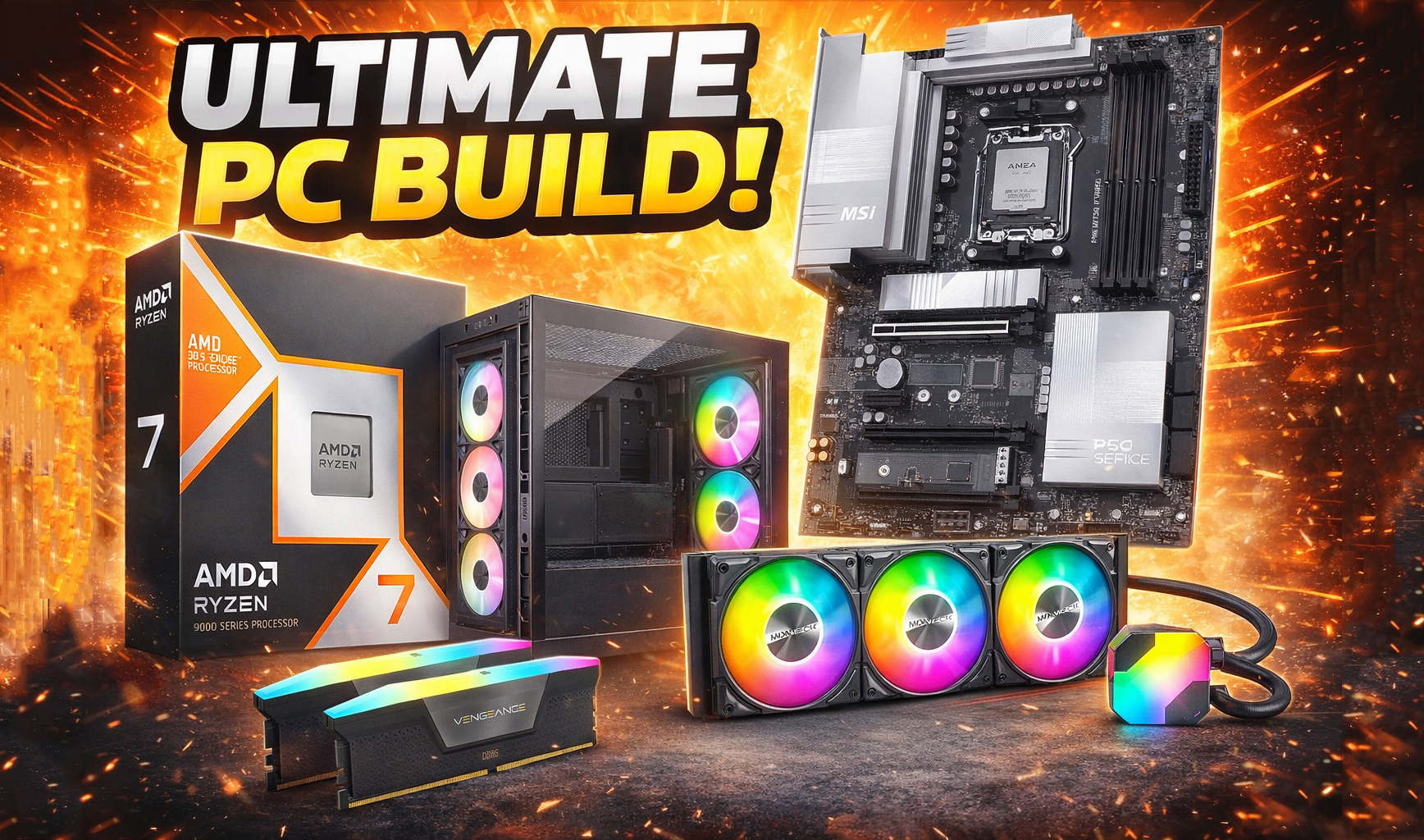
At the heart of this change lies the growing complexity of AI models themselves. What once fit comfortably in a laptop’s memory now demands the muscle of dedicated servers—or at least a workstation with multiple high-end GPUs. The result is a stark choice for users: do you settle for slower, less capable experiences on older hardware, or invest in new infrastructure that can keep pace?
Performance under pressure
The latest wave of AI assistants isn’t just faster—it’s fundamentally different. Tasks that used to take minutes now require seconds, but only if the underlying system is up to the job. Consider a typical setup from earlier this year: a single GPU with 16GB of VRAM could barely handle a single user query without stuttering. Fast-forward to today, and even that configuration feels outdated.
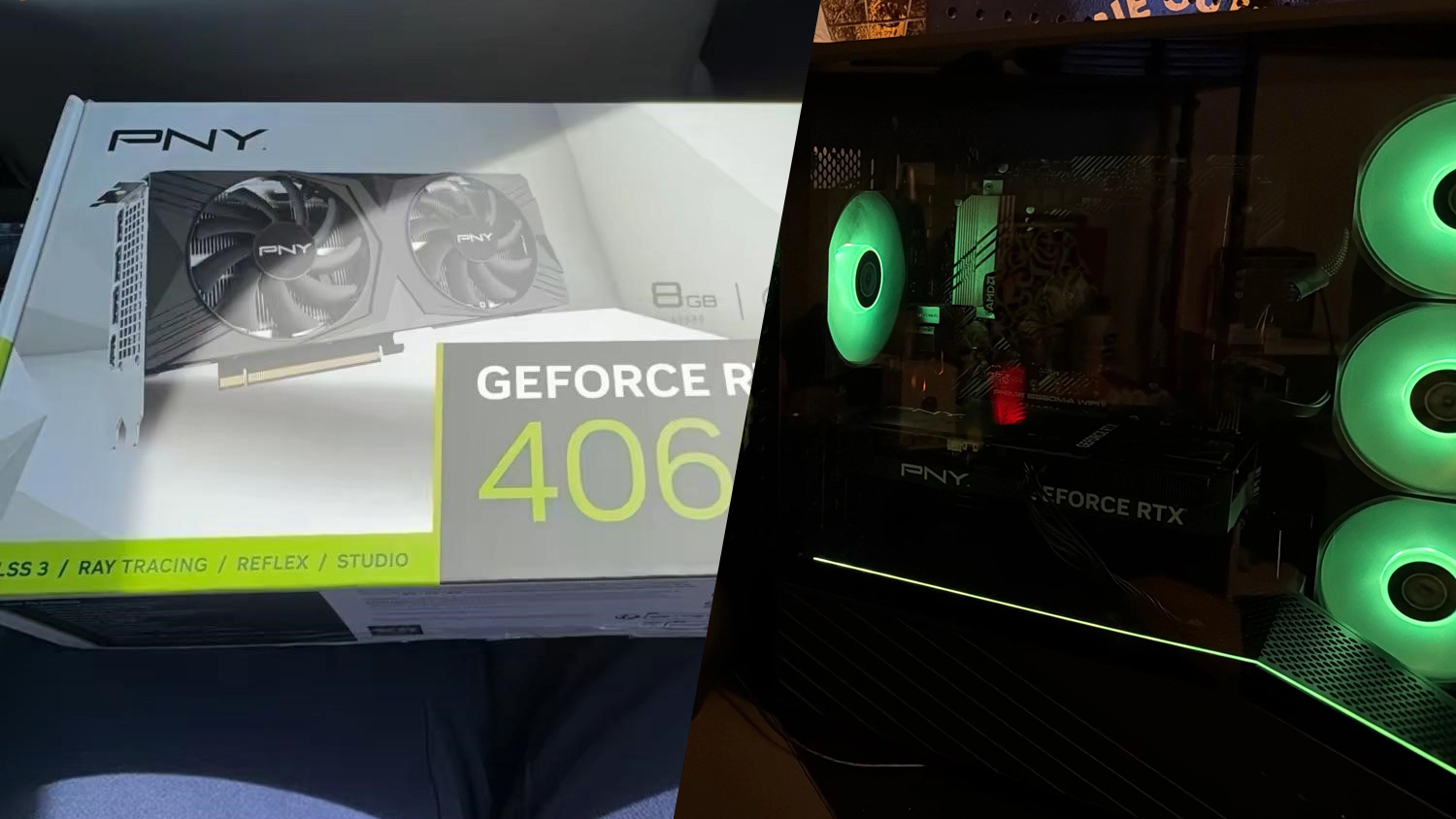
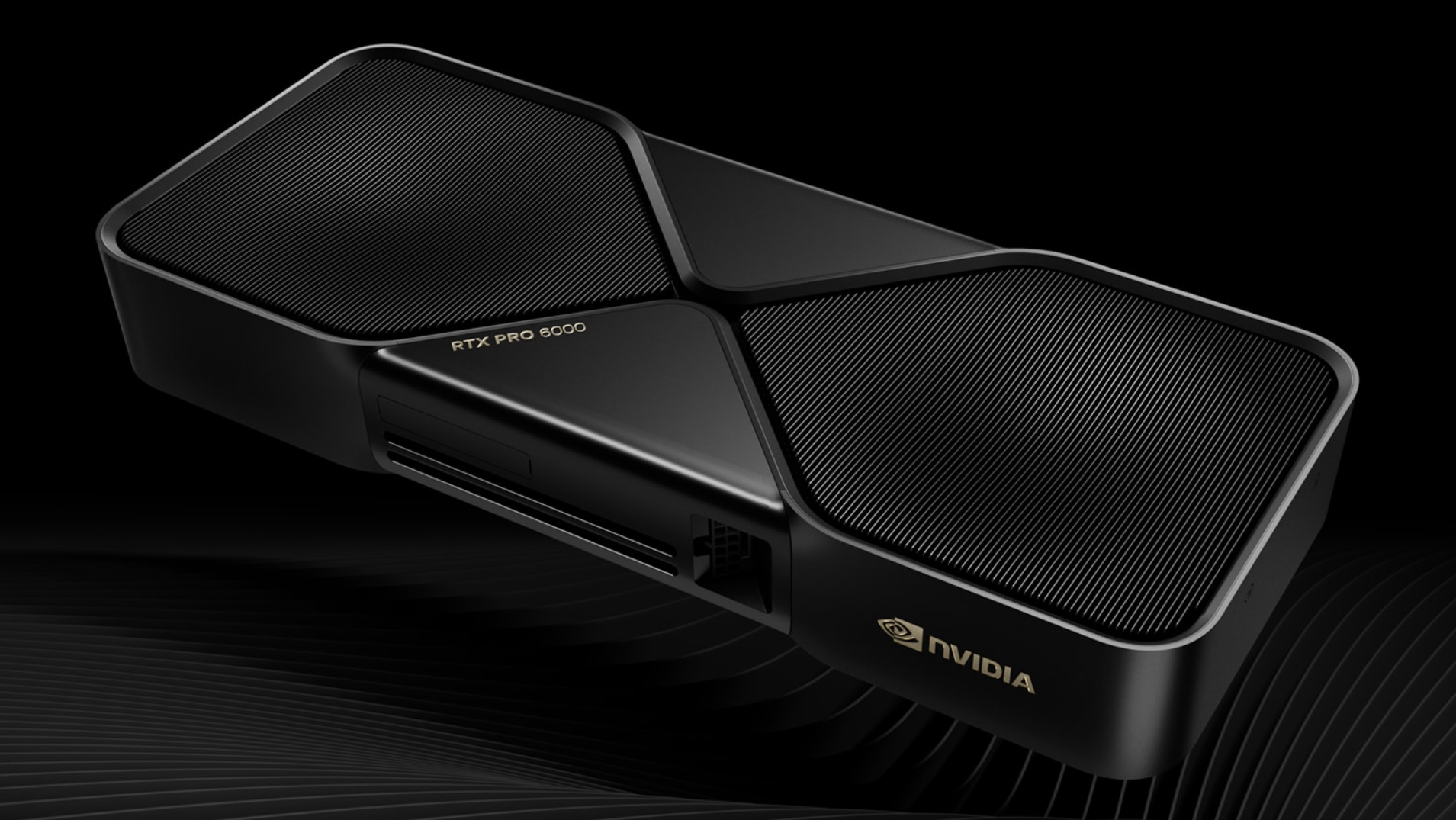
Key benchmarks show a clear divide. A mid-range GPU like the NVIDIA RTX 4080 Super, paired with 24GB of RAM, can process multiple concurrent AI requests with reasonable speed—but only if the workloads aren’t too demanding. Push it further, and you’re looking at latency spikes that make real-time interaction nearly impossible.
- Single-GPU setups struggle with batch processing; multi-GPU rigs see a 30% improvement in throughput for heavy workloads.
- RAM remains the bottleneck—16GB systems show noticeable slowdowns, while 24GB+ configurations maintain smoother performance.
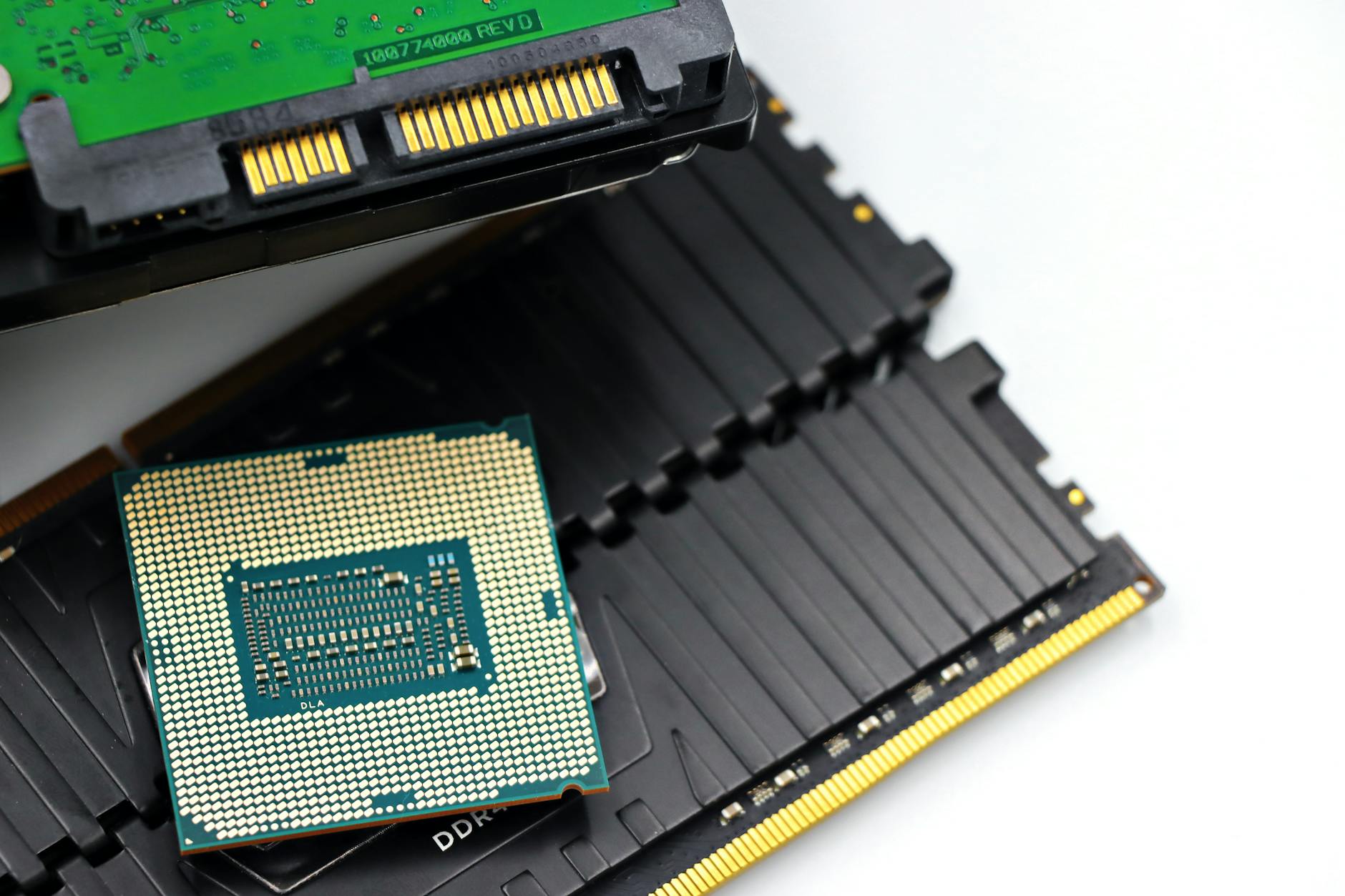
- Storage speed (NVMe SSDs) directly impacts model loading times; slower drives add 15-20% overhead to startup.
The gap between ‘good enough’ and ‘pro-level’ setups is widening. For users who treat AI assistants as a secondary tool, a mid-tier rig may still suffice. But for those integrating AI into primary workflows—coding, design, or data analysis—the cost of underpowering your system isn’t just in speed; it’s in lost productivity.
Who’s building the future?
Three players dominate the desktop AI space right now: one focused on integration with existing software, another on standalone performance, and a third blending both approaches. Their paths diverge sharply when it comes to hardware requirements.
- The first prioritizes seamless PC integration but relies on cloud offloading for heavy lifting—meaning local performance is decent, but true offline capability is limited.
- The second pushes pure on-device power, targeting users who need full control over their AI environment. This path demands significant hardware investment.
- The third strikes a balance, offering a hybrid model that scales with available resources—whether that’s a single GPU or a multi-node cluster.
Which approach pays off depends entirely on your use case. If you’re running lightweight tasks occasionally, the integrated route may save money without sacrificing too much functionality. But if you’re building pipelines for complex AI models, the hybrid or pure on-device options will be the only viable paths forward.
The next wave of desktop AI tools is already in development, promising even greater efficiency—but the foundation for today’s performance battles has been laid. Whether that means upgrading your rig or rethinking your workflow entirely remains an open question.