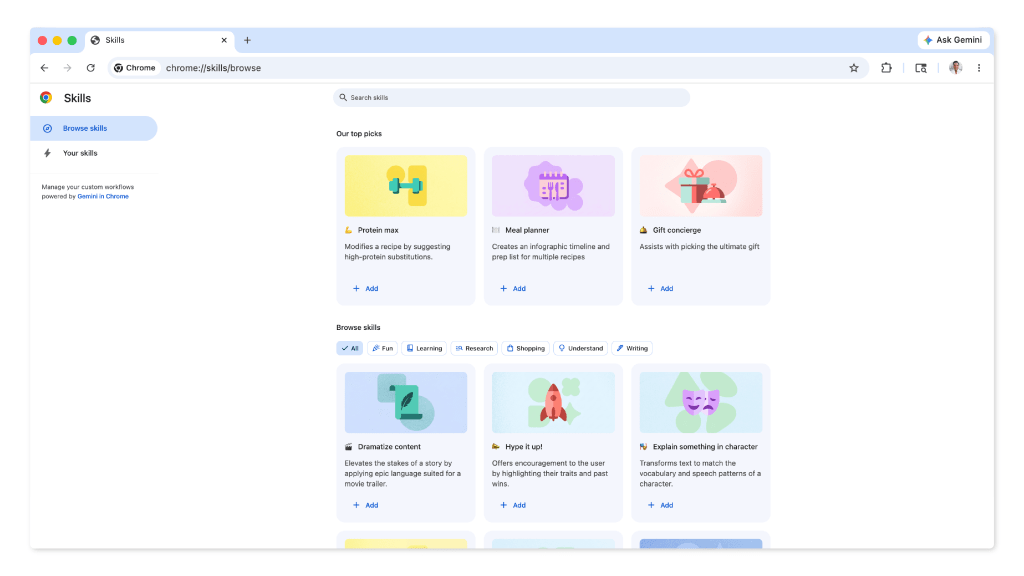
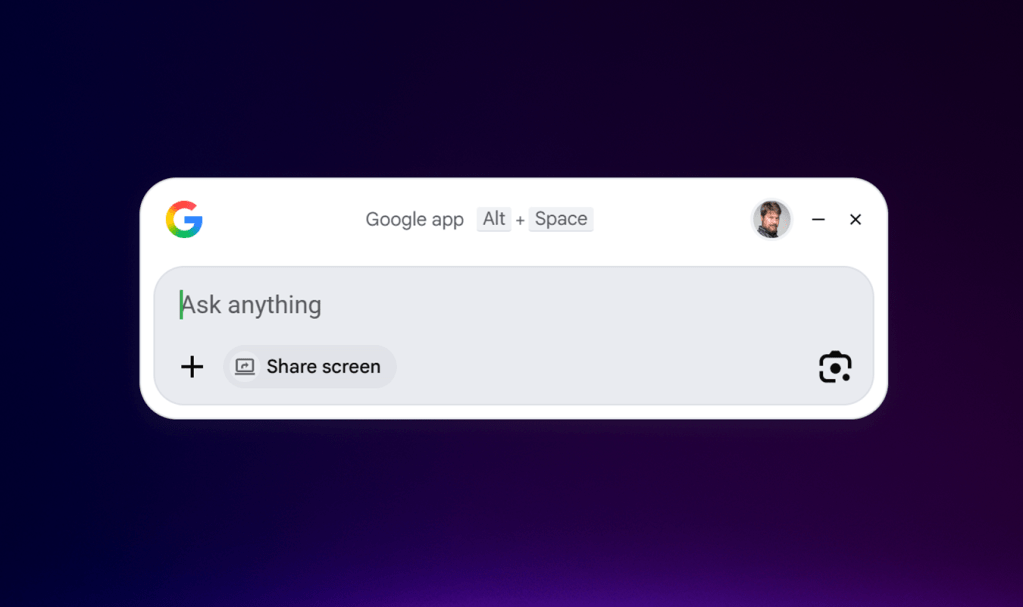
Google’s Gemini desktop application has arrived on Windows and macOS, offering a native way to run the company’s AI models without relying solely on cloud processing. While it delivers text generation, image creation, and coding assistance, its current form feels more like an experiment than a fully realized productivity tool.
The app avoids the cloud-only approach that some competitors have taken, running entirely on supported machines with minimal latency. However, this local-first strategy comes with limitations: no direct API access for third-party integrations and no native support for project management or data analysis—areas where rivals like Microsoft and Adobe have made deeper inroads.
Key Features and Requirements
- Text generation, image creation, and basic coding assistance
- Local execution with minimal cloud dependency
- 4 GB RAM minimum, 8 GB recommended for smooth performance
- Storage needs scale with usage (e.g., large image sets or code repositories)
The app is free to download for Windows 10/11 and macOS Sonoma and later, but its real-world utility depends on how Google evolves it over time. Right now, it’s more of a standalone AI companion than a seamless part of a larger workflow.
Standing Out—or Falling Behind?
Unlike some competitors that push real-time cloud sync as a selling point, Gemini prioritizes local processing. That could be a strength for users concerned about data privacy or offline access, but it also means missing out on features like collaborative editing or cross-device continuity that others have built into their offerings.
For now, the app feels best suited for casual AI experimentation—generating text, refining images, or getting quick coding help. But for professionals who need tight integration with databases, version control, or analytics tools, it’s still a work in progress.
The Road Ahead
If Google can expand its API access and add deeper ties to productivity software, the Gemini desktop app could become a more compelling alternative. Until then, users with heavy AI workloads may still rely on specialized tools like JetBrains’ IDEs or NVIDIA’s GPU-accelerated libraries.
The question isn’t whether Gemini is capable—it clearly is—but whether it will grow into something that truly replaces or complements the tools already on a user’s desk. The answer, for now, remains uncertain.