Not all performance improvements come from the processor or graphics card. Deep inside most laptops, a set of unassuming parts—fan curves, heatsink layouts, and thermal interfaces—play an equally critical role in determining real-world speed, heat dissipation, and noise levels.
The balance between cooling efficiency and acoustic output has become increasingly complex as processors push higher clock speeds. A laptop that delivers strong benchmark performance can still feel sluggish or emit a low hum under sustained workloads if these hidden components are not carefully tuned.
Where the heat meets the fan
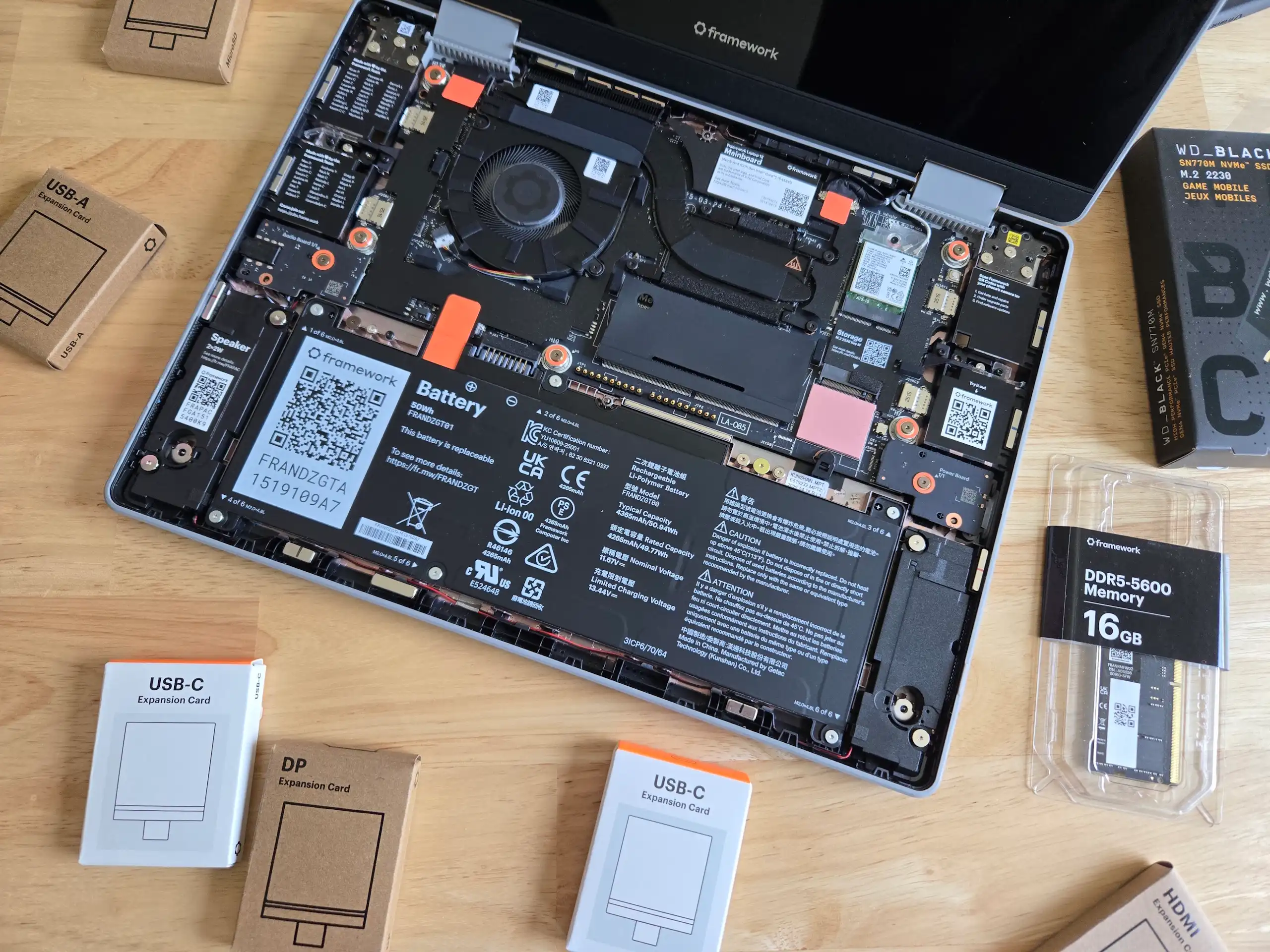
At the heart of this balance is the cooling system. Modern laptops often use dual-fan designs to manage thermal output, with one fan handling the CPU and another addressing the GPU or other hotspots. The placement and size of heatsinks also matter: larger surface areas spread heat more effectively, but they take up precious internal space, which can limit battery life.
Thermal interface materials (TIMs) between the processor and heatsink have evolved from traditional thermal grease to more advanced solutions like metal-based TIMs or vapor chambers. These materials can improve heat transfer by up to 50% in some cases, but their effectiveness depends on consistent application and long-term stability.
Quiet under load
The trade-off between cooling performance and noise is a persistent challenge. Some laptops achieve near-silent operation at idle but ramp up fan speeds dramatically when the processor reaches high temperatures. Others use predictive algorithms to adjust fan curves based on workload, aiming for a quieter experience without sacrificing thermal performance.
For users who prioritize silence, laptops with well-tuned acoustic profiles can make a noticeable difference in daily productivity. A laptop that remains quiet during web browsing or office tasks but audibly fans up during video rendering may not meet the needs of those who work in shared spaces.
The unseen impact on battery life
Efficient cooling is not just about temperature—it also affects power consumption and battery longevity. A poorly optimized cooling system can force the processor to throttle more frequently, reducing both performance and runtime. Conversely, laptops with intelligent thermal management can maintain higher sustained clock speeds while extending battery life.
Storage configuration plays a secondary but still important role in heat output. SSDs, especially those using NVMe interfaces, generate less heat than traditional HDDs, but their placement near the processor or heatsink can create localized hotspots if not managed properly.
A closer look at real-world trade-offs
- Dual-fan systems improve thermal distribution but may increase overall system thickness.
- Advanced TIMs reduce CPU temperatures by 10-20°C in some benchmarks, but their durability over time remains a question mark for some manufacturers.
- Predictive fan control algorithms can lower noise levels by up to 3 dB under sustained loads, though their effectiveness varies by workload type.
The next generation of laptops is likely to see further refinements in cooling design, with a focus on reducing noise while maintaining thermal performance. However, the balance between these factors will continue to shape which devices are best suited for power users versus those who prioritize portability and silence.