Ransomware strikes fast, encrypting files and demanding payment. Yet on every Windows machine, a shield sits idle: Controlled Folder Access, part of Microsoft Defender’s ransomware protection.
It doesn’t require extra software or slow down games. But gamers often skip it—unaware that the same tool guarding office documents could also safeguard save files and in-game assets without noticeable lag.
How it works
The feature locks folders—like Documents, Pictures, or custom paths—to prevent encryption by known ransomware. It’s not a full antivirus; it targets specific threats already flagged as malicious. Enabling it adds minimal overhead because it only scans file changes, not system performance.
- What it blocks: Ransomware variants that try to encrypt protected folders (e.g., Locky, WannaCry).
- What it doesn’t block: Zero-day attacks or malware disguised as legitimate processes.
Why gamers should consider it
Game saves and mod files often sit in easily accessible directories—prime targets for ransomware. Enabling Controlled Folder Access adds a layer of defense without interfering with high-FPS sessions, assuming the protected folders are chosen carefully (e.g., excluding game executables). The trade-off is minor: an extra step to whitelist new save paths, but no noticeable slowdown during gameplay.
Caveats and unknowns
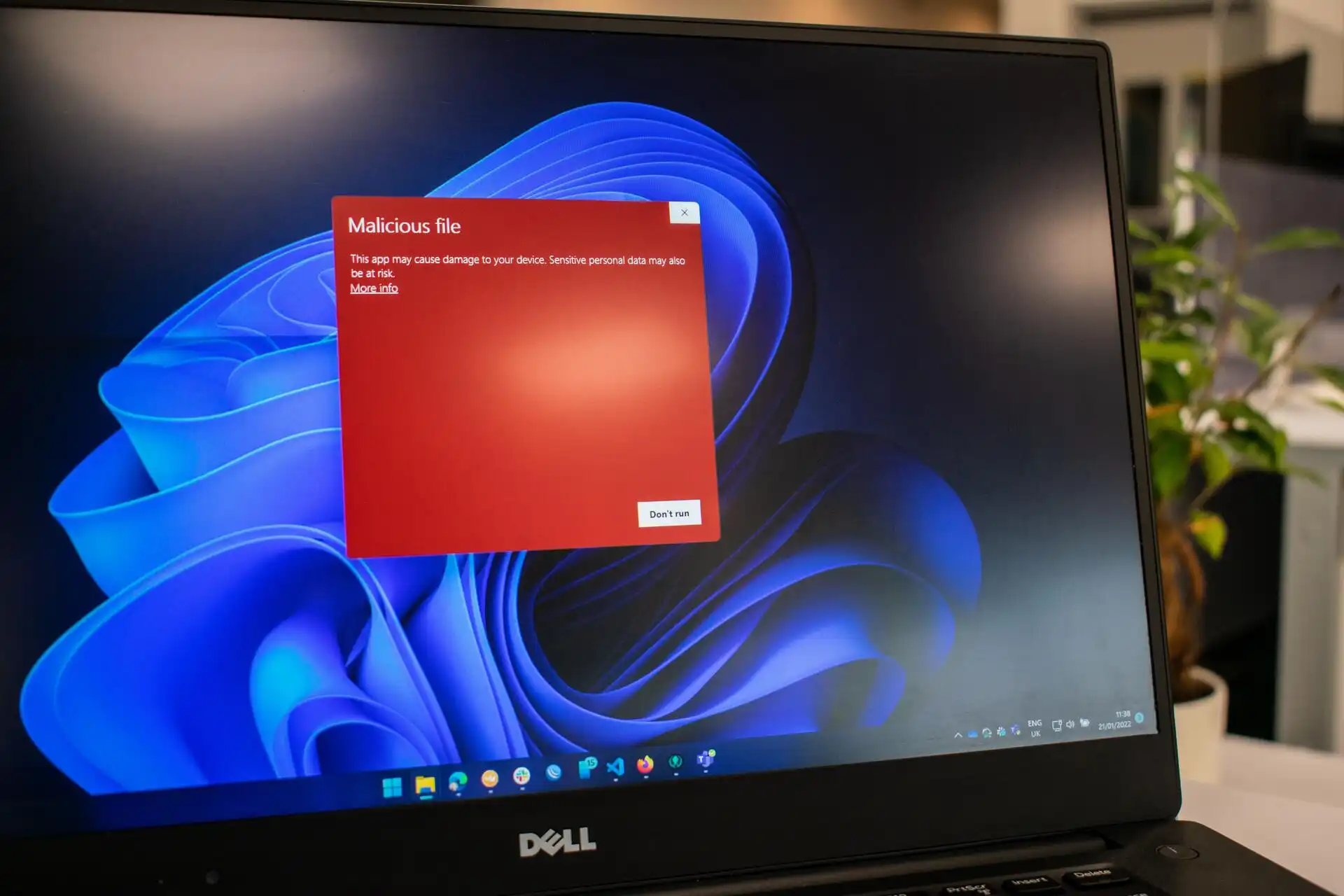
Effectiveness depends on keeping Defender updated. It won’t stop all threats—phishing or zero-day exploits can still bypass it—but it reduces the risk of opportunistic attacks that encrypt files before detection. Whether this shield becomes a gamer’s first line of defense remains to be seen; real-world testing shows mixed results against newer strains, but Microsoft continues refining the logic.
Enabling without effort
Turning it on takes seconds: navigate to Windows Security, then ‘Virus & threat protection’, and select ‘Manage ransomware protection’. No performance dip is reported in benchmarks, though heavy modding workflows might require testing. For most players, the risk of leaving it off outweighs any minor inconvenience.