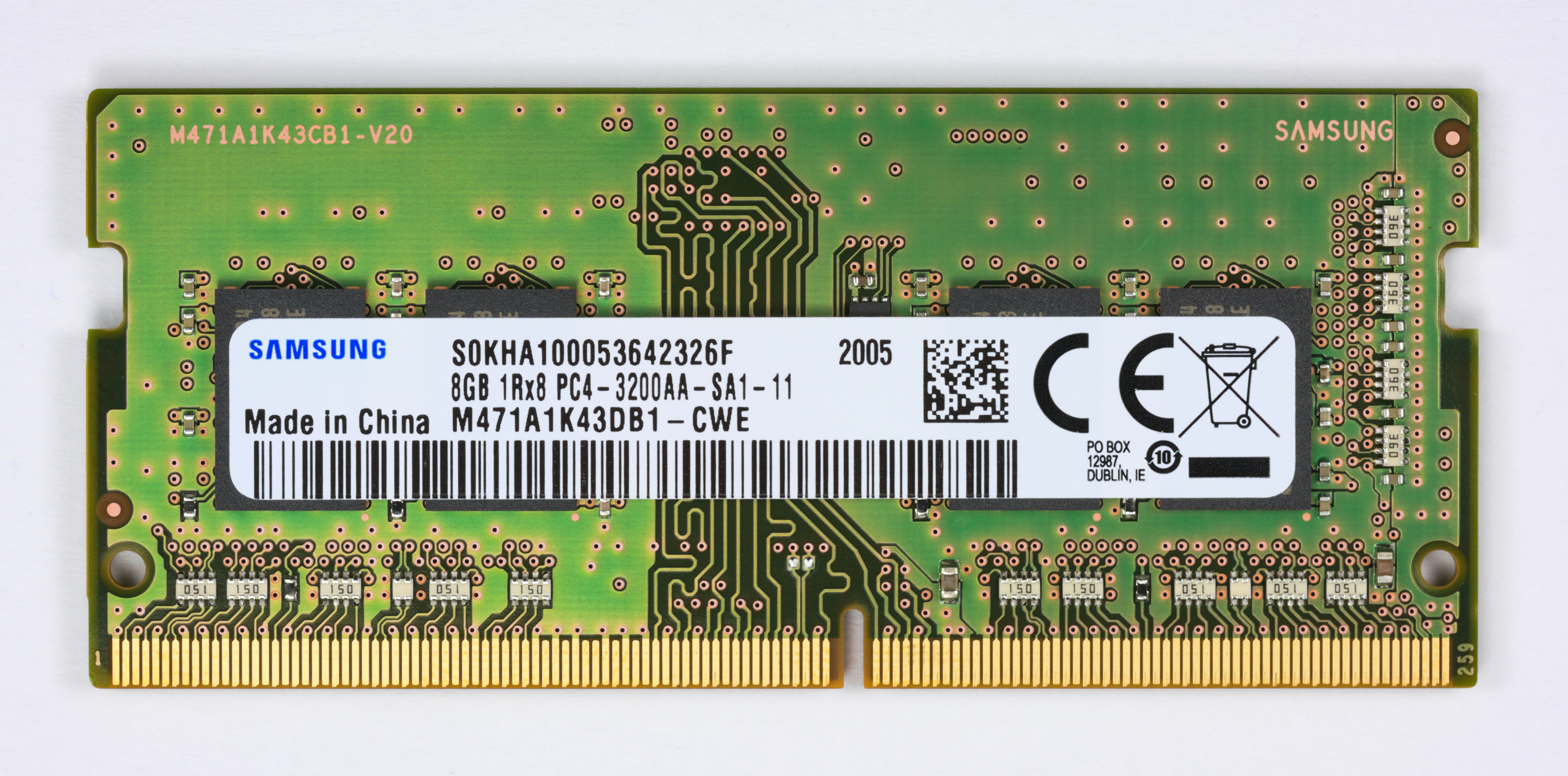
Windows 11 Pro’s $13 upgrade isn’t just a software update—it’s a performance experiment with strict conditions. The advertised support for up to 24GB of RAM in AI workloads is the headline figure, but the reality is more nuanced. This isn’t about raw memory capacity; it’s about how Windows 11 Pro redistributes that memory when running AI tasks like Copilot or machine learning models.
Microsoft’s reworked background process management is designed to reduce latency for AI-driven applications, but only if the CPU supports AVX-2 instructions. Systems with less than 16GB of RAM may see minor improvements, while those hitting the 24GB mark could experience more noticeable efficiency—but this assumes the hardware can keep up. The optimization isn’t just about throwing more memory at a problem; it’s about making that memory work smarter.
Where the $13 Upgrade Actually Shines
- AI Workload Optimization: Windows 11 Pro dynamically adjusts resource allocation for AI tasks, but this requires compatible hardware. Older systems won’t benefit, even if they meet the minimum RAM and storage requirements.
- Security Without the Slowdown: Advanced threat protection is now integrated at the system level, reducing interference with performance-critical workloads. This matters more in enterprise environments where data sensitivity is a priority.
- Copilot Integration: The AI assistant isn’t just an add-on; it’s tied to deeper OS-level optimizations. However, this integration can backfire if the hardware isn’t up to the task, turning Copilot into a performance drain rather than a productivity boost.
The upgrade also grants access to Windows Insider Program builds, but this is more about early testing than long-term support. The most critical factor remains hardware compatibility—TPM 2.0 and Secure Boot are non-negotiable, and older systems will be left behind regardless of the OS version.
Who Really Wins?
- AI Early Adopters: Teams already running machine learning workloads may see immediate benefits, but only if their hardware meets the new baseline requirements. This isn’t a free pass to upgrade outdated equipment.
- Enterprise Security Focus: Organizations handling sensitive data will find the security enhancements more valuable than AI tools, but the transition path is still gated by hardware constraints that could accelerate refresh cycles unexpectedly.
- Cost-Conscious Buyers: The $13 price is misleading—it doesn’t include a new license key or extend support beyond October 2025. This isn’t an investment in the future; it’s a bridge to a deadline that’s already set.
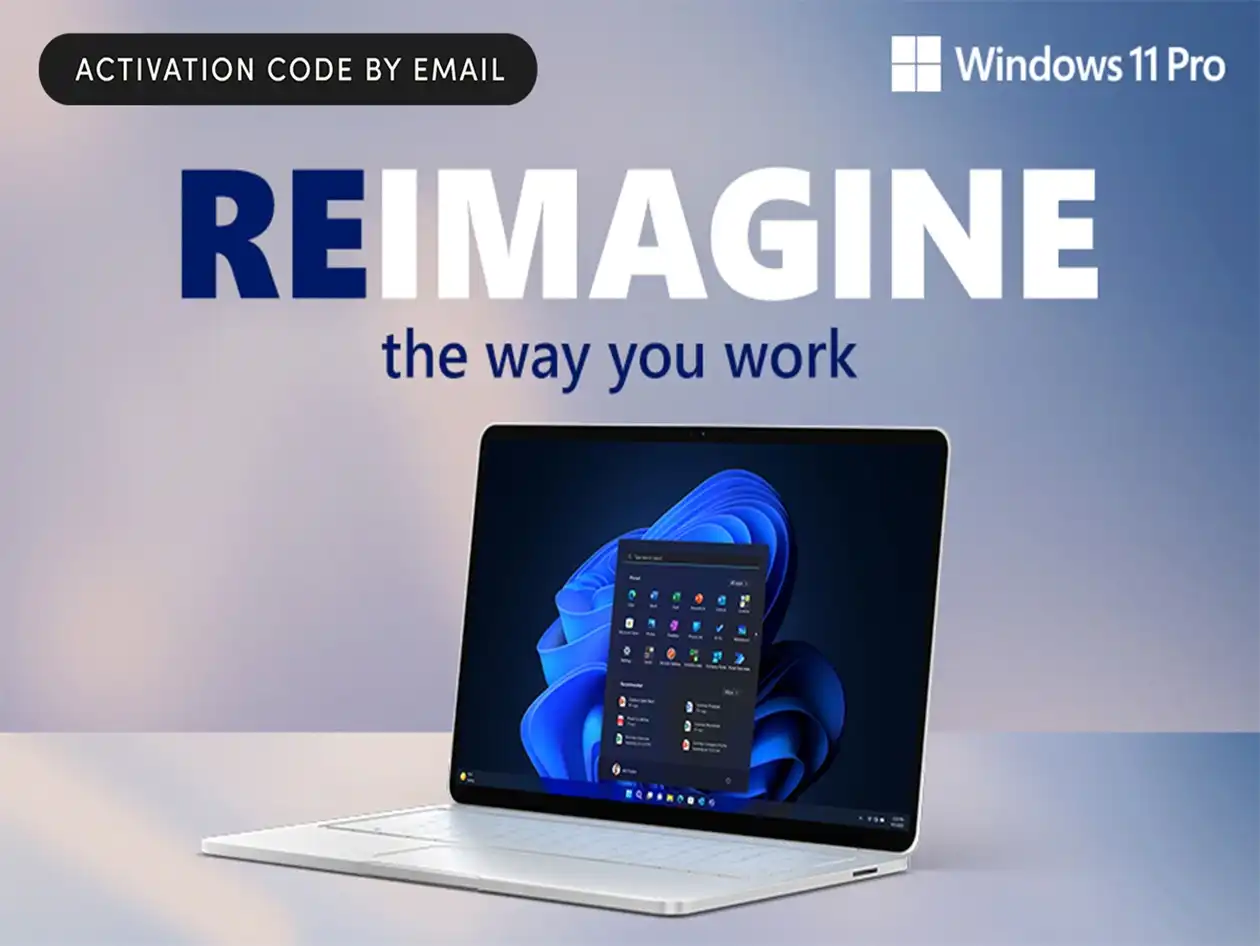
The real question isn’t whether the upgrade is worth $13—it’s whether your current system can handle Windows 11 Pro without becoming obsolete. The performance gains are real, but they’re tied to hardware that may not yet be widespread. For now, this upgrade is a stopgap, not a solution.
What Stays the Same
- The $13 price is one-time; there’s no subscription model or recurring cost.
- Existing Windows 10 Pro EULA terms remain in effect—this isn’t a clean-slate license.
- Hardware requirements stay the same: 8GB RAM, 64GB storage, and TPM 2.0 compliance are non-negotiable.
The $13 upgrade to Windows 11 Pro is a calculated risk. It offers performance improvements that could matter for AI workloads, but only if you’re already on compatible hardware. For everyone else, it’s a way to delay the inevitable—until October 2025, when support ends regardless of whether you’ve switched. The choice isn’t just about cost; it’s about accepting that some systems will be left behind faster than anticipated.