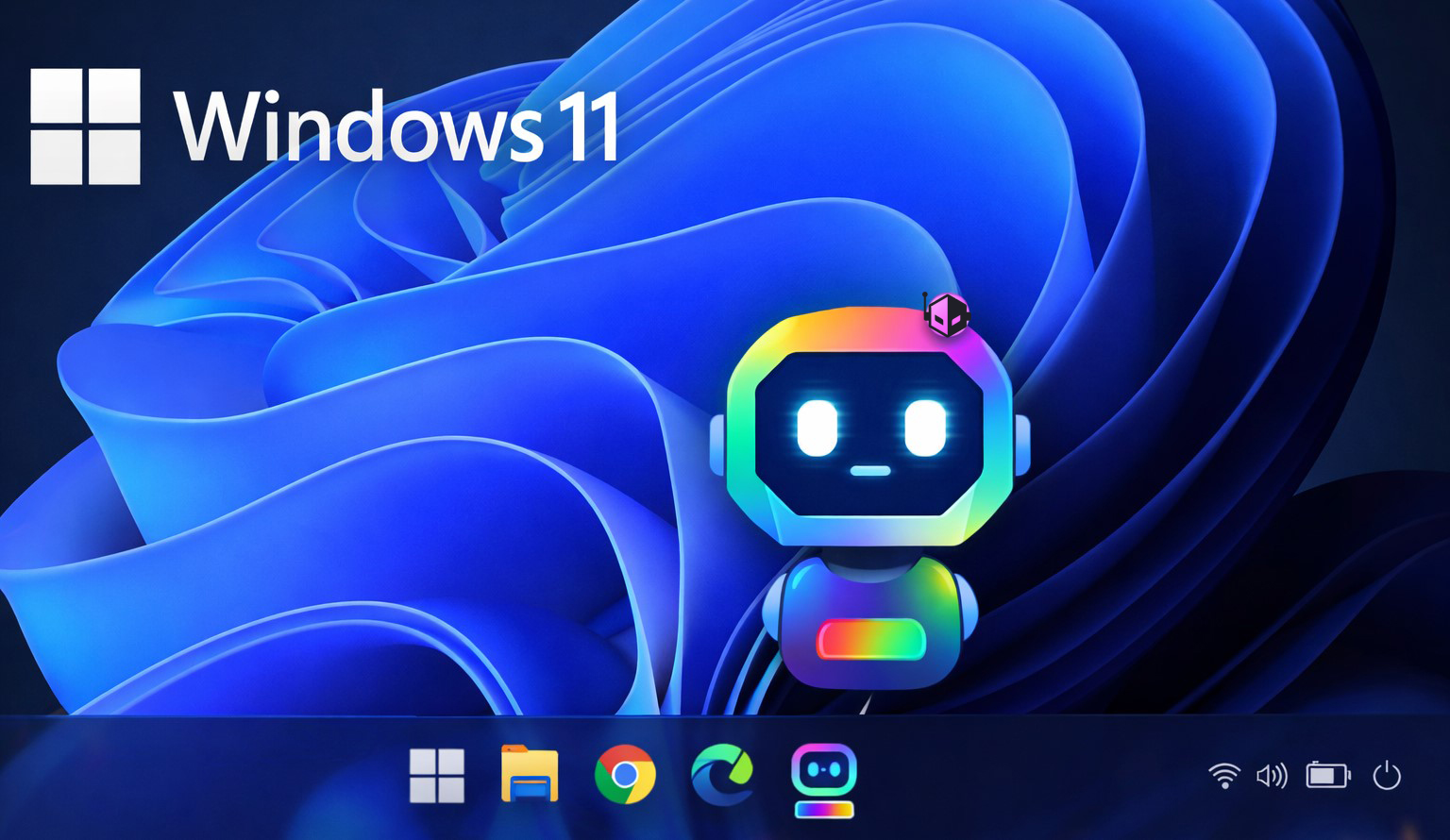
Windows 11’s growth is no longer a slow burn—it has become a dominant force in the operating system landscape. More than one-fifth of all devices worldwide now run Microsoft’s latest OS, a milestone that signals a fundamental shift in how users and businesses approach software upgrades. The question isn’t just whether Windows 11 will endure, but how it compares to alternatives like macOS and ChromeOS, and what trade-offs buyers face when committing to it long-term.
At its core, Windows 11 is designed to be a bridge between consumer convenience and enterprise-grade functionality. It consolidates years of incremental updates into a single, cohesive platform, but that doesn’t mean it’s without challenges. The most immediate hurdle for many users is hardware compatibility—older PCs, particularly those without TPM 2.0 or secure boot support, are effectively locked out. That’s the upside: here’s the catch. Users who can upgrade often see a smoother, more integrated experience with better multitasking tools and a refined interface. But for others, especially those in smaller businesses or home users with legacy hardware, the cost of upgrading—both financially and operationally—can outweigh the benefits.
When stacked against its closest rivals, Windows 11 holds its ground in key areas but doesn’t revolutionize them. macOS remains a benchmark for polish and integration with Apple’s ecosystem, while ChromeOS continues to dominate in education and lightweight productivity. However, Windows 11’s strength lies in its versatility: support for a vast range of applications, from gaming titles to professional-grade software like AutoCAD or Adobe Suite, gives it an edge in mixed-use environments where flexibility matters more than raw elegance.

For everyday buyers, the decision hinges on two factors: current hardware and future-proofing. If a device already meets Windows 11’s requirements—TPM 2.0, at least 8 GB of RAM, and a modern CPU—upgrading is relatively seamless. The performance gains, particularly in multitasking with snap layouts and improved virtualization support, can justify the transition for power users or teams that rely on multiple monitors. But those clinging to older machines may find themselves stuck between maintaining legacy systems or investing in new hardware just to access Windows 11’s features.
What remains unclear is how Microsoft will balance innovation with stability in future updates. Windows 10, despite its longevity, showed signs of stagnation before the push for Windows 11. Whether this new iteration can sustain momentum without alienating users with forced upgrades or compatibility quirks is a question that will shape its long-term dominance.
For enterprises, the outlook is mixed but promising. Windows 11’s centralized management tools and improved security features make it a viable choice for IT departments, but adoption isn’t automatic. Training costs, hardware refresh cycles, and the learning curve for new interfaces can delay widespread migration. That said, the shift to ARM-based processors in newer devices—something Microsoft has prioritized—could accelerate enterprise adoption if software compatibility improves.
In summary: Windows 11 is here to stay, but its success depends on how well it adapts to the needs of both consumers and businesses. The trade-off between immediate benefits like better multitasking and the long-term cost of hardware upgrades is a reality for buyers. For now, those who can upgrade will find it a capable platform; those who can’t may be left behind. Whether that division becomes permanent or temporary remains to be seen.