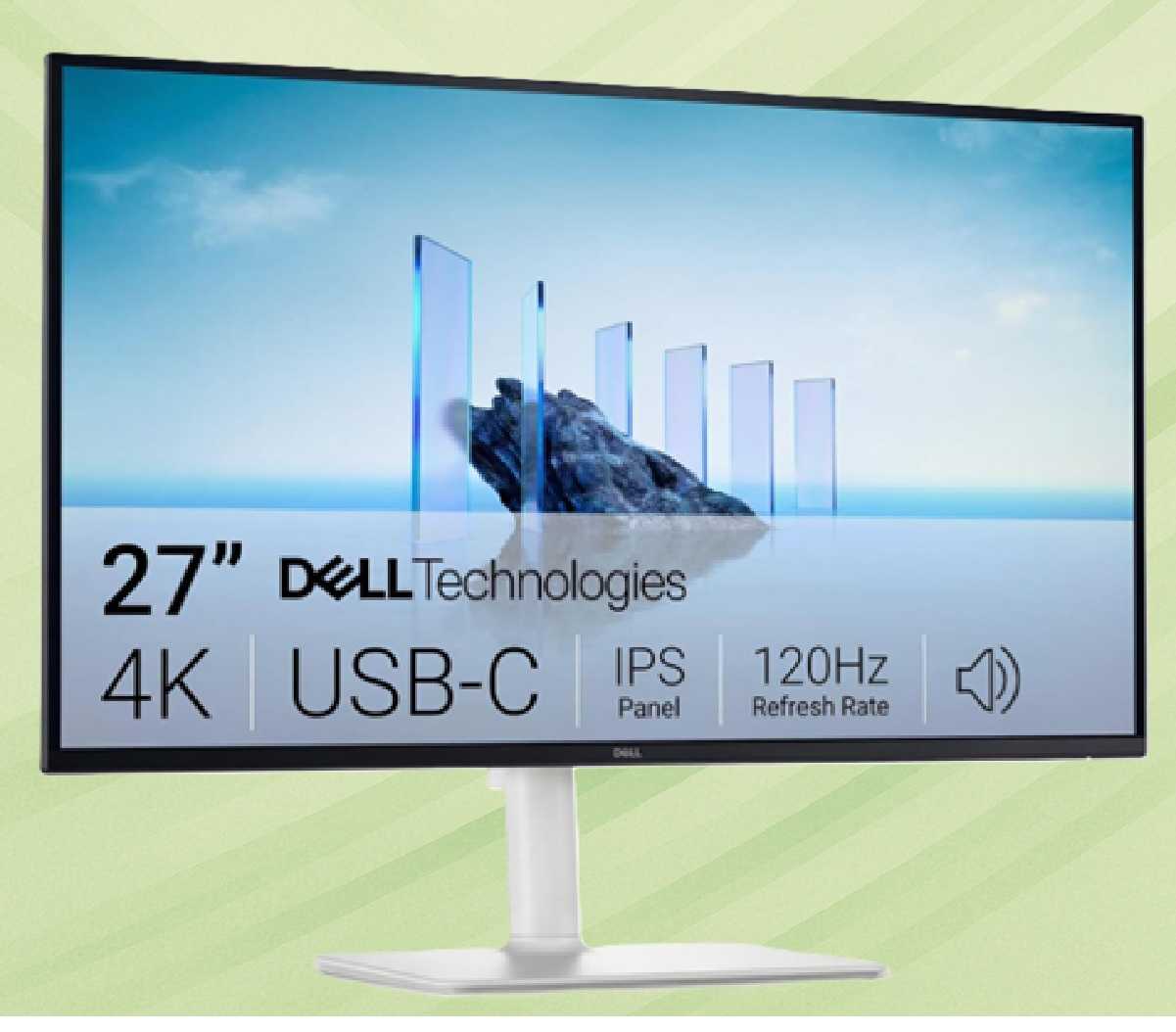
In the race for smoother visuals, high refresh rate displays have become a staple in gaming and productivity setups. But behind the numbers lies a complex interplay between hardware capabilities, software optimizations, and user expectations that often doesn’t match the marketing promises.
The latest generation of displays boasts refresh rates up to 360 Hz, yet the actual smoothness experienced by users is influenced by factors like display times—how quickly pixels respond to input signals—and frame times—the delay between a command being issued and the screen updating. These metrics are critical for real-world performance, especially in competitive gaming or fast-paced workflows where even milliseconds can make a difference.
Why Refresh Rate Alone Doesn’t Guarantee Smoothness
Refresh rate is just one piece of the puzzle. Display times, measured in microseconds, determine how fast pixels can change after receiving an input signal. A low display time (e.g., 0.1 ms) is ideal for smooth motion, but it comes with tradeoffs: higher power consumption, reduced lifespan, and sometimes even visual artifacts like ghosting or blur.
Frame times, on the other hand, represent the delay between when a GPU sends a signal to the display and when that signal actually appears on screen. This includes not just the GPU’s processing time but also the display’s response time and any software overhead. A 1 ms frame time might sound impressive on paper, but in practice, achieving sub-1 ms latency requires careful tuning of both hardware and software.

What Consumers Should Know
- High refresh rates demand more from your GPU to maintain smooth performance, which can lead to thermal throttling or reduced frame rates if the system isn’t properly cooled or powered.
- Display times below 0.5 ms are rare and often come with significant drawbacks, making them impractical for most users unless they’re willing to accept tradeoffs in brightness or color accuracy.
- Frame times can vary significantly depending on the game or application being used, meaning that a display optimized for one workload might not perform as well in another.
The bottom line is that while high refresh rate displays are a powerful tool for enhancing smoothness, their real-world benefits depend heavily on how they’re paired with compatible hardware and software. For casual users, the difference between 120 Hz and 144 Hz might be negligible, but for competitive gamers or professionals working with fast-moving content, the choice of display becomes far more critical.
Ultimately, the smoothness you experience isn’t just about the numbers on a spec sheet—it’s about how those specs interact in your specific setup. For those willing to invest in top-tier hardware and optimize their workflows accordingly, high refresh rate displays can deliver noticeable improvements. But for everyone else, the tradeoffs might not be worth the cost.