Locking your PC when you step away is no longer just about physical presence—it can now be triggered from across the room or even from another city. Windows has introduced a native way to lock your device using your phone, a small but significant upgrade that blends into daily workflows without demanding attention.
The feature isn’t about flashy innovation; it’s about refining what already works. It takes something users have been doing manually—like pressing Win+L or using a third-party app—and integrates it seamlessly into the OS. The change is subtle, but its implications ripple through security practices and remote work setups.
What Changed
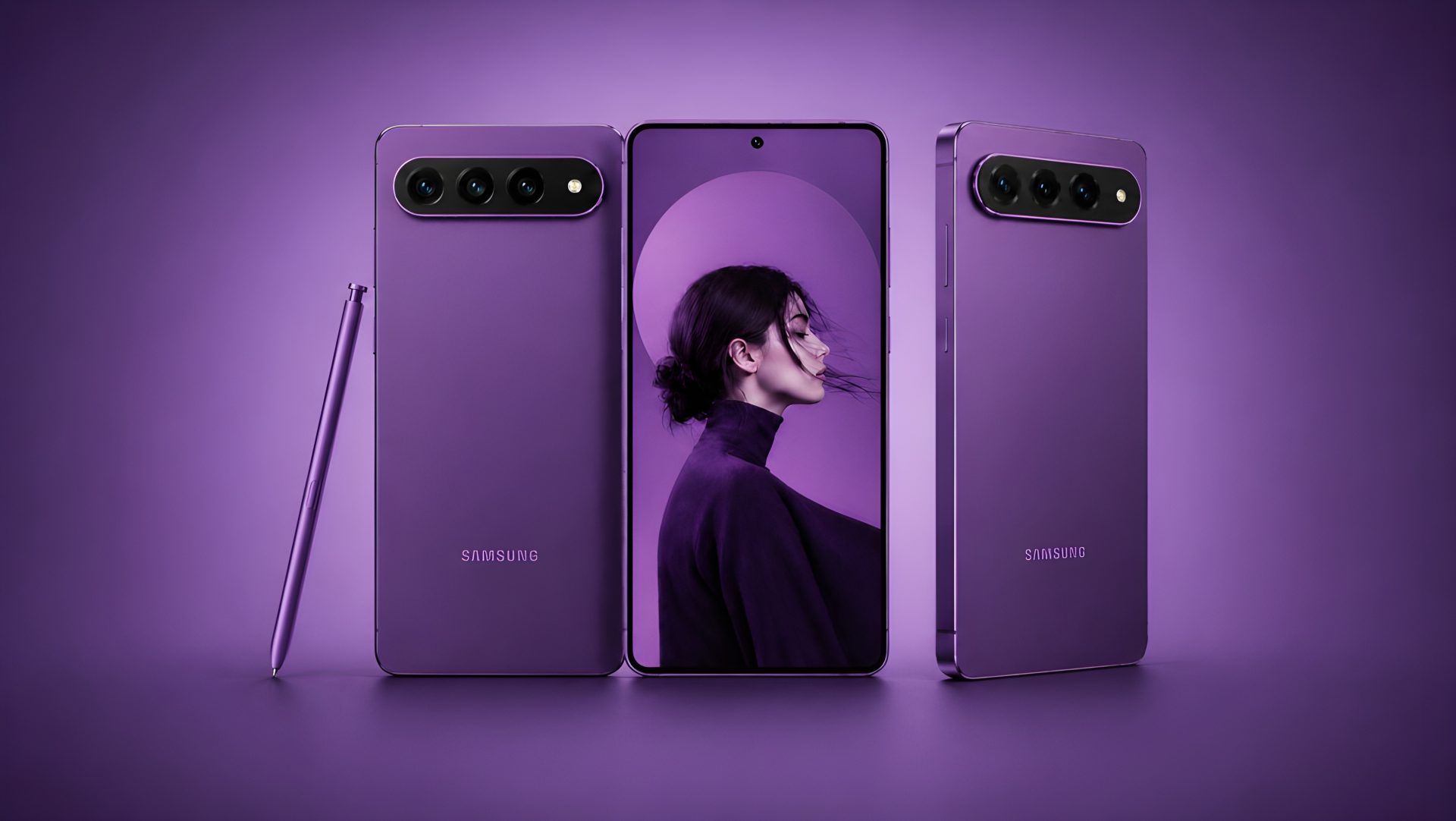
Previously, locking a Windows PC required physical interaction: a keypress on the device itself or a mouse click if you were already logged in. Now, that action can be initiated from any Android phone running the latest version of the OS. The process is straightforward—no complex setup, no additional software needed—just a tap to lock and go.
Who Benefits
- Remote Workers: Lock your PC instantly when you leave your desk or switch tasks, ensuring sensitive data stays protected without disrupting your workflow.
- Security-Conscious Users: Eliminate the risk of leaving a session open by accident, whether in a shared workspace or a public environment.
- Everyday Users: A simple way to enforce good habits—like locking your screen when you step away—without relying on manual reminders.
The feature doesn’t add overhead. There’s no lag, no performance hit, and no need for extra permissions. It works in the background, so you don’t even notice it until you need it.
Real-World Impact
In practice, this is a tool that rewards consistency. For someone who frequently jumps between devices—like a developer switching from laptop to tablet—the ability to lock with a single tap reduces friction without sacrificing security. It’s the kind of feature that feels useful only after you’ve used it once, then becomes an expectation.
What’s Still Unconfirmed
The current implementation is limited to Android devices, leaving iOS users without an equivalent option. Whether this gap will be addressed in future updates remains unclear. For now, the feature serves as a reminder that even small refinements can have a meaningful impact on how we interact with our devices.