Microsoft’s Copilot has long promised to transform productivity, but a hands-on test of its newest feature—agentic AI within OneDrive—exposes a frustrating disconnect between ambition and execution. The tool can locate specific files on the surface of cloud storage, yet fails to navigate even basic folder structures, leaving users stuck in a maze of subscription requirements and half-baked functionality.
The issue isn’t just technical quirks. It’s a pattern. Copilot’s ability to scan OneDrive for duplicates, a seemingly straightforward task, becomes a labyrinth of permissions, subscription tiers, and interface blind spots. While Microsoft positions this as a step toward Cortana’s revival, the execution feels more like a regression—one where users are left wondering if the feature exists at all, or if they’ve simply been misled.
Where It Falls Short
At its core, the problem isn’t the AI itself. Copilot can identify files on OneDrive’s ‘Home’ screen—a curated feed of recent uploads—but it cannot traverse the deeper ‘My files’ hierarchy. This isn’t a bug; it’s a fundamental limitation. Attempts to refine searches—like pulling files from 2023—yield no results, even when the system claims to have access. The interface further complicates matters by requiring users to manually drag files into the Home screen for analysis, a workaround that defeats the purpose of automated deduplication.
Worse, the feature’s availability hinges on a Microsoft 365 Copilot subscription, a layer of complexity that feels deliberately obstructive. Even after confirming access, the system throws cryptic errors: No email, file, or personal record confirms your license.* The resolution? Switching devices, upgrading plans, or accepting that the tool may not work at all.
Design by Obstruction
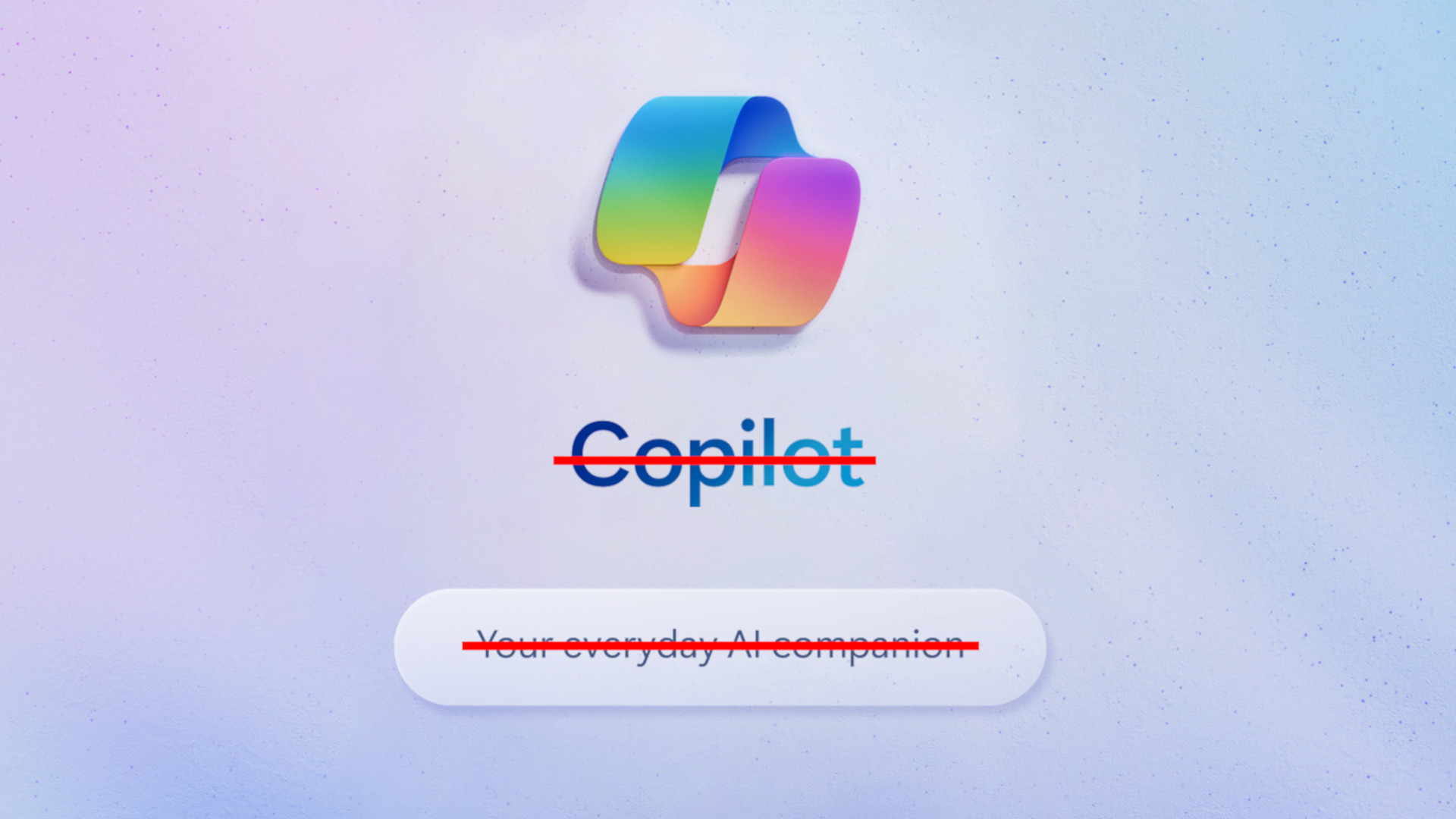
Microsoft’s approach to Copilot reads like a cautionary tale in user experience design. The company’s history of AI missteps—from Cortana’s abrupt demise to chatbots proposing marriage—has left it gun-shy, prioritizing control over flexibility. The result is a tool that feels less like a productivity aid and more like a gated demo, where every interaction risks revealing another layer of frustration.
Consider the example Microsoft provides: users can select individual files to analyze, but not entire folders. For a journalist managing thousands of benchmark reports (like those for Intel’s Core Ultra 300 chips tested at CES 2026), this is a dealbreaker. The alternative—manually curating files—is impractical. Meanwhile, Copilot’s search capabilities within Outlook and Calendar work flawlessly, suggesting the issue isn’t technical but intentional. The system is designed to perform some* tasks, not the ones users actually need.
A Broken Promise
The deeper irony? Copilot’s strengths lie elsewhere. It excels at generating images, summarizing research, or setting reminders—features that require minimal setup. But for tasks demanding depth—like deduplicating years of cloud storage—the tool crumbles. The time spent troubleshooting permissions, subscriptions, and interface limitations far outweighs any potential gain.
Competitors like Apple have sidestepped this chaos by adopting a measured AI strategy, avoiding the hype while delivering incremental improvements. Microsoft’s approach, by contrast, feels like a race to catch up—one where the finish line keeps moving. For now, Copilot remains a tool for casual users, not those who demand reliability. And until Microsoft addresses these gaps, the frustration will only grow.
The writing may be on the wall. If even basic cloud management becomes a chore, why bother? For power users, the answer is increasingly clear: walk away.