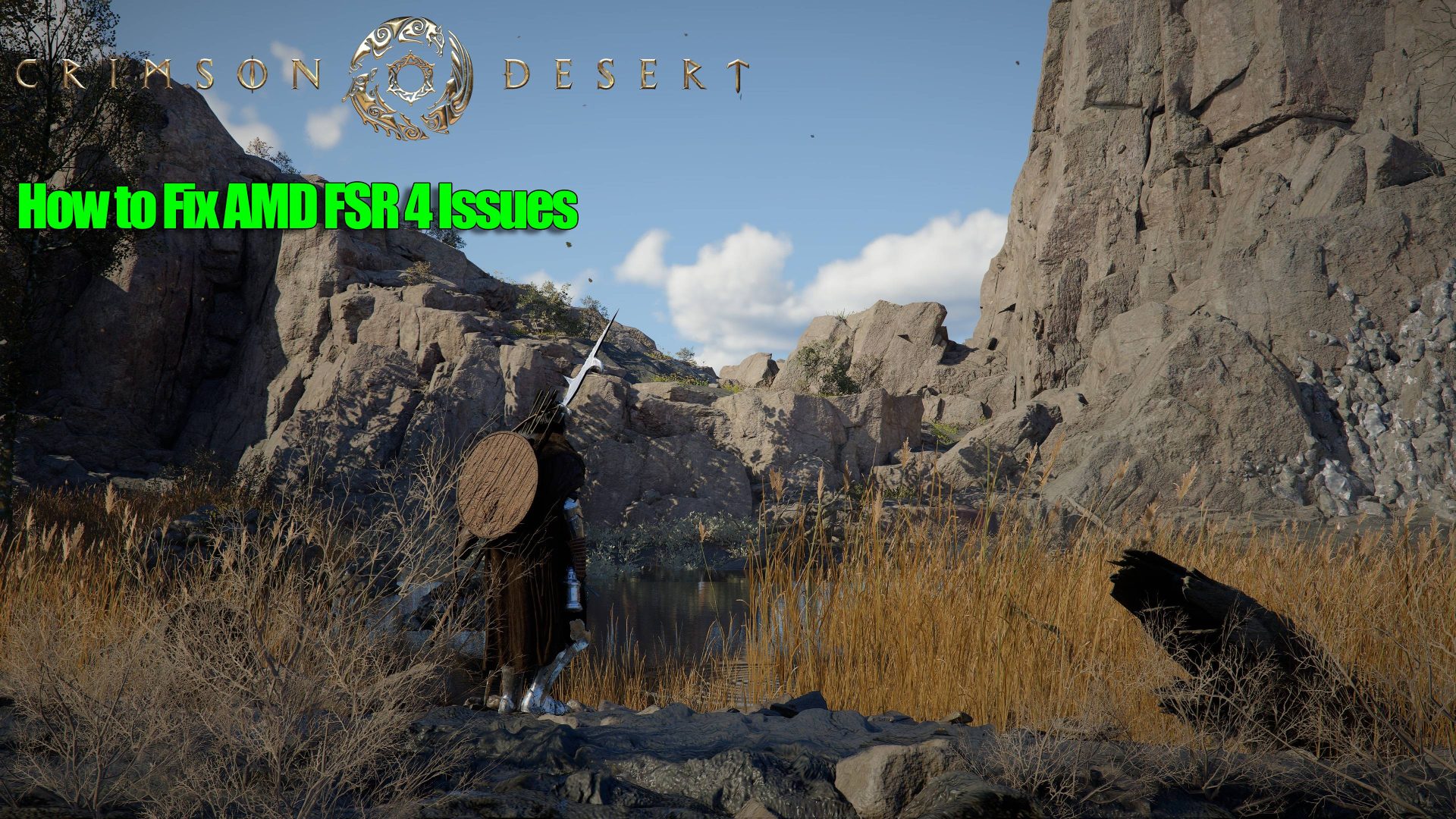
AMD's implementation of FSR 4 in Crimson Desert presents both opportunities and challenges for IT administrators. While the technology promises enhanced frame generation and smoother visuals, it introduces significant hurdles that require careful management—particularly around performance stability and compatibility with existing game titles.
The most immediate concern is variable frame pacing, which can lead to stuttering or input lag during fast-moving scenes. This occurs when FSR 4 aggressively upscales frames, creating uneven output that disrupts gameplay flow. Competitive gamers and esports environments, where low latency is critical, are particularly affected by these inconsistencies.
Optimizing Performance for Stability
To address performance issues, IT teams should leverage Crimson Desert's advanced FSR 4 settings. The system allows adjustments to frame generation parameters, including quality presets and motion vector density. Shifting from 'Quality' to 'Balanced' or 'Performance' modes often reduces stuttering, though it may slightly impact visual fidelity. Disabling additional upscaling effects, such as post-processing filters, can also prevent interference with FSR 4's operation, leading to more consistent frame rates.
Navigating Compatibility Risks
Compatibility remains a major challenge, as not all games fully support FSR 4. Even those that do may exhibit glitches or artifacts when the feature is enabled. IT teams must verify compatibility by reviewing official patch notes and community feedback for known issues. When full support is lacking, reverting to FSR 3 or alternative upscaling solutions can provide a stable fallback until updates are released.
Looking Ahead: Stability and Future Prospects
The long-term stability of FSR 4 in Crimson Desert remains uncertain due to limited benchmark data. Without comprehensive performance metrics, IT teams must rely on anecdotal evidence when making deployment decisions. This lack of clarity complicates predictions about how the technology will perform under sustained load or with future game updates, leaving administrators to navigate risks without a clear roadmap.
Key Considerations for IT Teams
- Prioritize environments where low latency is critical, such as competitive gaming and esports setups.
- Adjust FSR 4 settings to balance performance and visual quality effectively.
- Monitor game compatibility closely and prepare fallback solutions for unsupported titles.
- Advocate for more transparent benchmarking from AMD to inform future deployment strategies.
The path forward demands a proactive approach, balancing immediate needs with long-term stability. By systematically addressing performance optimization and compatibility risks, IT teams can fully leverage the potential of FSR 4 without compromising on stability or user experience.