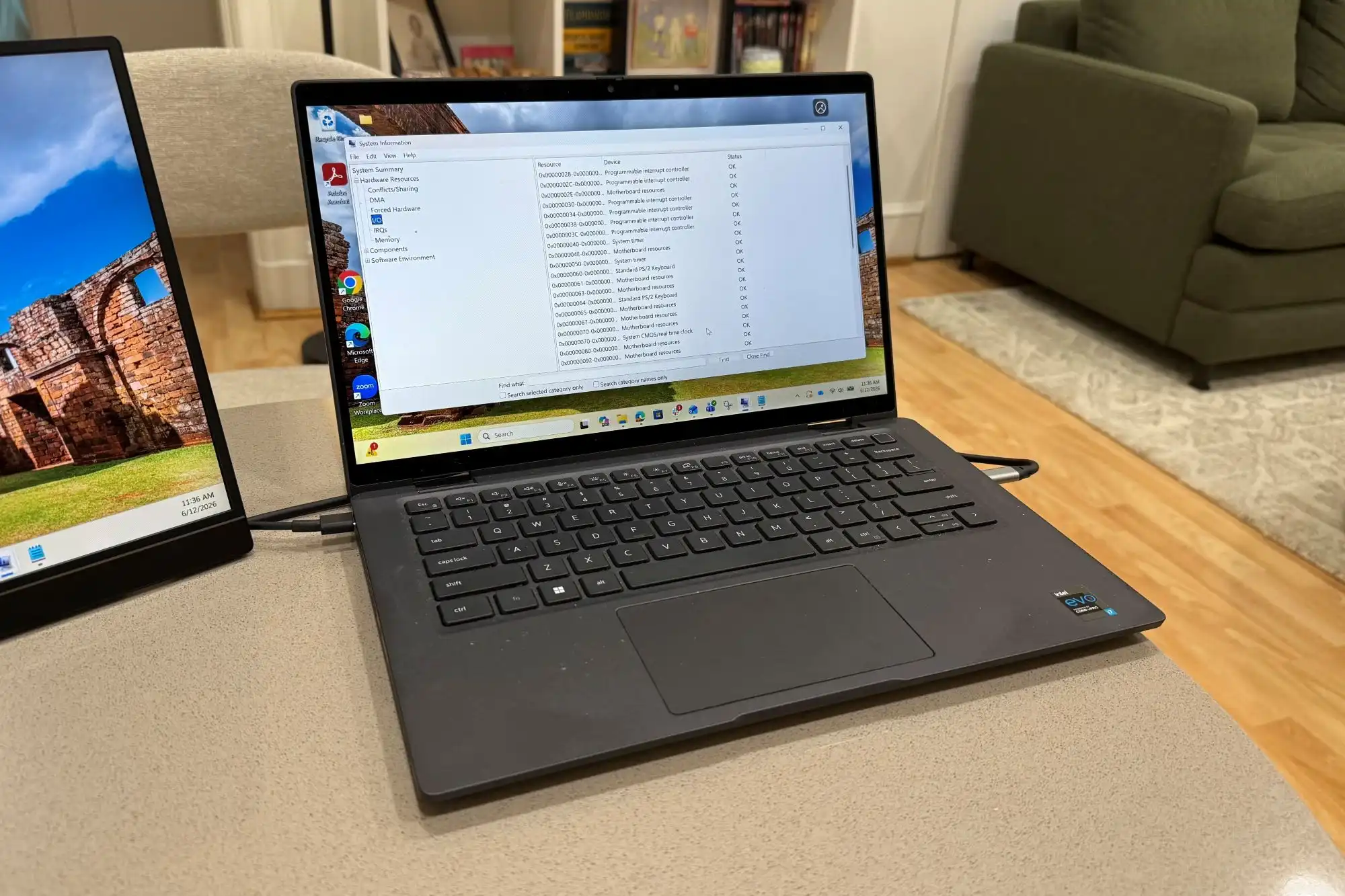
Windows 11 Pro’s $10 price tag is designed to democratize enterprise computing, offering advanced security, virtualization, and management tools that were once exclusive to high-cost business licenses. However, the upgrade isn’t just about cost—it’s a shift in how users approach their hardware. To unlock these features, devices must meet stricter requirements than previous Windows versions, including TPM 2.0 support, at least 8 GB of RAM (with 16 GB recommended for optimal performance), and a CPU that meets Microsoft’s latest security benchmarks.
These specifications aren’t arbitrary; they ensure stability when running multiple virtual machines or sensitive workloads. For businesses with older hardware fleets, the upgrade may not be as simple as clicking ‘upgrade.’ Instead, it could require a hardware refresh to meet the new baseline, complicating IT strategies that rely on mixed-age devices.
Key Features That Redefine Productivity
- BitLocker encryption for full-disk security, previously an enterprise staple but now accessible to individual users.
- Hyper-V virtualization, allowing simultaneous operation of multiple operating systems without external hardware.
- Group Policy and Active Directory integration, providing businesses with granular control over device configurations.
- Snap Layouts and snap groups, which enhance multitasking by organizing windows in predefined arrangements.
These features do more than add technical capabilities—they redefine how users work. A developer testing cross-platform applications can spin up virtual machines without performance lag, while a small business can enforce security policies that were once limited to large corporations. The $10 price makes it feasible for teams that previously couldn’t justify the cost of professional Windows editions.
The Compatibility Catch
While the price is attractive, compatibility remains the biggest challenge. Devices built before 2018 or lacking TPM 2.0 won’t qualify for the upgrade, leaving users with limited options: stick with the free Windows 11 Home edition or invest in new hardware to access Pro features. For enterprises with diverse device ages, this could lead to fragmented IT environments, where some machines run Pro while others remain on Home.
Even for those who meet the specs, daily use may reveal trade-offs. Older laptops with just 8 GB of RAM might struggle under heavy virtualization workloads, forcing users to balance performance and security. The upgrade isn’t always seamless—it’s a calculated choice between future-proofing your system and working within current limitations.
Who Benefits Most?
The $10 price tag is a game-changer for small businesses, IT administrators, and developers who need enterprise-grade tools without the typical cost. However, the real beneficiaries are those with standardized hardware fleets—companies that can deploy compatible devices uniformly. For individuals or teams with older equipment, the savings may not outweigh the effort of upgrading.
Windows 11 Pro represents Microsoft’s push to unify consumer and enterprise experiences under a single platform. Its success hinges on how smoothly users adopt it—not just in terms of cost, but in meeting the evolving demands of modern computing. For now, the upgrade is a compelling offer, but only if your hardware is ready for the leap.