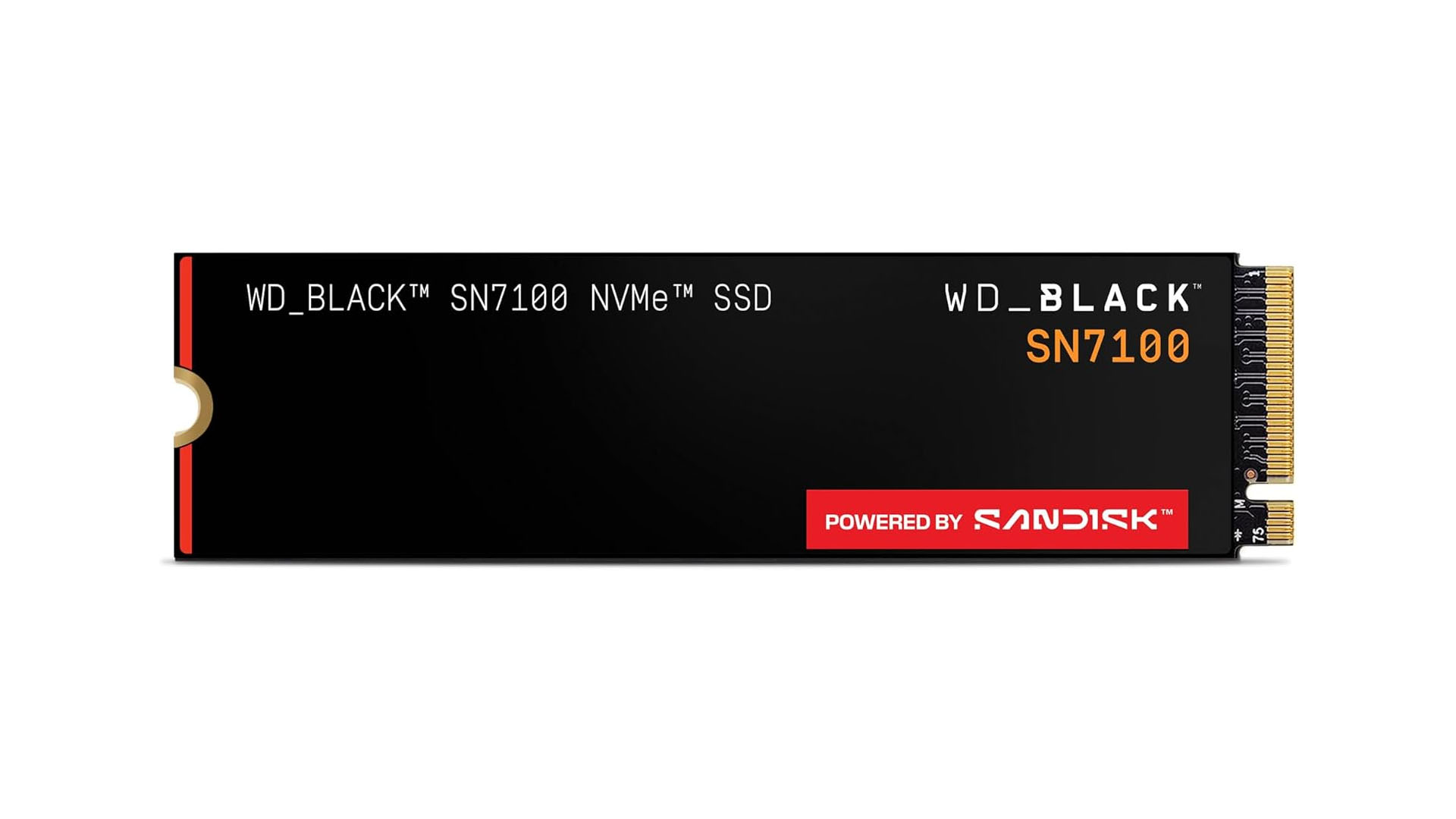
The ThinkPad X1 Carbon Gen 11 is redefining what a thin-and-light workstation can achieve. It starts with numbers that rival traditional desktop systems: up to 64 GB of LPDDR5X RAM, a 2 TB NVMe SSD, and an 11th-gen Intel Core Ultra processor (7-155H) capable of hitting 3.4 GHz on single-core tasks. That’s the hardware foundation, but the real story lies in how Lenovo has packed that performance into a chassis just 0.62 inches thick.
Battery life is where the conversation gets interesting. The Gen 11 inherits the 57 Wh battery from its predecessor, but with higher-TDP silicon and an OLED display (2880×1800 resolution), real-world usage could test that claim of up to 14 hours. Early benchmarks suggest the OLED panel delivers superior contrast for data visualization, but sustained workloads may accelerate power drain—a trade-off professionals will need to weigh.
Specs That Push Boundaries
- Processor: Intel Core Ultra 7-155H (up to 3.4 GHz single-core, 8 MB cache)
- RAM: 16 GB LPDDR5X standard, expandable to 64 GB
- Storage: 512 GB NVMe SSD standard, up to 2 TB (PCIe Gen 4)
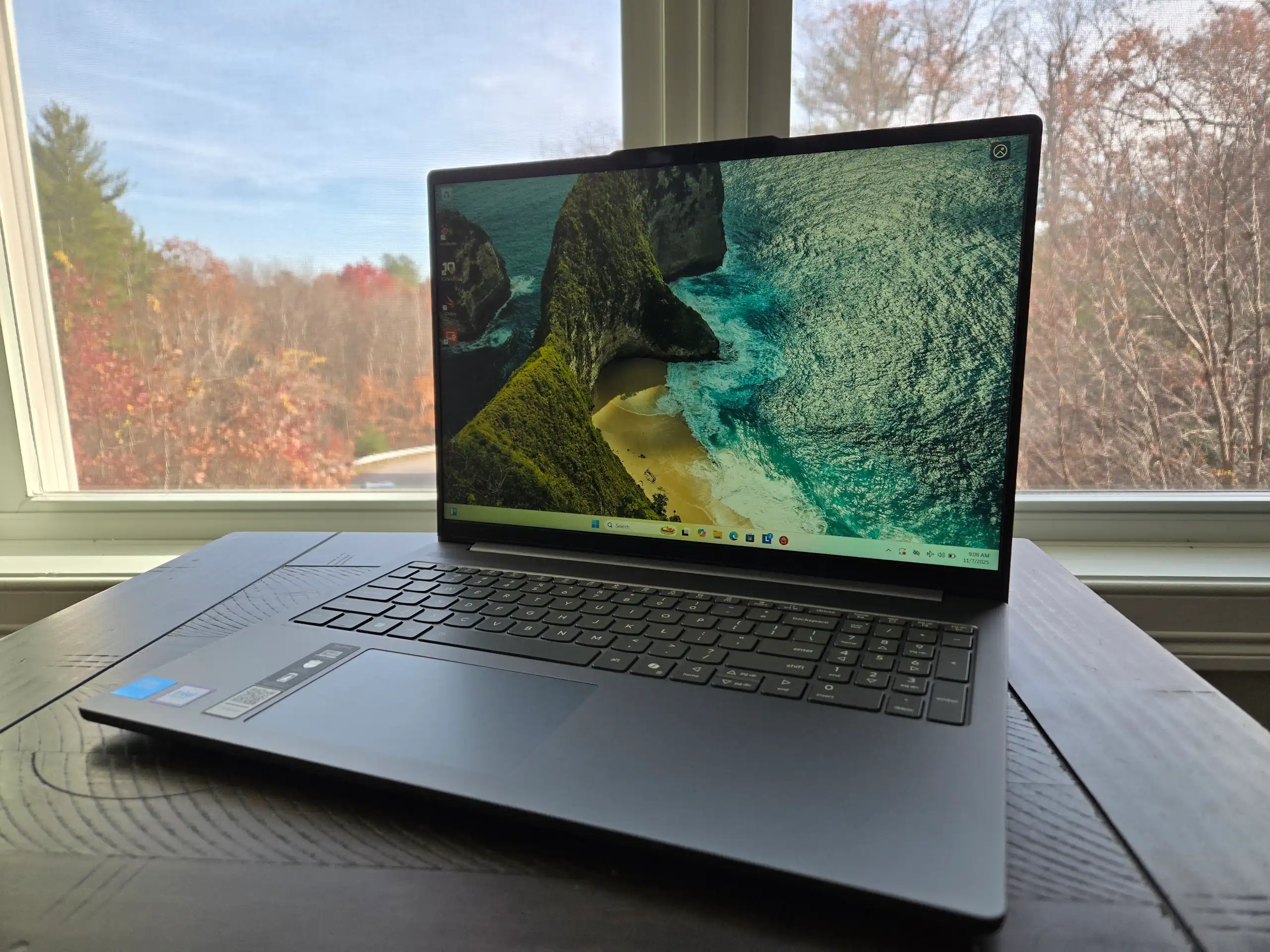
- Display: 13.3-inch OLED with 2880×1800 resolution and 100% DCI-P3 coverage
- Battery: 57 Wh, claimed up to 14 hours real-world use
The display is a standout feature. The OLED panel offers deeper blacks and more vibrant colors than the Gen 10’s IPS screen, which is crucial for professionals working with data-heavy visualizations or creative tasks. However, OLEDs are known to consume more power under load, so whether the battery life claim holds during intensive workloads remains an open question.
Performance: A Workstation in a Thin Shell
The Gen 11’s biggest leap comes from its processor. The Intel Core Ultra platform brings integrated GPU performance closer to dedicated GPUs, which is a game-changer for AI inference tasks and light rendering without needing an external GPU. This shifts the ThinkPad X1 Carbon from being a ‘workstation in disguise’ to something that can handle real workloads more effectively.
But there’s a catch. Workstations typically need more headroom for heavy workloads, and the X1 Carbon Gen 11 isn’t positioned as a desktop replacement. Professionals running complex simulations or multi-threaded data pipelines might still find themselves hitting thermal limits sooner than on a desktop system. The question is whether Lenovo has rethought thermal management to mitigate this—something that wasn’t fully addressed in the Gen 10.
Price and Competition
The base model starts at $999, but discounts often push it closer to $850. That puts it in direct competition with premium ultraportables like Apple’s MacBook Air (M3) and Microsoft’s Surface Laptop 7+, both of which offer strong battery life and sleek designs. The ThinkPad’s differentiators—its legendary keyboard and trackpad—are industry standards for productivity, but whether that justifies the price premium over newer, more power-efficient chips remains to be seen.
What’s Known and What’s Still Unclear
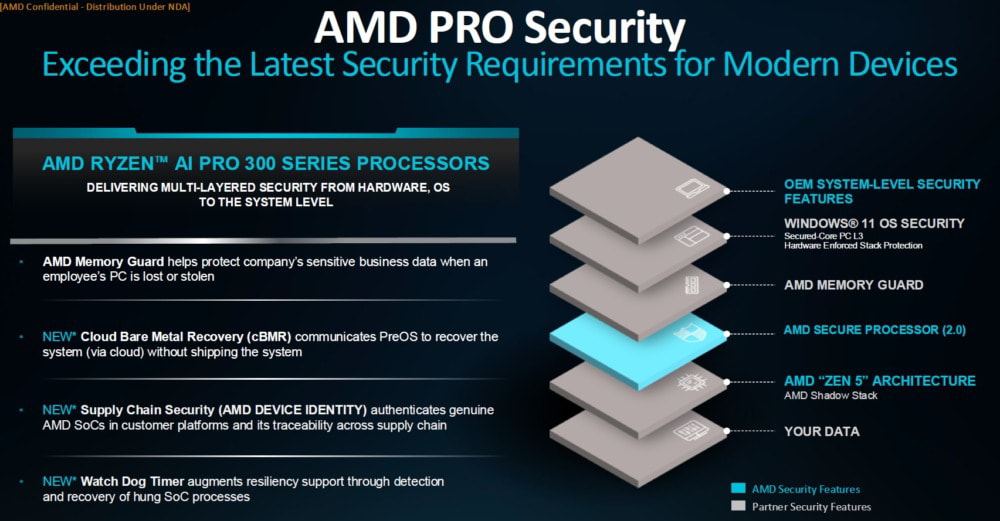
The Gen 11 is confirmed to ship with Windows 11 Pro preinstalled, including enterprise-grade security features like a privacy screen, fingerprint reader, and Thunderbolt 4 with up to 40 Gbps bandwidth. The unknowns center on real-world battery life under load, long-term reliability of the new chassis with higher-TDP chips, and whether Lenovo has addressed the Gen 10’s occasional fan noise under sustained workloads.
For now, the ThinkPad X1 Carbon Gen 11 stands as a benchmark for what a thin-and-light workstation can achieve without sacrificing power. Whether it will redefine the category or remain a niche choice depends on how well Lenovo balances those two priorities in practice. One thing is certain: it’s pushing the boundaries of what professionals expect from an ultraportable.