Most PCs are built for a single purpose: gaming rigs excel at frame rates but struggle with spreadsheets, while workstations handle data crunching but can’t run modern games. The result? A fragmented setup where one machine can’t replace the other. But a hybrid PC—one designed to handle demanding games, professional workloads, and daily productivity—is possible. The catch? It demands a different approach to specs, cooling, and even how you use the space around it.
This isn’t about slapping together a gaming PC with extra RAM. It’s about recognizing that work and play often need the same hardware, just optimized differently. A hybrid PC thrives on shared resources: a CPU that can render 3D models by day and stream games by night, a GPU that renders spreadsheets smoothly while also handling 1440p at high settings, and storage that won’t choke on both AAA titles and raw video files.
Here’s how to get it right.
Why a gaming PC fails at work—and vice versa
Gaming PCs often underperform in professional tasks because they’re built for raw graphics power, not multithreading. A high-end GPU won’t help if your CPU is stuck at four cores while compiling code or rendering a 4K timeline. Meanwhile, a workstation with a 16-core processor might struggle to push frames above 30 FPS in a modern title. The solution? A middle ground where neither workload is neglected.
Start with the CPU: Eight cores are the new baseline
Six-core processors were once the gold standard for gaming, but they’re now the bare minimum for hybrid use. An eight-core CPU—like AMD’s Ryzen 5000 series or Intel’s 12th/13th/14th-gen chips—provides enough headroom for multitasking without breaking the bank. Need to edit photos while a game loads in the background? Eight cores handle it. Running a local AI model alongside a browser full of tabs? Still smooth. For heavy professional work—like 3D animation, large-scale data processing, or AI development—consider stepping up to 16 cores if budget allows.
RAM: 32GB is the sweet spot, but DDR4 saves money
Modern games recommend 32GB of RAM, but professional applications often demand more. Video editing, 3D rendering, and database work can chew through memory quickly, especially when paired with streaming or virtual machines. That said, DDR5 prices remain inflated, so a well-built DDR4 system with a Ryzen 5000 CPU offers near-identical performance at a fraction of the cost. If you’re working with massive datasets or running AI workloads, 64GB or even 128GB becomes necessary—but that’s a niche need for most users.
GPU: Mid-range is the key—no need for extremes
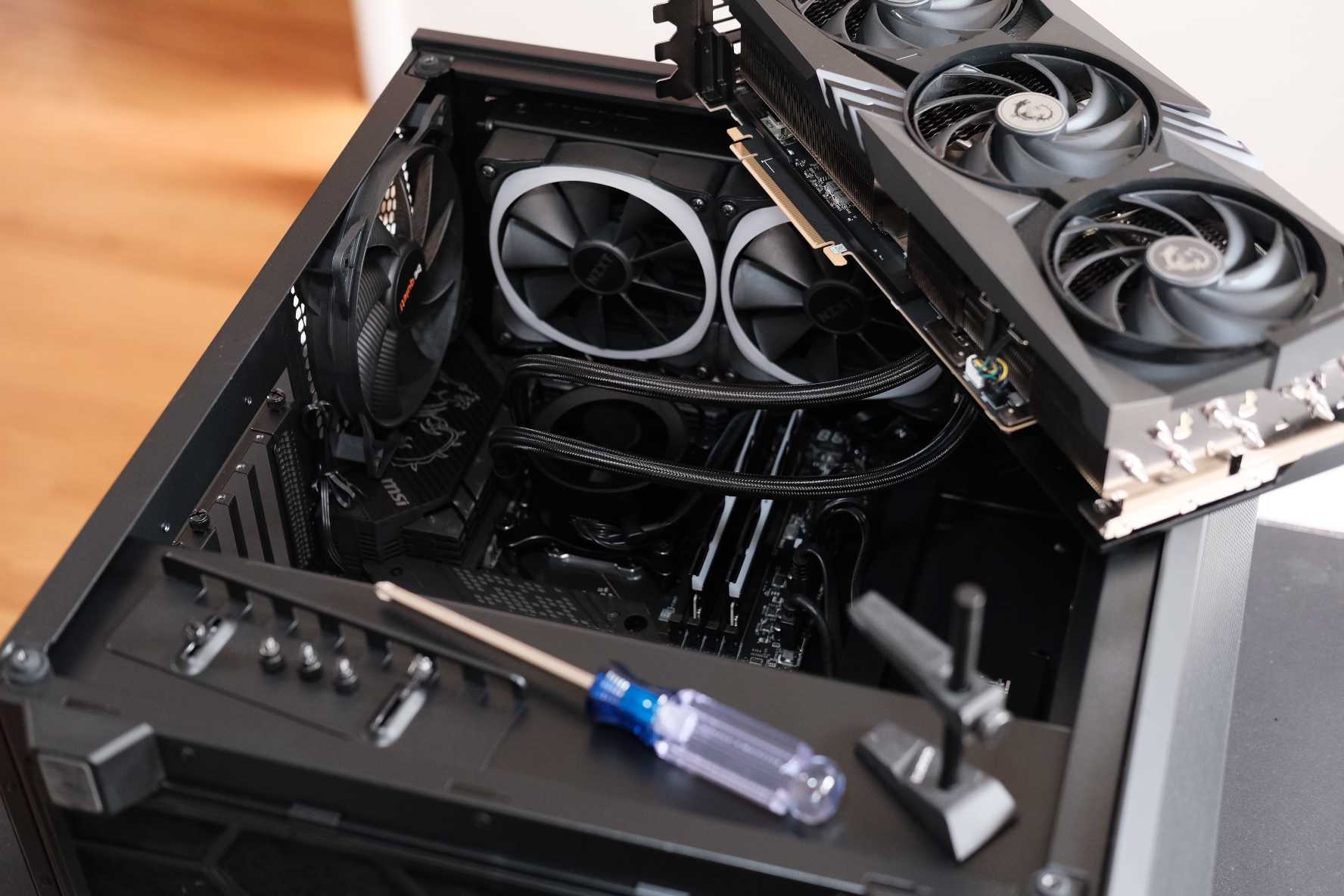
Integrated graphics can handle lightweight games like Stardew Valley or esports titles at 1080p, but anything beyond that requires a dedicated GPU. For hybrid use, the AMD RX 9060 XT or Nvidia RTX 5060 strikes a balance: capable of 1440p gaming at medium-high settings while also accelerating professional tasks like 3D rendering or local AI inference. If you’re targeting 4K or high-refresh 1440p, the RX 9070 XT or RTX 5080 delivers the extra VRAM and compute power needed—without the overkill of a top-tier card.
Storage: 1TB is the floor, but 8TB is the ceiling
512GB drives fill up fast with games alone, and professional workloads—especially video editing—consume storage just as quickly. Aim for at least a 1TB SSD for games and apps, but consider an 8TB SSD if you work with high-res media or plan to install dozens of large titles. Most users won’t need that much, but the flexibility is worth it. External storage or NAS solutions can supplement if needed.
Displays: Resolution and refresh rate matter more than panel type
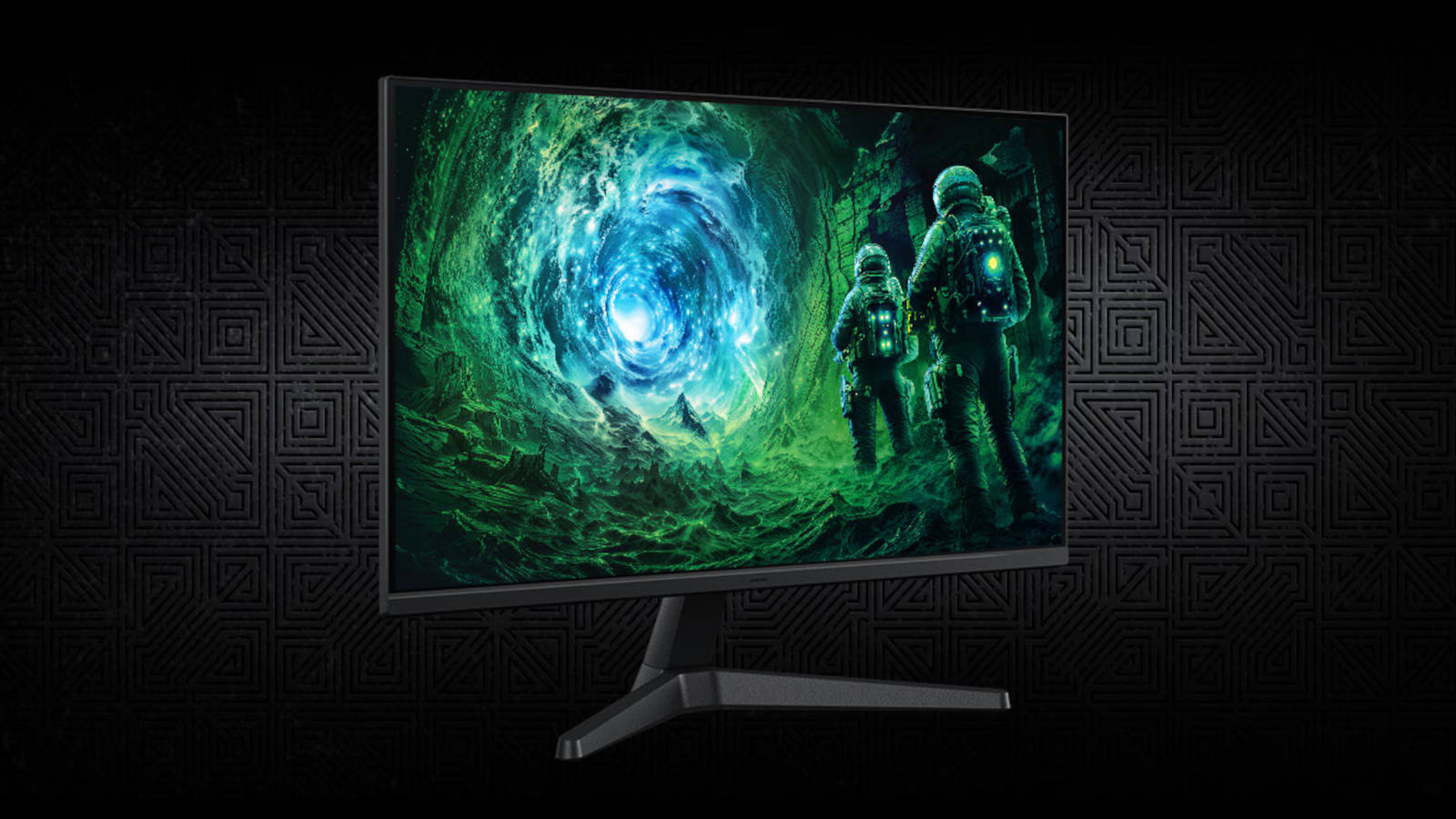
A larger 32-inch monitor improves productivity for spreadsheets and coding, while higher refresh rates (144Hz or 240Hz) enhance gaming responsiveness. Color accuracy is critical for media work, but OLED isn’t mandatory—high-end Mini-LED IPS or VA panels offer similar vibrancy at lower costs. For hybrid use, prioritize a 1440p display with at least 144Hz; 4K is ideal if your GPU can handle it.
Cooling: Performance over noise—with compromises
Gaming setups often push hardware to its limits, but a hybrid PC needs to stay quiet during work hours. Tuning fan curves to prioritize efficiency over max performance reduces noise without sacrificing too much cooling. Liquid cooling isn’t necessary unless you’re overclocking, but a robust air-cooling solution ensures both CPU and GPU stay cool under heavy loads.
Environment matters too
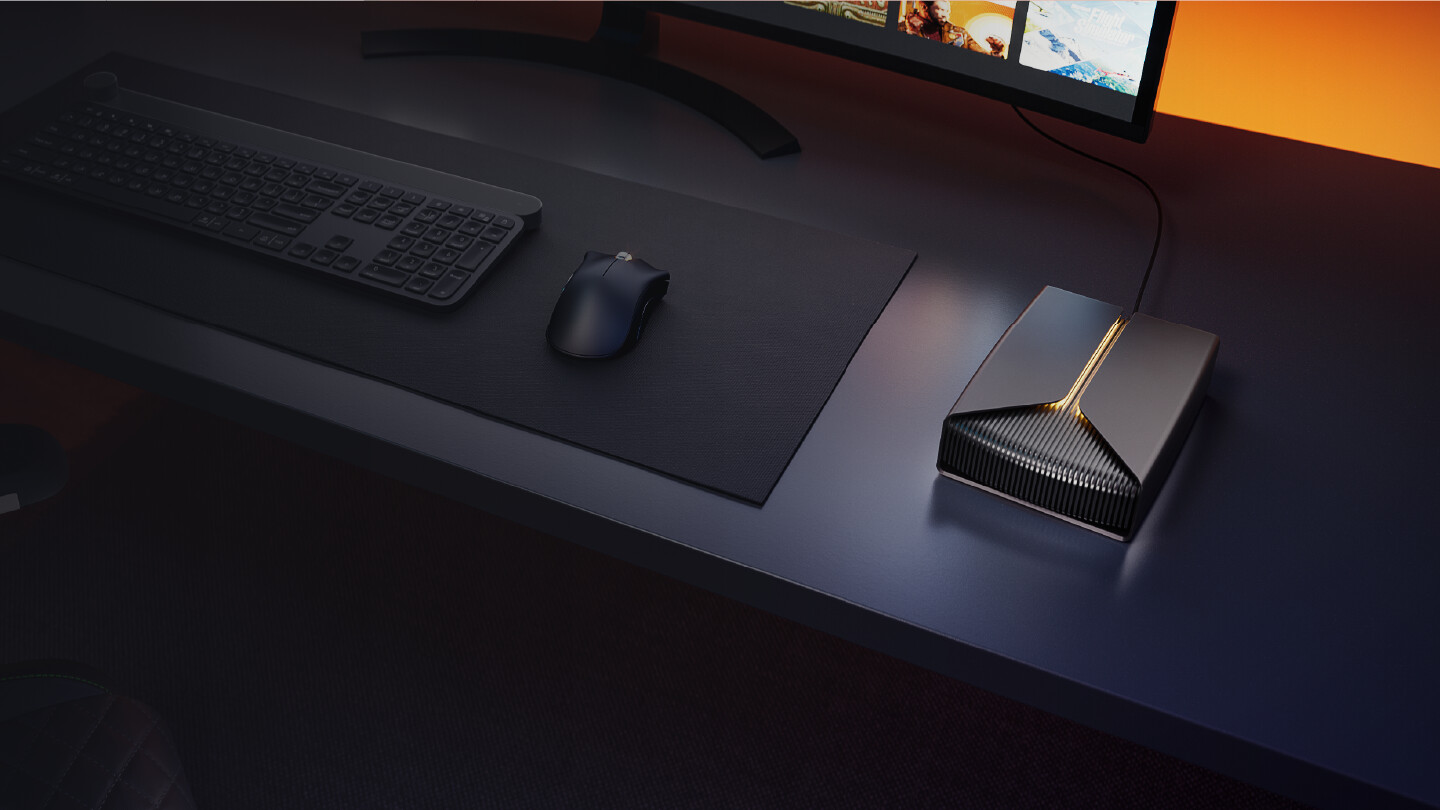
The right hardware is only half the battle. A gaming desk with RGB lighting might look impressive, but it’s less professional for video calls. Consider adjustable lighting, a clean cable setup, and even a secondary monitor for work to maintain focus. The same space that hosts intense gaming sessions should also support deep concentration—small adjustments make a big difference.
This setup isn’t for everyone. If you only game casually or work with basic office apps, a mid-range gaming PC or a standard workstation will suffice. But for creators, developers, or professionals who need both high-end gaming and serious productivity, the hybrid approach eliminates the need for multiple machines. It’s an investment in versatility.
Availability and pricing for these configurations vary, but most components are already on shelves. The biggest variable is RAM—DDR5 remains expensive, but DDR4 systems with Ryzen 5000 CPUs offer nearly identical performance at lower costs. Keep an eye on GPU prices, as they fluctuate with demand. For now, building a hybrid PC means balancing cutting-edge performance with practicality.