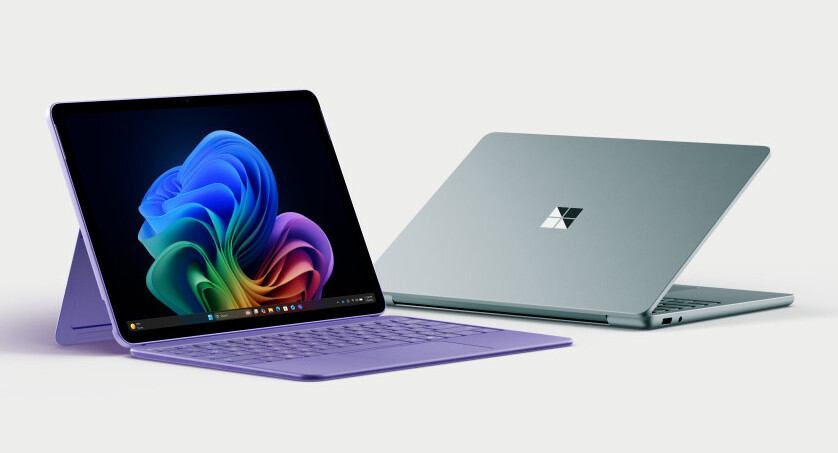
Premium laptops are getting thinner than ever, but that comes with a trade-off: fewer essential ports. The latest ultrabooks prioritize sleek design over functional flexibility, leaving IT managers to decide whether the convenience is worth the compromise.
The trend toward minimalism has accelerated in recent years. Where once laptops included multiple USB-A ports and HDMI outputs, today’s high-end models often ship with just a single or two USB-C ports—sometimes even fewer if you count Thunderbolt 4 as one of them. This shift reflects broader industry priorities: weight savings, battery life, and battery life improvements over raw functionality.
What’s changing—and what’s left behind
Newer premium laptops, such as those from established brands, now measure under 13 millimeters in thickness while delivering performance on par with desktop-class processors. For example, a recent model features an 11th Gen Intel Core i7 processor running at up to 4.8 GHz, paired with 16 GB of LPDDR5 RAM and 512 GB of PCIe NVMe storage. The display is a crisp 3K resolution OLED panel, but the port count tells a different story.
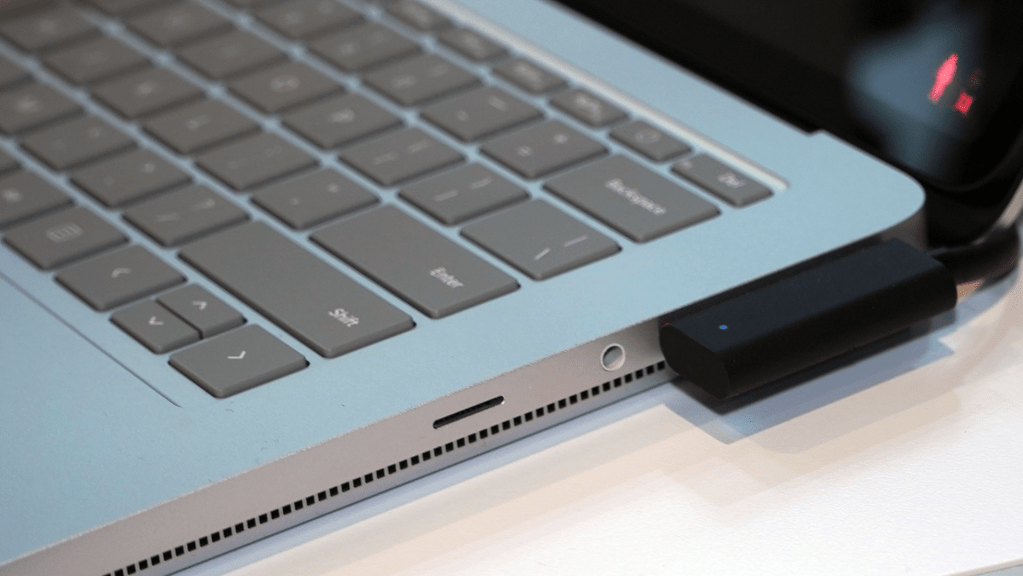
- Only two Thunderbolt 4 ports (USB-C) for data, charging, and video output
- No dedicated USB-A or HDMI ports—Thunderbolt adapters required for legacy devices
- Optional USB-C to HDMI dongle sold separately
The lack of built-in HDMI or USB-A ports forces users to carry dongles, which adds cost and complexity. For IT teams managing fleets, this means extra inventory for adapters and more training on port compatibility.
Why it matters: performance vs. practicality
The trade-off is clear: thinner laptops offer better battery life and lighter weight, but at the expense of port flexibility. For creative professionals or enterprise users who rely on multiple external displays or legacy peripherals, this can create workflow bottlenecks. The question for IT isn’t just about performance—it’s about long-term usability.
Some newer models attempt to bridge the gap with optional docks or multi-port adapters, but these are rarely included in standard configurations and often come at a premium. This forces buyers to choose between upfront savings and long-term convenience. For businesses, the cost of adapters multiplies across fleets, while employees face the hassle of juggling dongles.
Looking ahead, the industry may need to rethink priorities. Will thinner really matter if users can’t connect their essential peripherals without extra steps? The balance between design and functionality remains a critical challenge for manufacturers.