The April update to Microsoft PowerToys brings a feature that has long been a staple in Linux environments: a more fluid, keyboard-driven approach to navigating file systems. While this may seem like a small addition on the surface, the underlying changes reflect a broader strategy—balancing the needs of Windows users with the efficiency gains seen in Unix-like systems.
At its core, the new feature allows users to jump between directories using a single keystroke, similar to Linux's 'cd' command but integrated seamlessly into Windows Explorer. This isn't just about mimicking functionality; it's about addressing a real pain point for developers and power users who rely on both Windows and Linux workflows. The tradeoff is clear: greater efficiency comes with the cost of learning a new set of shortcuts, though Microsoft has designed the experience to feel intuitive rather than alien.
Behind the Keyboard Shortcuts
The implementation is built on top of PowerToys' existing FancyZones and Peek features, which suggests a consistent approach to usability. Unlike some Linux terminal commands that require precise input, this feature uses a more forgiving syntax—directories can be selected with minimal keystrokes, and the system provides visual feedback in real-time. This is where the engineering tradeoff becomes evident: speed is prioritized over discoverability, which could leave casual users navigating blindly if they don't explore the settings.
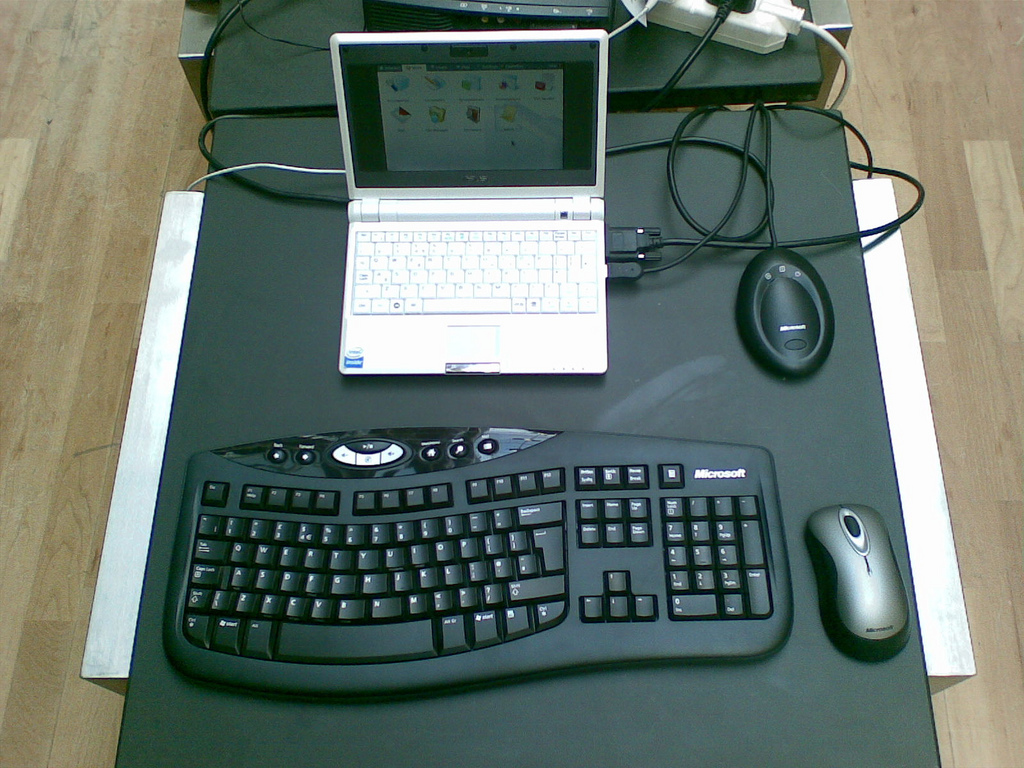
What It Means for Workloads
- Power users and developers will see immediate productivity gains, especially in environments where switching between Windows and Linux is common.
- The feature integrates with existing PowerToys modules, meaning it works alongside other tools like Always on Top and File Locksmith without conflict.
- There's no direct performance impact on system resources, but the learning curve may deter users accustomed to traditional Windows navigation.
A reality check is necessary here: while this feature borrows from Linux, it doesn't replace terminal-based workflows. It's a middle ground—designed for those who want the speed of keyboard-driven navigation without fully adopting a command-line environment. For teams or individuals deeply embedded in Windows ecosystems, this could be a game-changer, but it won't satisfy those who rely on full terminal functionality.
Where things stand now: This update is a step toward bridging the gap between Windows and Linux workflows, but its success hinges on adoption. Power users will likely embrace it quickly, while others may overlook it unless Microsoft pushes it more prominently in future updates. For now, it remains an optional tool—one that offers tangible benefits for those willing to adapt.