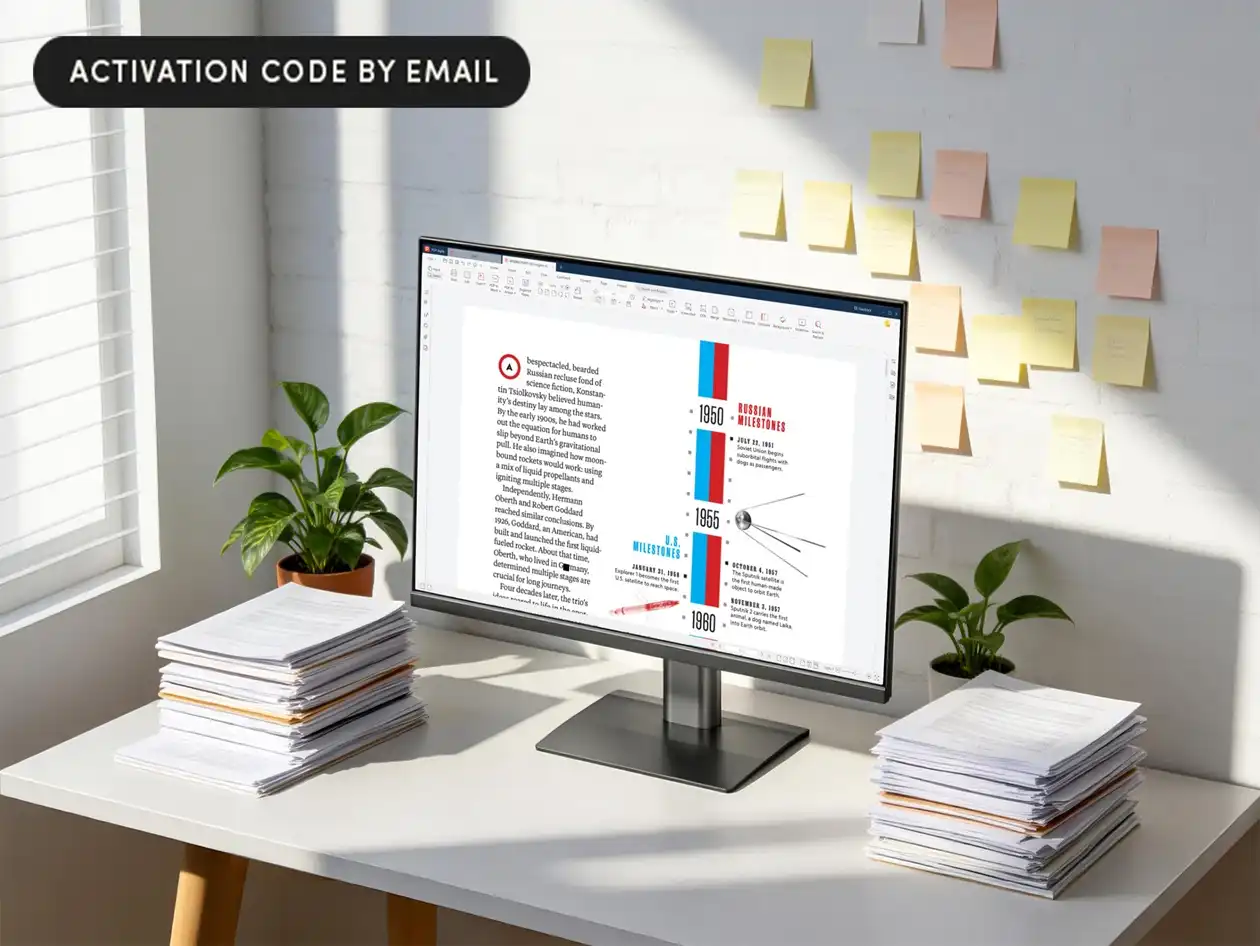
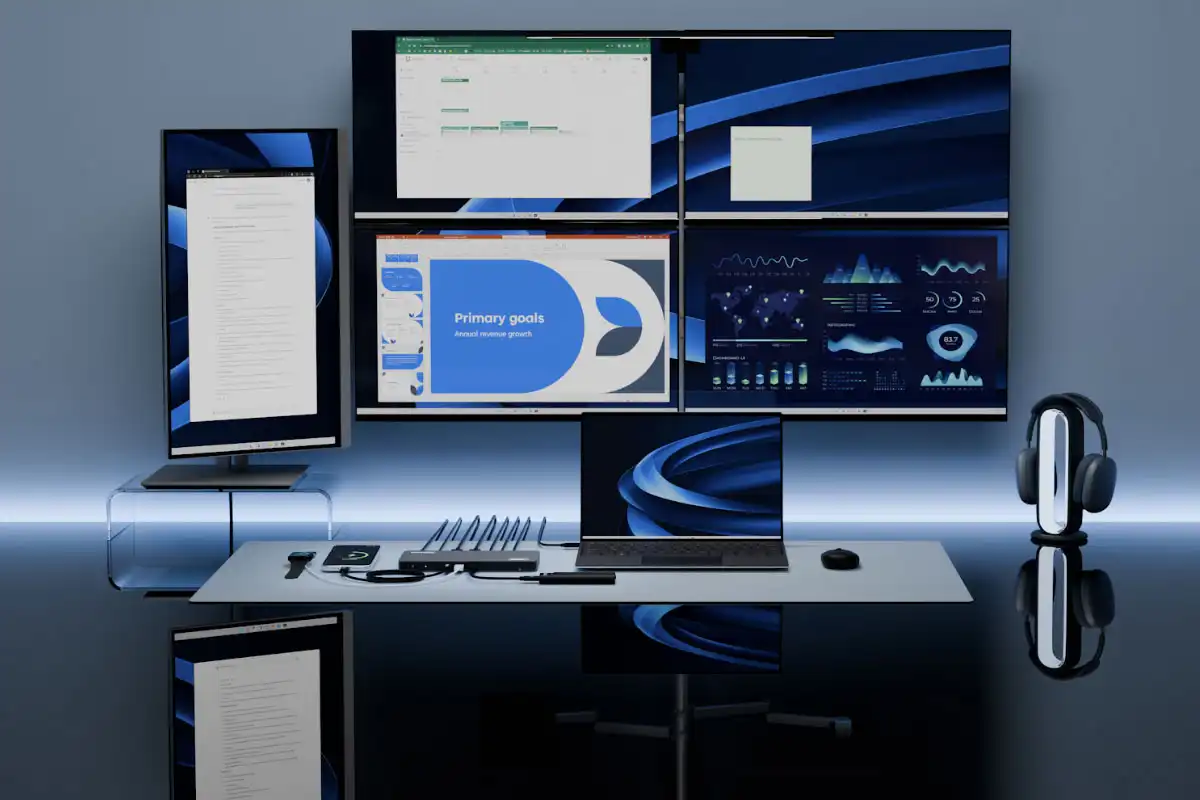
The latest iteration of Microsoft’s PowerToys utility brings a more refined approach to managing multiple displays. The new MonitorLayout feature allows users to save and recall window arrangements with precision, addressing a persistent pain point for professionals juggling sprawling desktops.
This isn’t just about dragging windows—it’s about efficiency. Users can now define layouts for different tasks (coding on one screen, documentation on another) and switch between them in seconds. The update also refines the Always on Top tool, letting developers pin tools without encroaching on their main workspace.
What’s New: A Closer Look
- MonitorLayout 1.0: Save and restore window positions across monitors with keyboard shortcuts or a GUI.
- Enhanced Always on Top: Adjust transparency and position for floating tools, reducing visual noise.
- Color Picker Improvements: Faster access to hex/RGB values without leaving applications.
The changes target power users—developers, designers, or anyone with more than one screen—but the impact ripples outward. For teams using shared monitors in offices, saved layouts could streamline collaboration by restoring setups instantly after meetings.
Who Benefits?
Developers will notice the most immediate gains. The Always on Top tweaks, for example, let debugging tools float without obscuring code editors, while MonitorLayout reduces the manual effort of resetting workspaces after reboots or screen changes. However, casual users with two monitors may find the depth overkill; the tools lean toward customization over simplicity.
The update arrives as hybrid work blurs the line between office and home setups. With more professionals relying on dual (or triple) displays, tools that automate monitor management could become standard rather than niche. Microsoft’s move suggests it sees this as a long-term feature, not just a one-off tweak.
For now, the changes are available via PowerToys’ stable channel. If the trend holds, multi-monitor workflows might soon feel less like juggling and more like orchestration.