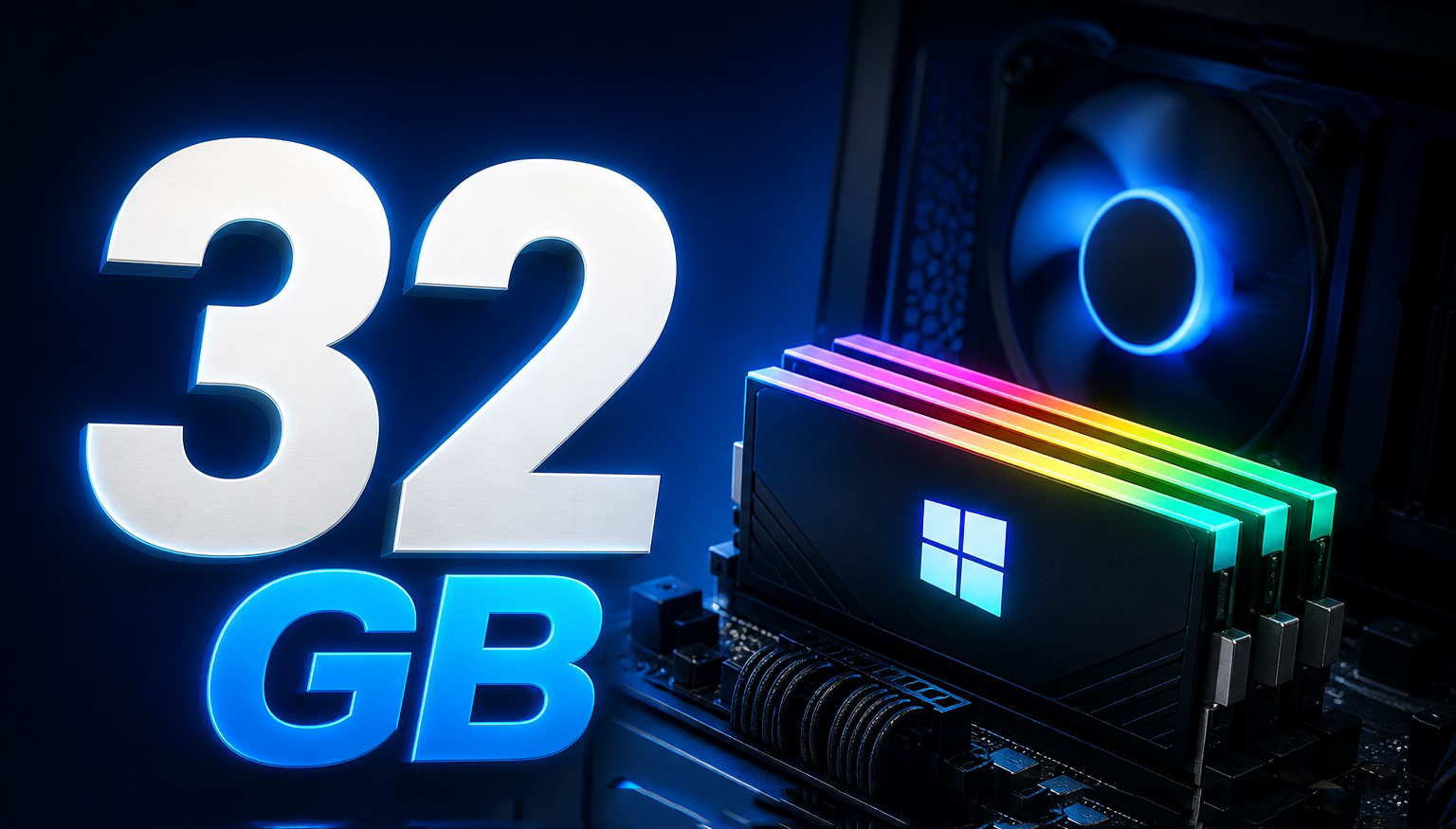
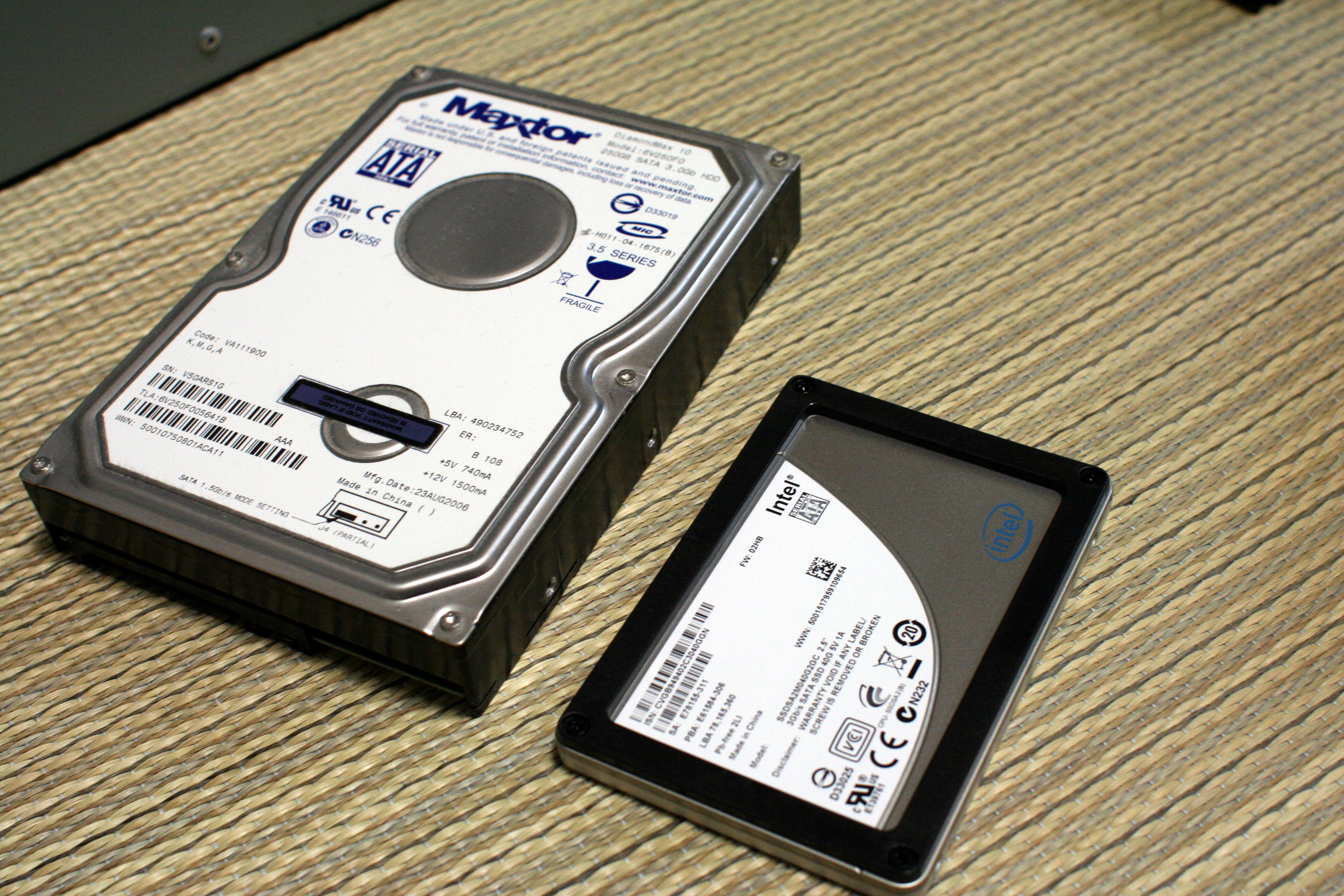
Announcement Hardware Microsoft Calls 16 GB RAM A Compromise And 32 GB The New “No Worries” Standard Sarfraz Khan • at EDT Add on Google The bar has been raised and the 16 GB is no longer the "recommended" RAM capacity for PC gaming, at least as per Microsoft. Microsoft Recommends 32 GB for No-Compromise Gaming Experience; Calls 16 GB RAM as "Baseline" Nearly 10 years ago, 8 GB RAM would be sufficient for gaming systems, but as games, apps, and OS became more memory hungry, the bar was raised to 16 GB. 16 GB RAM is still a decent capacity for most gaming PCs, considering such systems don't have many problems with executing background tasks while more intensive tasks, such as games, are running simultaneously. However, this is changing pretty quickly. Related Story Microsoft Rolls Out Xbox Mode to All Windows 11 PCs, Blurring the Line Between Console and Desktop GamingSome are now calling 16 GB the bare minimum and are recommending twice the RAM capacity for gaming systems. Here, it's Microsoft that has explicitly listed 16 GB as "Baseline" for Windows 11-based gaming PCs. In its recent blog under the Learning Center, Microsoft said that 16 GB is a "starting point", but comes with compromises. For future-proofing the build, 32 GB is the "No Worries" configuration for PCs. 16GB RAM is the baseline; 32GB is the “no worries” upgrade For most players, 16GB RAM is a practical starting point. Moving to 32GB RAM helps if you run Discord, browsers, or streaming tools alongside your games. That extra memory also gives newer titles more breathing room as memory demands continue to rise. - Microsoft Microsoft argues that with apps such as Discord and browsers running in the background, the RAM consumption can quickly increase. We know that browsers such as Google Chrome are quite memory-hungry and can easily consume several Gigabytes of RAM, leaving very little for your apps and games. With more apps running simultaneously, the RAM consumption can increase drastically, leaving even less RAM for your primary apps/games. With 32 GB system RAM, Microsoft believes that the games can have more "breathing room". So, according to the company, 16 GB is no longer the "recommended" configuration, and similarly, it is now recommending "SSDs" for games and its operating systems instead of HDDs. This makes sense because OS and game loading times depend significantly on the storage drive speed. SSDs are several times quicker, particularly M.2 drives, and Microsoft recommends HDDs for bulk storage. An SSD (not an HDD) for games and Windows An SSD keeps your system feeling fast. Games load quicker, patches install sooner, and Windows stays responsive. HDDs (traditional hard drives) are best reserved for bulk storage. Active games and the OS should live on an SSD for the best experience. - Microsoft News Source: Microsoft About the : Sarfraz Khan is a hardware with a focus on PC components and the builder community. With years of experience writing about PC hardware and laptops, his work has been featured on several reputable technology publications. Sarfraz's hands-on experience is demonstrated through his first-person accounts of using and comparing different hardware configurations, providing practical and relatable insights for everyday users. His technical analysis is respected by peers in the enthusiast community and has been cited by specialized hardware sites such as Germany's Igor's Lab. Follow on Google to get more of our news coverage in your feeds. Further Reading Microsoft’s FY26 Q3 Earnings Show Second-Straight 30%+ Decline for Xbox Hardware, Overall Xbox Revenue Down 5% Microsoft Wants To Bring SteamOS-Level of Gaming Performance To Windows 11, While Cutting Back AI Bloat With “K2” Project Intel Xeon 6 With AMX Accelerate Microsoft’s Azure Local, Scaling Deployments To 1000s of Servers Xbox CEO Asha Sharma Admits “Players Are Frustrated,” Lays Out the Plan for the Next Era of Xbox Read all on Microsoft Calls 16 GB RAM A Compromise And 32 GB The New “No Worries” Standard