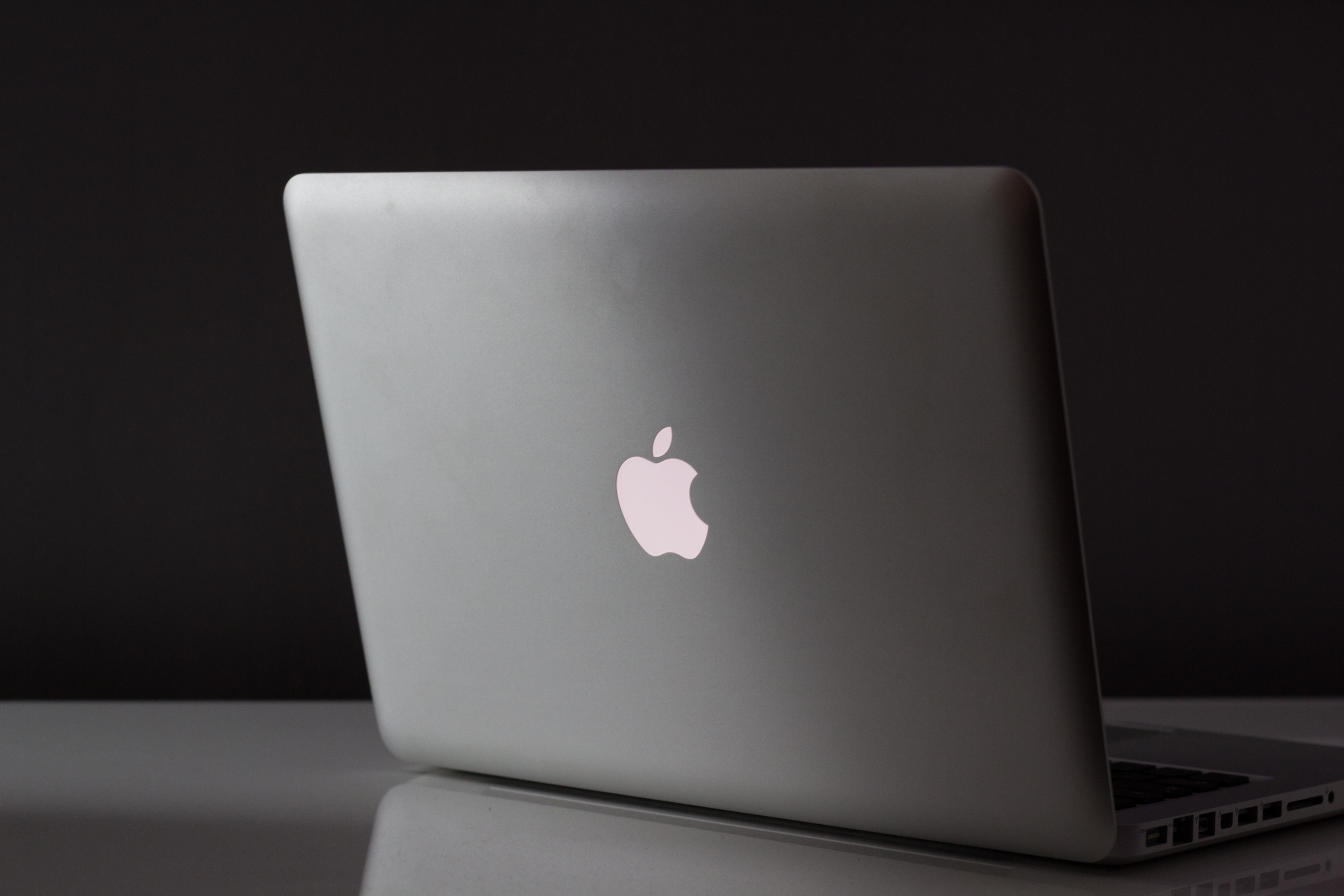
The 13.6-inch Liquid Retina display is sharp enough to make text feel like it’s printed on paper, yet the laptop remains light enough for a day in transit.
This iteration of the MacBook Air is no exception. The new model with M5 chip delivers performance gains that matter to power users—especially those working with AI—but also doubles down on practical improvements like storage capacity and wireless connectivity. For enterprise buyers, the question isn’t just whether it’s faster, but whether that speed translates into cost savings or efficiency gains over time.
Key specs
- Chip: M5 (10-core CPU, up to 10-core GPU with Neural Accelerator in each core)
- Storage: 512GB SSD standard (double previous), configurable to 4TB; 2x faster read/write than prior generation
- Memory bandwidth: 153GB/s (28% improvement over M4)
- Display: 13.6-inch or 15.3-inch Liquid Retina, 500 nits brightness, 1 billion colors
- Camera: 12MP Center Stage with Desk View support
- Connectivity: Wi-Fi 7 (N1 chip), Bluetooth 6, two Thunderbolt 4 ports (supports dual external displays)
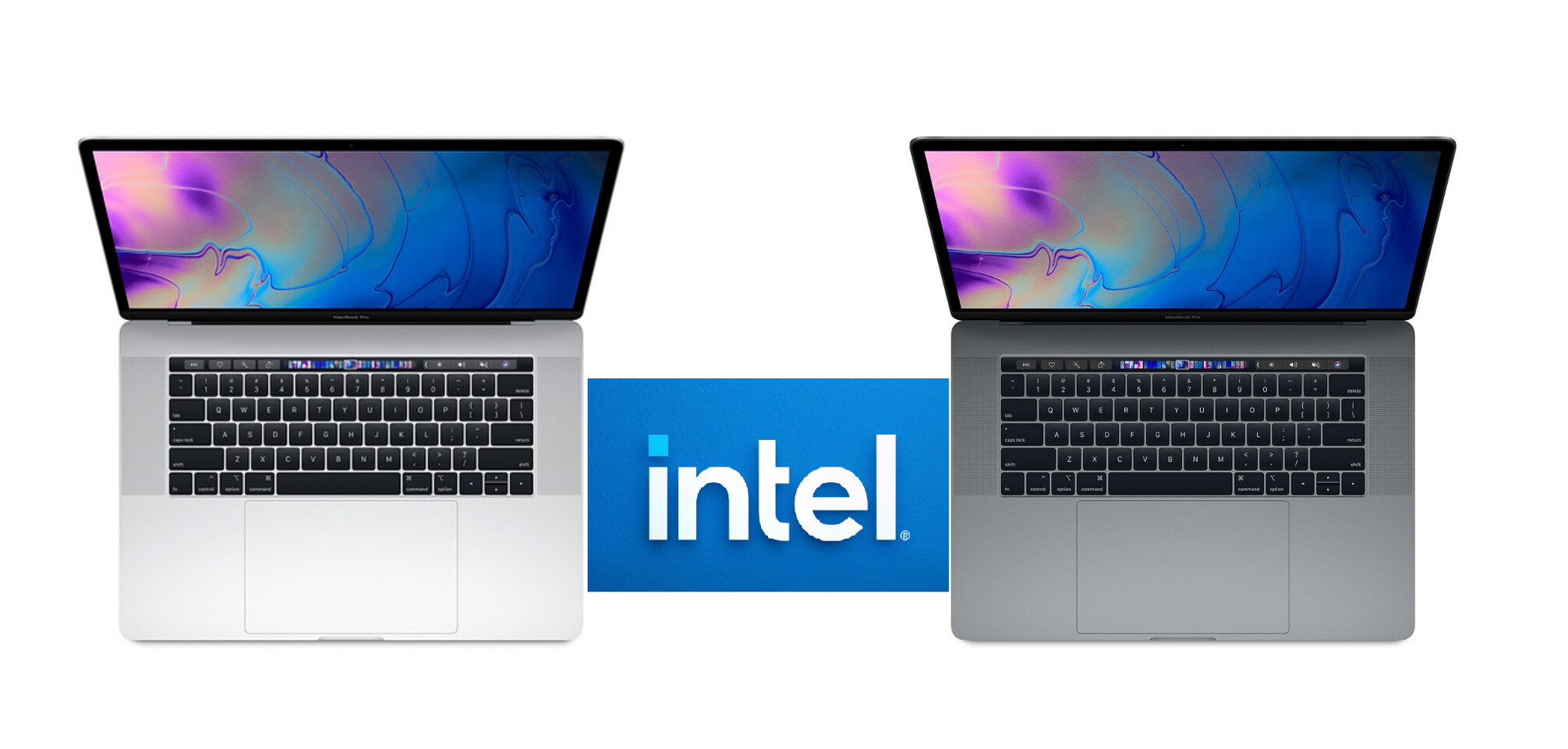
- Battery life: Up to 18 hours; 6 hours more than Intel-based MacBook Air
- Colors: Sky blue, midnight, starlight, silver
- Pricing (U.S.): 13-inch starts at $1,099 ($999 education); 15-inch starts at $1,299 ($1,199 education)
The M5 chip is the star here. Benchmarks show up to 4x faster AI performance than the previous M4 model and nearly 10x over the original M1. For enterprise workloads—like running large language models on-device or processing video with Topaz—the gains are measurable but not necessarily transformative unless paired with the right software stack.

Storage is where the MacBook Air now stands out for professionals. The 512GB base option means even a mid-range configuration can handle 4K video editing, large datasets, or multiple virtual machines without constant cloud backups. The faster SSD reduces wait times when switching between apps or importing files, which adds up in busy workdays.
What it means for enterprise
For organizations that prioritize portability and battery life, the MacBook Air remains a strong choice. The 18-hour runtime and thin profile make it ideal for field teams or remote workers who need reliability without sacrificing power. However, the lack of a fan (fanless design) could limit sustained performance under heavy loads—something to consider if AI workloads push the chip continuously.
Wi-Fi 7 is a notable addition, but real-world benefits depend on infrastructure. Most enterprises still rely on Wi-Fi 6 networks, so the upgrade may not deliver immediate returns unless offices are upgrading their own connectivity. The two Thunderbolt 4 ports are practical for dual-monitor setups, though they’re not game-changers in an era where USB-C is ubiquitous.
What’s next
The M5 chip’s Neural Accelerator suggests Apple is doubling down on on-device AI, but enterprise adoption will hinge on software maturity. If macOS Tahoe and future updates unlock more seamless integrations for business tools, the MacBook Air could become a silent powerhouse in offices. For now, it’s a solid upgrade—but not one that justifies replacing every laptop in the fleet unless specific workflows demand its capabilities.