This isn’t just another incremental update. Plasma 6.6 reshapes how Linux interacts with gaming, accessibility, and even hardware—particularly for those who rely on Wayland for stability or Steam Deck for portability. The changes are deliberate, targeting pain points that have lingered for years.
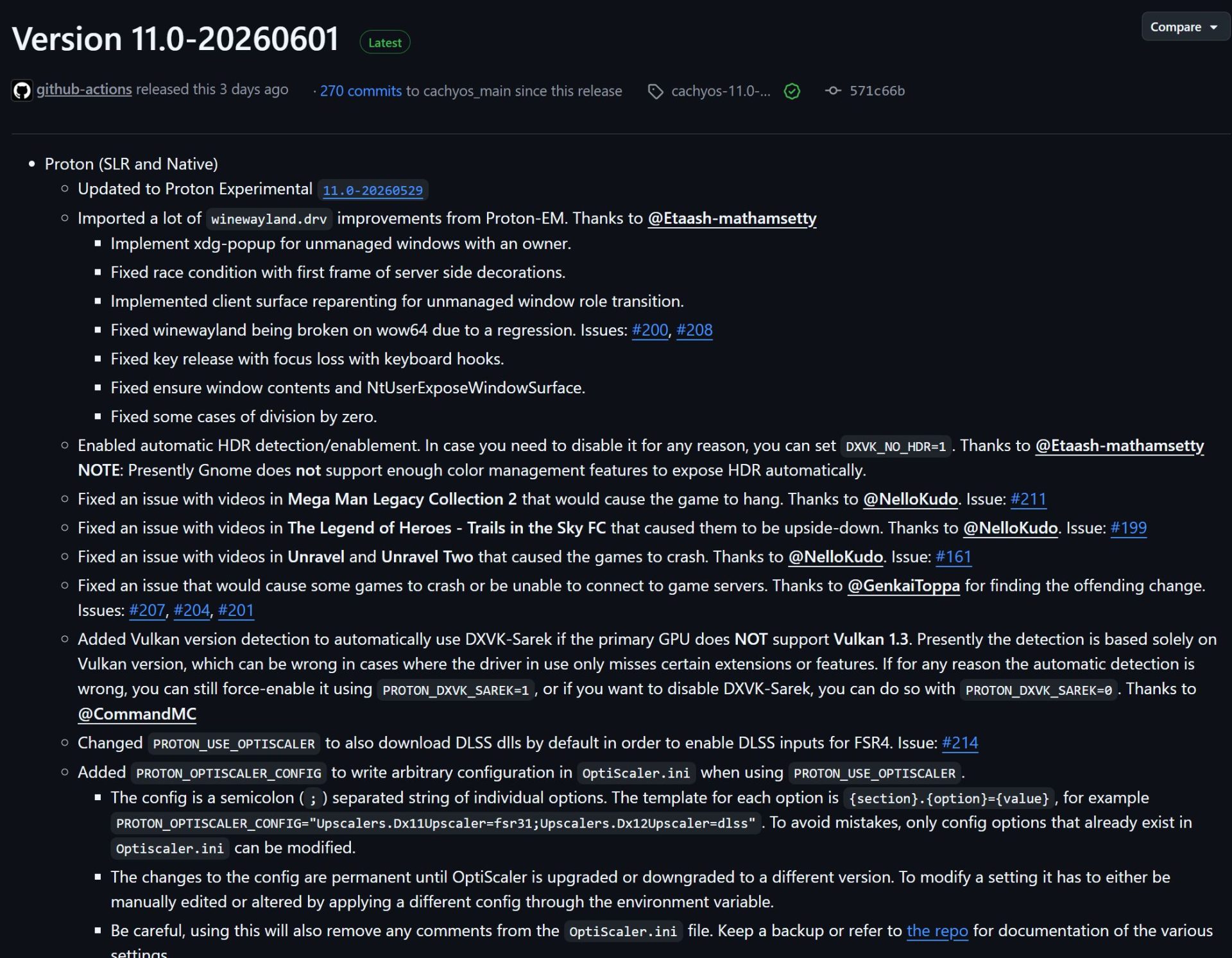
For gamers, the most immediate improvement is a fix for HDR color accuracy in Wine and Proton. That means Windows titles running through Steam Proton—like Starfield or *Cyberpunk 2077*—will now display colors closer to their native versions, reducing the washed-out or overly saturated look that frustrated many users. This isn’t just nitpicking; accurate HDR is critical for immersion, especially on high-end monitors or Steam Deck’s OLED display.
Accessibility gains are equally substantial. The built-in Spectacle screenshot tool now includes OCR, turning screenshots into editable text with a single click. This is a game-changer for users who rely on screen readers or need to extract text from images—no third-party tools required. Meanwhile, the system’s colorblind mode has been expanded to include more presets, and ambient light sensors on laptops now automatically adjust screen brightness, saving battery life while reducing eye strain.
Under the hood, Plasma 6.6 introduces a new login manager that replaces SDDM in major distributions like Fedora Linux 44 and EndeavourOS. It’s a cleaner, more modern interface with better theming support—but it’s systemd-dependent. Users on alternatives like Artix Linux or Devuan will need to stay with their existing solutions, a limitation that could frustrate minimalists.

For developers and power users, the update brings XRandr emulation in KWin, improving compatibility for legacy X11 applications under Wayland. A USB portal allows sandboxed apps to request device access securely, while kernel 6.19 users can now tweak on-screen sharpness globally—a boon for those with high-refresh-rate monitors. Wayland sessions also gain finer control over color pipelines and custom screen modes, addressing long-standing flexibility gaps.
Screen recording has been overhauled with window exclusion, letting users omit sensitive apps from captures. Virtual desktops can now be confined to the primary display, a useful feature for multi-monitor setups. And for Steam Deck owners, the integration is deeper: Plasma’s new touch-friendly controls and Wayland optimizations make it the most polished desktop choice for handheld Linux gaming.
But not every change is seamless. The shift to the new login manager could disrupt workflows for systemd-free users, and some Wayland features—like fractional scaling—remain experimental. Still, for most, the benefits outweigh the trade-offs.
If you’re on a supported distribution, the upgrade is straightforward
- Check compatibility with your distro’s documentation (especially if you’re not using systemd).
- Update via your package manager or distro’s tools (e.g., `sudo pacman -Syu` for Arch-based systems).
- Test the new login manager in a non-critical session before switching defaults.
- Enable OCR in Spectacle via the tool’s settings for immediate usability gains.
- For gamers, verify Proton/Wine HDR fixes by launching a known HDR title.
The result? A desktop environment that feels both more capable and more considerate—whether you’re coding, gaming, or just browsing. For Linux users who’ve grown tired of compromises, Plasma 6.6 is a reminder that progress is possible without abandoning stability.