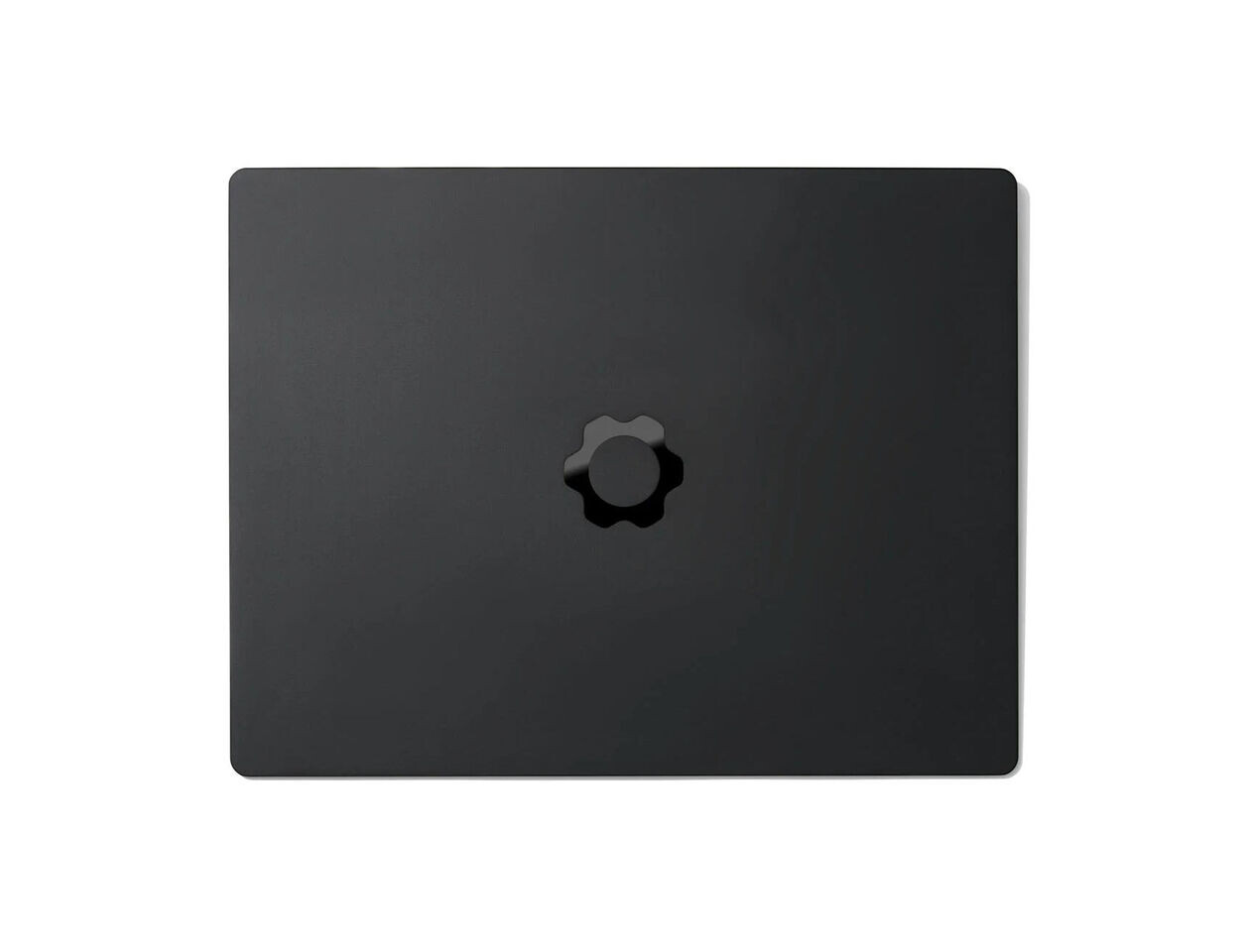
The Dell XPS 14 (LCD) is a study in contrasts: it excels in battery life and design, yet its mid-range Intel chip leaves it trailing behind competitors in performance benchmarks. For IT teams weighing upgrade cycles or budget-conscious buyers, the tradeoffs are clear—but so is the value proposition.
At $1,409.99, this configuration positions itself as a middle-tier option in Dell’s lineup, offering 16GB of LPDDR5x memory and a 512GB PCIe 4.0 SSD alongside an Intel Core Ultra 5 325 processor. The chip is part of Intel’s Panther Lake family but lacks the high-end Arc B390 graphics found in pricier models, instead relying on four Xe cores clocked at 2.45 GHz. That choice has measurable consequences: while the laptop delivers nearly 23 hours of real-world battery life—a figure that outpaces many rivals—it struggles to keep up in demanding workloads.
Key Specifications
- Processor: Intel Core Ultra 5 325 (8 cores, 4 performance + 4 efficiency)
- Memory: 16GB LPDDR5x-7467
- Storage: 512GB PCIe 4.0 SSD
- Display: 14-inch, 1920×1200, 120Hz IPS-LCD (bright but lacks OLED contrast)
- Graphics: Intel Graphics (4 Xe cores, no Arc B390)
- Connectivity: 3x Thunderbolt 4 (DisplayPort 2.1 + Power Delivery), Wi-Fi 7, Bluetooth 6.0
- Battery Life: ~23 hours (4K workload), 70Wh capacity
- Weight: 3.1 lbs, 0.6-inch thick
The LCD panel, while brighter than its OLED counterpart (peaking at over 500 nits vs. ~400 nits), suffers in contrast and color depth. Dell’s decision to include a semi-gloss finish also makes it less ideal for bright environments—though the tradeoff is justified by battery life gains that dwarf the OLED model’s 15-hour runtime.
Performance: A Cautious Upgrade
The Core Ultra 5 325 delivers a modest performance bump over older Intel chips, scoring well in PCMark 10 (7,260) but falling short when stacked against AMD’s Ryzen AI 7 350 in Cinebench 2024. Real-world applications tell a similar story: Shadow of the Tomb Raider averages just 27 FPS at 1080p with Highest detail settings—a far cry from the 36 FPS achieved by an XPS 14 with Arc B390 graphics.

For IT departments, this means the laptop is better suited for office productivity and web browsing than for demanding tasks like 3D rendering or video editing. The absence of a dedicated GPU also limits its appeal for gamers, where even entry-level discrete cards (like the RTX 3050) would offer significantly better performance.
Design and Usability
Where the XPS 14 shines is in its build quality and user experience. The aluminum chassis, with its curved edges and graphite finish, feels premium without being ostentatious. A physical function row (a return to Dell’s older designs) improves keyboard usability, though the keycaps still lack the tactile feedback of competitors like Lenovo or Asus.
- Pros:
- Excellent haptic touchpad with clear boundaries
- Thunderbolt 4 connectivity for docking and high-speed peripherals
- Superior battery life in its class (LCD model)
- Minimalist, high-quality build
- Display hinge limits viewing angles (~145° max open)
- Keyboard lacks depth and premium feel
- No USB-A or HDMI ports (dongles required for legacy devices)
- Webcam stuck at 1440p despite 4K spec (Windows driver issue)
A reality check: the XPS 14’s performance gap isn’t just about benchmarks. While it outperforms older Intel chips, it can’t compete with AMD’s Ryzen AI lineup in the same price bracket. For teams on tight budgets or those prioritizing longevity over power, this may not matter—but for those eyeing future-proofing, the choice is harder.
What to Watch Next
The XPS 14 (LCD) is a strong contender for buyers who prioritize battery life and portability over raw performance. However, its $1,409.99 price tag puts it in direct competition with laptops that offer better GPU performance (like the Arc B390) or more balanced CPU options. For IT teams, the question becomes whether the endurance tradeoff is worth the long-term cost savings—or if waiting for discounted Panther Lake models (or AMD’s next moves) could yield better value.
Availability remains consistent with Dell’s typical lead times, though no price drops have been announced yet. If past patterns hold, expect discounts within 3–6 months that could narrow the gap to more powerful alternatives.