ChatGPT has quietly added a file locker that lets users drag and drop documents straight into the chat window. No separate app or folder system is needed—files land in a dedicated sidebar, ready for context-aware prompts.
The change feels like a natural next step for an AI that already processes text, images, and code snippets. But unlike previous upload experiments, this locker persists across sessions, so users can revisit the same documents without re-uploading every time.
Under the hood, OpenAI is still tight-lipped on storage limits or retention policies, but early tests suggest at least 256 MB per file and a rolling cache that keeps recent uploads available for reference. That means a user working on a single technical manual can now ask ChatGPT to summarize each chapter in one sitting, then return later to pick up where they left off—no external drive or cloud sync required.
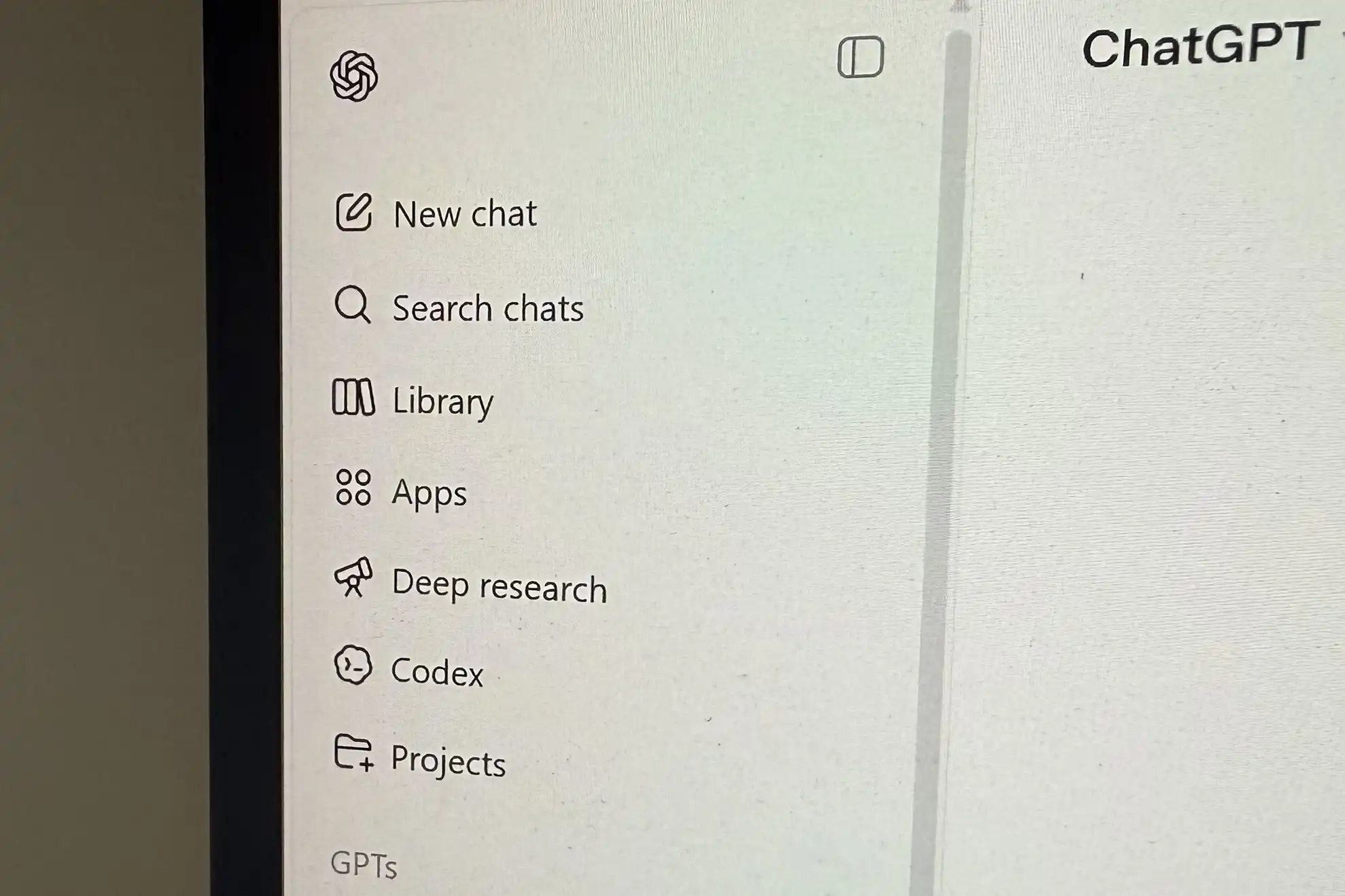
- Files appear as thumbnails in the sidebar and can be renamed or deleted without leaving the chat.
- Uploads trigger immediate context switching; ChatGPT knows which document you’re referencing even if you don’t mention its name.
- No explicit API call is needed; the locker works inside the web interface only, for now.
The real question isn’t whether this feature exists—it’s whether it will push users to adopt a single, always-on chat client instead of juggling spreadsheets, PDFs, and notes across separate tools. For knowledge workers who already keep everything in one browser tab, the locker removes the last friction point: no more copying-pasting, no more switching apps to read a file, just seamless back-and-forth between document and AI.
On the other hand, security-conscious teams may still need an external vault or encrypted drive for sensitive material. OpenAI has yet to confirm whether files are processed on-device or in their cloud infrastructure, so organizations should treat any uploaded content as potentially exposed until further notice.
For everyday buyers, the locker is a minor but meaningful upgrade that could nudge productivity slightly higher—especially for students, researchers, and freelancers who chain together multiple prompts on the same set of notes. Those who already live in their browser tabs will feel the difference immediately; everyone else may wonder if they’ve been waiting for this all along.