Apple’s countdown to enforcing its new Home architecture is running out. On February 10, 2026, the company will permanently disable support for its legacy Home framework, leaving users of outdated systems locked out of their HomeKit-connected devices and automations.
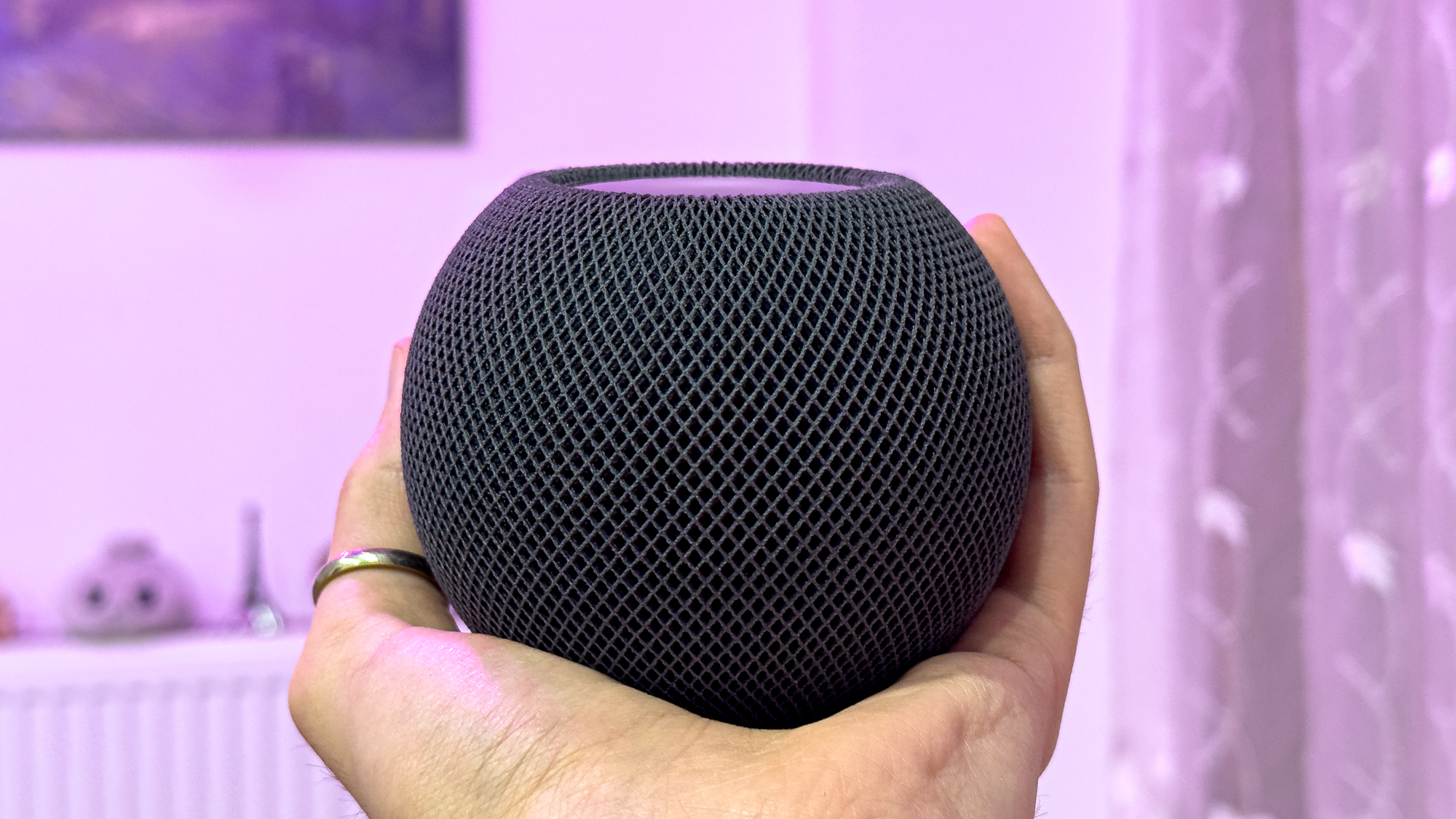
The shift isn’t just about software updates. For years, Apple allowed iPads to serve as home hubs—a flexible, low-cost solution for managing smart devices remotely. But the new architecture scraps that option entirely, requiring either an Apple TV 4K or a HomePod (starting at $99 for the mini) to maintain full functionality.
This isn’t the first time Apple has pushed for the transition. The new Home architecture debuted in late 2022 as part of iOS 16.2, promising better reliability and efficiency. Yet initial rollouts were plagued by issues—frozen hubs, devices stuck in update loops—that forced Apple to pause and refine the system. After a re-release in February 2023 with iOS 16.4, stability improved, but the deadline for compliance has remained firm.
The stakes: What you’ll lose without updating
Failing to upgrade before February 10 means more than just a software hiccup. Users will lose
- Remote access: Without a compatible home hub (Apple TV 4K or HomePod), controlling devices outside your home network becomes impossible.
- Shared access: Family or guests with Home app permissions will be unable to interact with your smart devices.
- Automations: Schedules, triggers, and multi-device routines will stop working, leaving your smart home inoperable.
- iPad hubs: Even if you’ve used an iPad as a hub, the new system rejects it—no workarounds exist.
The workaround? Skipping a home hub altogether. But that tradeoff means giving up remote control, shared access, and automations—features many users rely on daily.
What you’ll need to upgrade
The transition requires three key steps
- Hardware: If you’re using an iPad as a hub, you’ll need to purchase an Apple TV 4K (starting at $129) or a HomePod mini ($99, occasionally discounted to $80). The full-size HomePod ($299) offers superior audio but isn’t necessary for hub functionality.
- Software: All Apple devices—iPhones, iPads, Macs, Apple TVs, HomePods, and Apple Watches—must run at least iOS 16.2 (or the latest version for non-iOS devices). Outdated software will block access to the new Home architecture.
- App update: Open the Home app, tap the three-dot menu in the top-right corner, select Home Settings, then Software Update, and follow the prompts.
Note that anyone else accessing your HomeKit devices—family members, guests, or assistants—will also need updated devices to avoid disruptions.
Why the delay—and why now?
Apple’s push to modernize its Home architecture has been years in the making. The company initially framed the change as a step toward greater reliability, but the rocky launch in 2022 revealed deeper flaws. After pulling the system for revisions, Apple reintroduced it with iOS 16.4, addressing many of the early bugs. Yet the deadline has remained a moving target, with Apple initially setting a fall 2025 cutoff before settling on February 10, 2026.
The final deadline isn’t just about forcing an upgrade—it’s about ensuring long-term compatibility. As Apple expands HomeKit’s capabilities (think Matter integration, third-party smart home support, and advanced automations), the legacy system would become a bottleneck. The new architecture is designed to scale, but only if users make the switch.
What happens next
If you’re still on the fence, time is running out. Here’s what to do
- Check your hub: If you’re using an iPad, confirm whether it’s listed as your home hub in the Home app. If so, you’ll need to replace it.
- Update devices: Verify all Apple devices (including those of household members) meet the iOS 16.2 minimum. Use Settings > General > Software Update to check.
- Backup automations: Before updating, manually note any critical automations or routines. While most should transfer, complex setups may need reconfiguration.
- Test the new system: After upgrading, test remote access, shared permissions, and automations to ensure everything functions as expected.
The February 10 deadline is non-negotiable. For most users, the upgrade is straightforward—but procrastination risks leaving smart homes stranded. With the right preparation, the transition can be smooth. For those unprepared, the consequences will be immediate and irreversible.