Microsoft’s latest security-focused update for Windows 11 has taken a dramatic step: it is now intentionally disabling dial-up modems across affected systems. The change, part of the January 2026 patch (KB5074109), removes critical driver files—agrsm.sys, agrsm64.sys, smserial.sys, and smserl64.sys—that older modems rely on to function. While the move is framed as a security necessity, it has left some users—particularly those in remote areas without broadband alternatives—struggling to regain connectivity.
This isn’t an accidental glitch. Microsoft’s update explicitly targets these drivers, which the company has deemed unsafe due to unpatched vulnerabilities. The removal was executed without prior notice to manufacturers, leaving no immediate path for fixes or replacements. For businesses using modems for logging systems or call handling, the disruption could be particularly costly.
While dial-up internet may seem obsolete, it remains the primary connection for some rural communities and small businesses. The update’s impact extends beyond personal users: industries relying on modem-based communication—such as security systems, legacy telemetry, or even point-of-sale terminals—could face operational interruptions. Complaints have flooded Microsoft’s support forums, with reports indicating that even newly purchased modems may fail to initialize after the update.
The technical breakdown
The update’s action is straightforward: it deletes four key driver files used by dial-up modems. Without these, the hardware cannot establish connections. Microsoft’s justification centers on security—these drivers contain flaws that could be exploited by attackers. However, the lack of manufacturer coordination means no official patches or updates are available. For now, the only confirmed workaround is to uninstall KB5074109 and disable automatic updates to prevent reinstallation. Users should be aware, though, that this leaves systems vulnerable to the very threats the update was designed to mitigate.
Microsoft has not provided a timeline for restoring these drivers or offering alternatives. Affected users are urged to
- Temporarily uninstall the update via Windows Settings or via Settings > Windows Update > Update history > Uninstall updates.
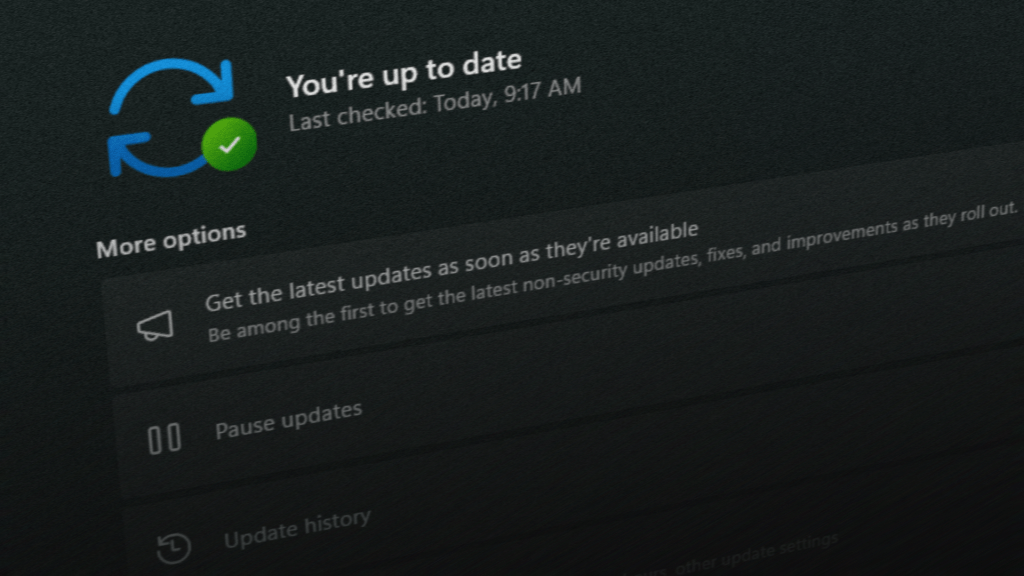
- Disable automatic updates to avoid reinstallation (Settings > Windows Update > Advanced options > Pause updates).
- Contact modem manufacturers for potential firmware updates, though none have been confirmed at this time.
- Consider upgrading to broadband if dial-up is the sole internet option, especially in regions where infrastructure is limited.
For businesses, the disruption may require immediate action—such as sourcing compatible modems or transitioning to modern communication methods. While Microsoft’s move underscores its commitment to security, the lack of foresight for legacy hardware leaves a gap that could take months to address.