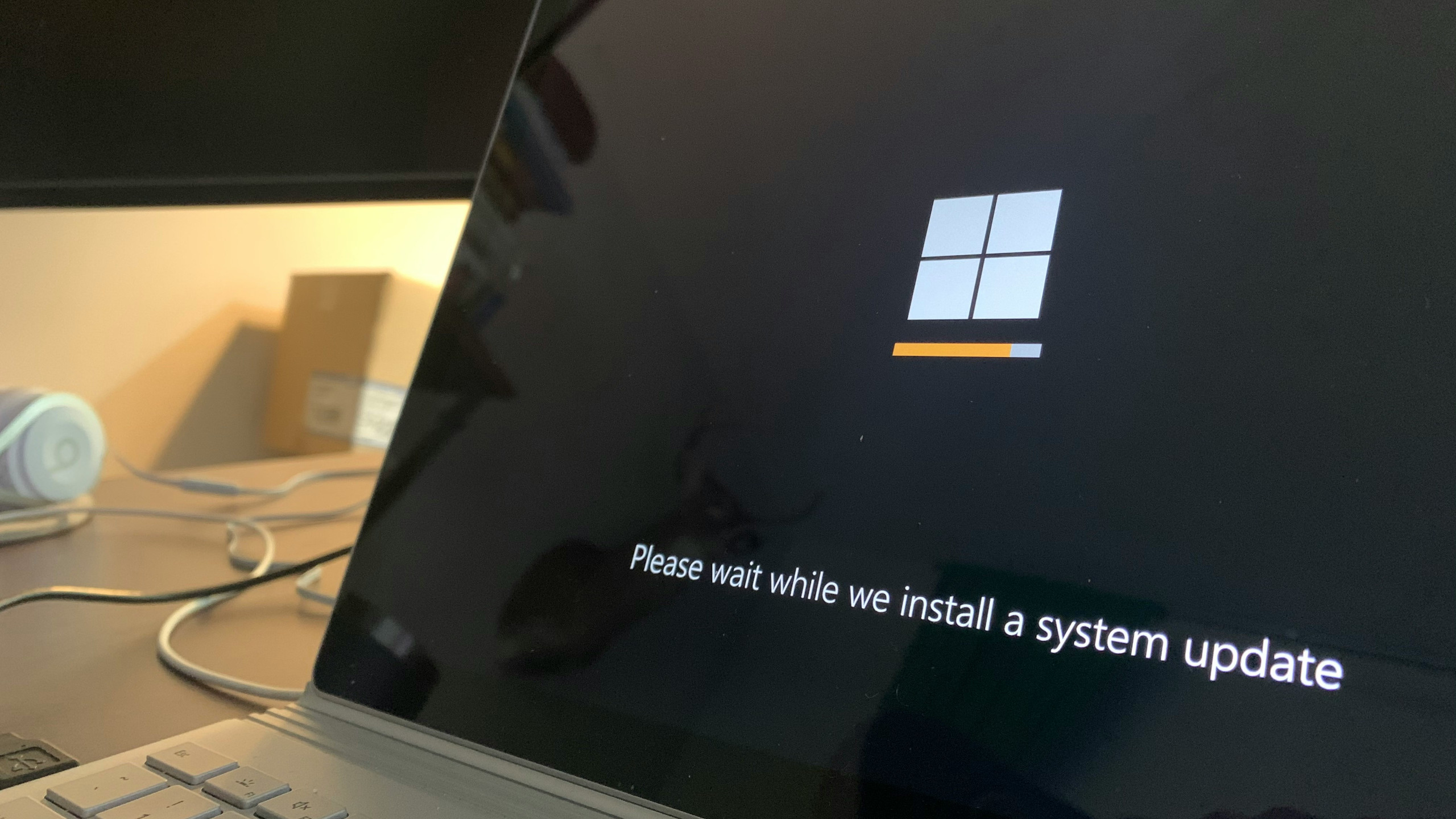
When a user stepped away from their desktop for a shower, they returned to find the system had bypassed months of manual rejections and installed Windows 11 without notice. The incident—now circulating with more than 5,500 reactions—exposes how Microsoft’s upgrade path can override local settings if left unchecked.
Normally, Windows 11 installation requires explicit consent, yet this case suggests that under specific conditions, the operating system can proceed even when automatic updates are disabled. While users retain a 10-day window to revert, the episode underscores the importance of BIOS-level safeguards and third-party tools in maintaining control over major OS transitions.
Key Specs
- Upgrade Path: Windows 10 → Windows 11 (automated, no user prompt)
- Rollback Window: 10 days via official channel; extended support with third-party utilities
- Prevention Methods:
- Disable TPM in BIOS (Security/Advanced → search for TPM/FTPM/PTT)
- Turn off automatic updates (defer non-critical patches)
- Use Rufus or similar tools to suppress prompts
The user had repeatedly declined the upgrade, yet the system proceeded during an unattended period. This behavior is likely tied to a combination of residual update triggers and BIOS-level compatibility checks that were not fully disabled.
Why It Matters for Enterprise Buyers
For organizations managing fleets of Windows 10 machines, this scenario highlights the need for centralized deployment controls rather than relying solely on user-level settings. Disabling TPM in BIOS can prevent eligibility, but it requires physical access to each device—a challenge at scale. Alternatively, third-party tools that extend rollback periods offer a safer path forward without compromising security.
In day-to-day use, users may notice slower performance immediately after an upgrade if hardware lacks full Windows 11 optimization, though this is not guaranteed in every case. The real risk lies in the lack of visibility: when a machine silently crosses to a new OS version, it can disrupt workflows without prior testing.
What to Watch Next
Microsoft has not commented on whether this behavior stems from an intentional feature or an edge-case bug. If confirmed as widespread, it could prompt stricter enterprise policies around BIOS configuration and update deferral. Until then, IT administrators should audit TPM status across devices and prepare rollback procedures to mitigate unintended transitions.
For now, the status quo remains: Windows 10 users can block upgrades by disabling automatic updates or TPM, but the system will still attempt to upgrade if hardware meets minimum requirements. The balance between forced adoption and user agency is shifting, and this incident serves as a reminder that control often lies at the BIOS level rather than in the OS itself.