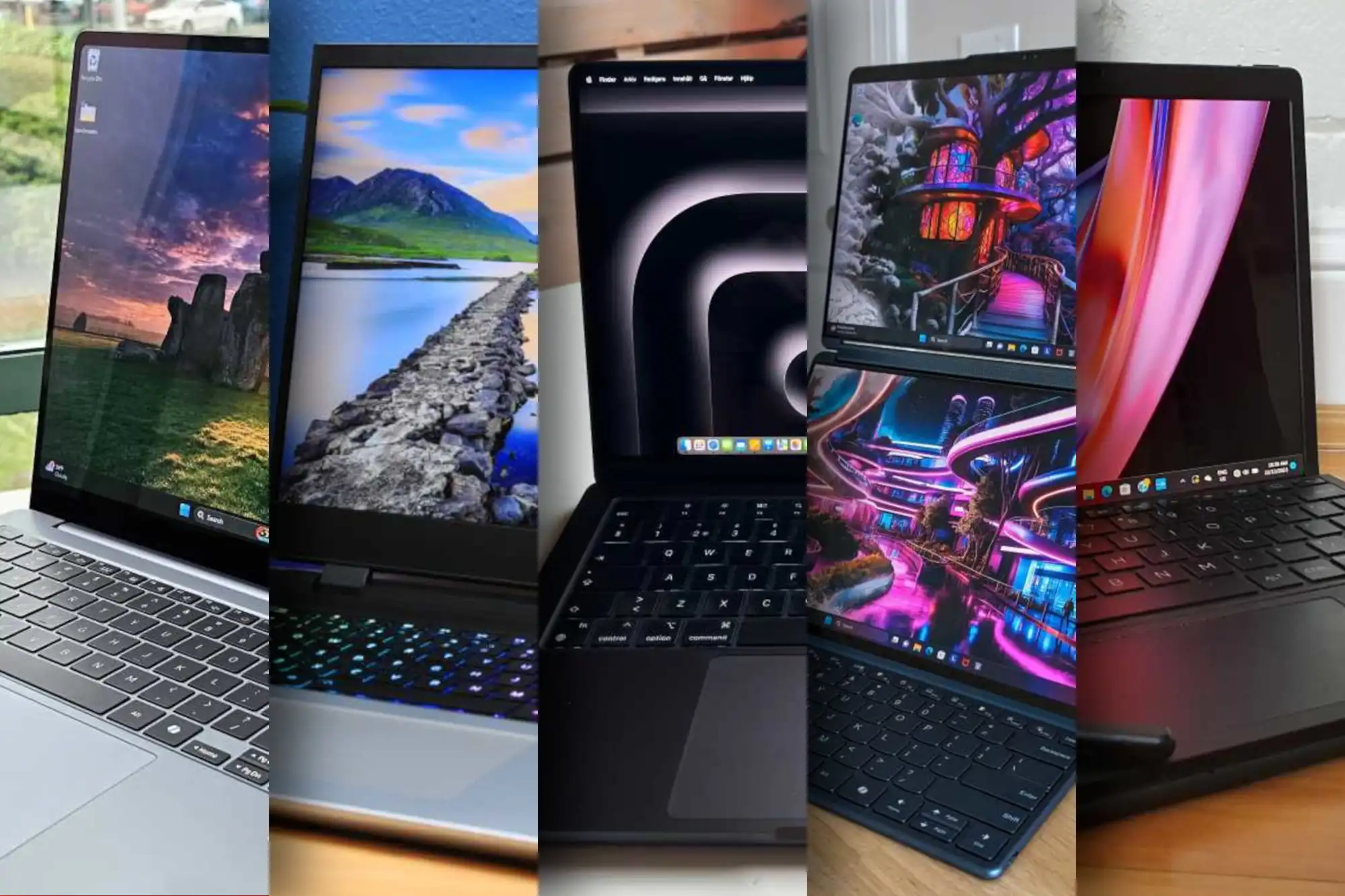
Microsoft has released Windows 11 version 26H1 into the Canary channel of the Windows Insider Program, marking a significant shift from its usual feature-update cycle. Unlike previous releases, this build is not intended to introduce new functionality for existing x64 users but instead serves as a technical foundation for upcoming hardware platforms, particularly those based on Arm architecture.
This development follows the pattern set by Windows 11 25H2, which also arrived as an 'enablement package'—a smaller, targeted update that unlocks previously disabled system components rather than delivering a full OS overhaul. The 26H1 build, identified as version 28000, is the first to officially display 'Windows 11, version 26H1' in system settings, signaling its role as a platform update rather than a traditional feature release.
The primary focus of this build is compatibility with new processors, including Qualcomm's Snapdragon X2 and X2 Elite, as well as Nvidia's N1 and N1x chips. These components require adjustments in power management, process scheduling, and driver architecture to ensure stable performance on Windows-on-Arm devices. While these changes are largely transparent to users, they lay the groundwork for smoother operation of future hardware.
For current x64 users, 26H1 offers no functional advantages over 25H2, which remains the main branch for new features. Microsoft's update strategy continues to prioritize annual major releases in the second half of the year, with 26H2 expected to deliver the next wave of innovations for all users later this fall.
Despite its technical nature, the Canary build includes several user-facing improvements that were previously available in other channels. These include
- A redesigned 'Mobile Devices' page in Settings, allowing users to manage smartphones as cameras or display files directly in File Explorer.
- Enhanced dark mode consistency in File Explorer, with copy, move, delete, and progress dialogs now fully aligned with the system's dark theme.
- Improved Xbox Full Screen Experience (FSE), now available on more devices, including desktops. The interface prioritizes gaming performance by reducing background processes.
- Click to Do functionality on Copilot+ PCs, which automatically displays context menus for large images or tables, offering direct access to actions like copying, saving, and AI-assisted processing.
- Support for external USB webcams in Windows Studio Effects, accessible via Settings or the taskbar's quick settings.
- A revamped Drag Tray that supports simultaneous file sharing, automatically suggests matching apps, and allows direct folder placement.
Additional refinements include a more responsive Start menu, improved keyboard backlighting controls, and haptic support for pens, which provides tactile feedback for UI interactions. Microsoft has also addressed several bugs, such as issues in File Explorer, Task Manager, Settings, and Windows Update.
However, the Canary channel is not without its limitations. Early builds often come with instability, crashes, or performance hiccups, making them unsuitable for users who prioritize system reliability. Known issues in this build include unexpected scrolling behavior in the Start menu and hibernation problems on certain systems. Users are advised to proceed with caution if testing 26H1.
For those interested in early access to platform changes or upcoming hardware, Windows 11 26H1 offers a glimpse into the future of the operating system. While stability remains a concern, it provides valuable insight into the technical direction Microsoft is taking, particularly for Arm-based devices. Those who prefer a more stable experience should stick with 25H2 for now.
Looking ahead, Windows 11 26H2 is poised to deliver the next major feature update, bringing broader innovations to all users. Until then, the Canary channel remains the testing ground for these developments, offering a preview of what's to come without the risk of disrupting daily workflows.