The frustration is familiar: you ask an AI assistant to draft an email, summarize a report, or even just brainstorm ideas, and the response feels like it was written for someone else. The tone is off. The priorities are wrong. The output ignores the tools you actually use. The problem isn’t that the AI is broken—it’s that it hasn’t been properly introduced to your work life.
Most users assume AI tools are ready to assist out of the box, like a universal helper with preloaded settings. But the reality is far simpler: these systems need a structured onboarding process to understand how you think, what you prioritize, and how you work. Without it, they default to generic modes that waste time, miss context, and leave users reaching for manual overrides.
Enter the lifespec—a dynamic, profile-driven framework designed to bridge that gap. Think of it as a digital handshake between you and your AI, where the system learns your role, communication style, workflow tools, and even your professional blind spots. Unlike static prompts or one-off instructions, a lifespec is a living document that can be updated, shared across platforms, and used to create custom AI profiles tailored to your needs.
A Myth About AI Assistance
Many assume AI tools like ChatGPT, Claude, or Gemini are already optimized for personal use. After all, they’re designed to handle a wide range of tasks—from coding to creative writing. But the default experience often falls short because these systems lack personal context. They don’t know whether you’re a developer debugging code, a manager juggling emails, or a designer sketching concepts. Without that foundation, their responses become a guessing game.
For example, if you’re a knowledge worker drowning in meetings, an AI that defaults to formal, verbose replies might feel tone-deaf. Or if you rely on Notion for task tracking but the AI suggests saving files in Google Drive, it’s not just inefficient—it’s irrelevant. The solution isn’t more advanced AI; it’s better onboarding.
What Actually Changes With a Lifespec
A lifespec isn’t just a list of preferences—it’s a structured Q&A session that builds a work-specific profile. The process starts with a series of targeted questions, delivered in small batches to keep it efficient. Unlike a free-form chat, this approach ensures the AI gathers actionable data
- Role & Priorities: Defines your primary function (e.g., founder, analyst, creative) and identifies your biggest time drains (e.g., email overload, task tracking).
- Domain Expertise: Clarifies your industry knowledge level and any cross-functional areas (e.g., a developer who also handles product strategy).
- Working Style: Specifies how you prefer to receive help—whether you want complete drafts, outlines, or just a sounding board.
- Communication Tone: Sets expectations for formality, urgency handling, and whether you welcome pushback or prefer direct execution.
- Tools & Constraints: Lists your essential workflow tools (e.g., Slack, Notion) and any standing priorities (e.g., a monthly board meeting).
The result is a concise document—often generated in under five minutes—that serves as your AI’s operating manual. This isn’t static; you can revisit it as your role or tools evolve. For instance, if you switch from Gmail to Outlook, updating the lifespec ensures your AI adapts without manual prompts.
How to Put It Into Practice
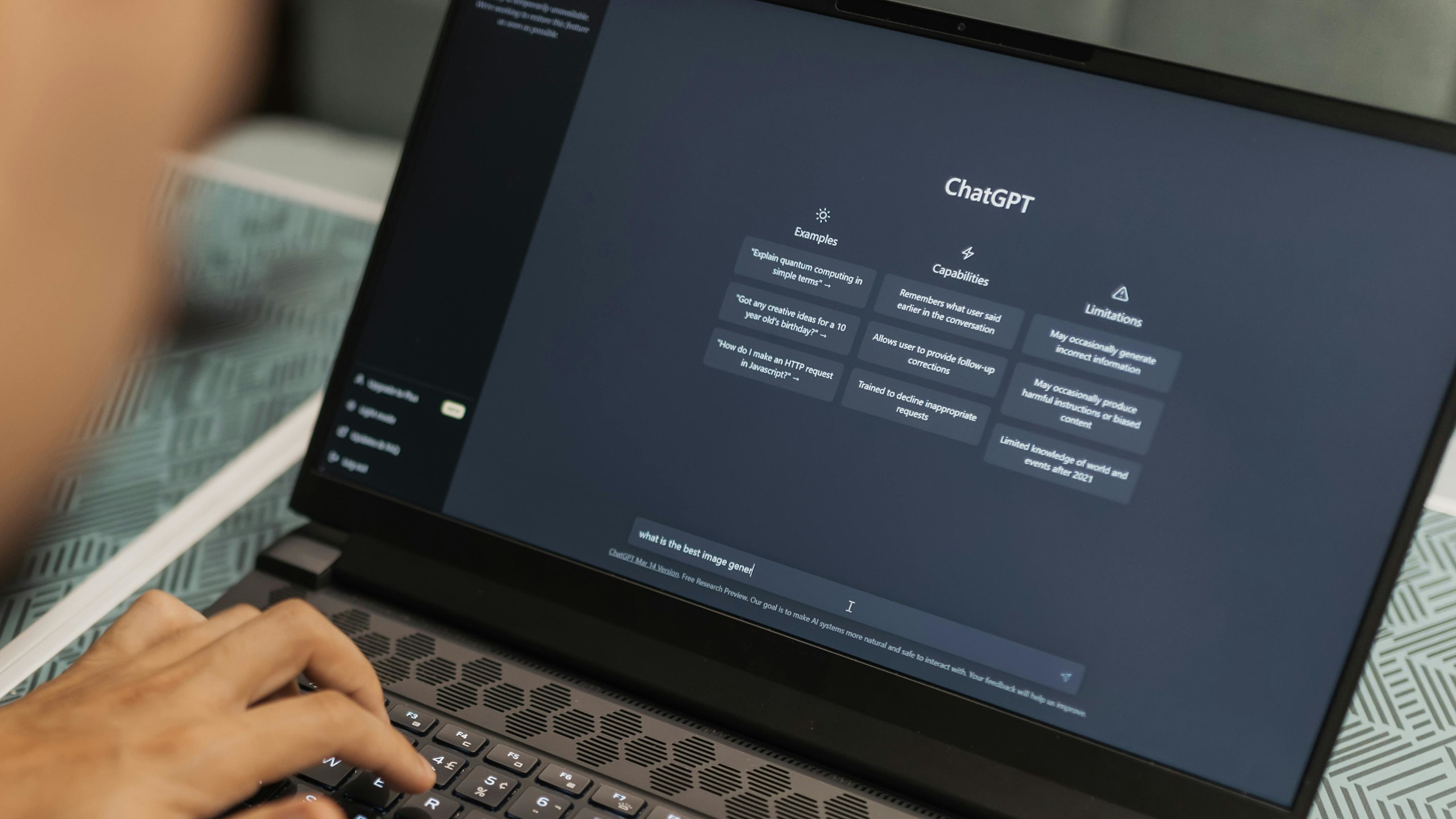
Implementing a lifespec is straightforward across major AI platforms. Here’s how to get started
- ChatGPT: Create a custom GPT by pasting the lifespec into the Instructions field. Name it (e.g., My Workflow AI) and save it. Future chats with this GPT will default to your profile.
- Claude: Use the Projects feature to input the lifespec under What are you trying to achieve. The system will treat it as a persistent context layer.
- Gemini: Add the lifespec to a Gem (custom instruction) in the Instructions* field. This ensures consistency across all interactions.
Once configured, your AI will prioritize your workflow needs. For example
- If your lifespec notes you prefer bullet points for summaries, it will format responses accordingly.
- If you’re marked as terse under pressure, the AI will match your energy without sacrificing clarity.
- If Notion is listed as a key tool, it will suggest integrations or workflows that align with your setup.
The lifespec also supports dynamic updates. Need to adjust priorities? Simply trigger an update (e.g., Load my lifespec and reflect my new focus on Q3 deadlines*), and the system recalibrates.
Why This Matters Now
The shift toward lifespecs reflects a broader trend: AI assistance is moving from generic utility to personal productivity amplification. Without context, these tools remain reactive—responding to prompts without anticipating needs. With a lifespec, they become proactive, reducing friction in daily workflows.
For professionals, this means less time correcting AI outputs and more time leveraging them. For teams, it enables shared lifespecs to standardize AI support across roles. And for individuals, it’s a way to future-proof assistance as tools evolve.
The key takeaway? Your AI isn’t failing you—it’s waiting for its introduction. A lifespec isn’t just a fix; it’s the foundation for a smarter, more efficient partnership.