The Raspberry Pi 5 is no longer just a hobbyist board or a lightweight server candidate. It has evolved into a viable desktop machine capable of handling everyday office tasks, web browsing, and even light content creation—all while consuming minimal power and costing less than $200 when combined with an SSD. This shift could redefine low-cost computing for small businesses, but it doesn’t come without limitations.
At the heart of this build is the Raspberry Pi 5, which brings significant performance improvements over its predecessors. It features a quad-core Cortex-A76 CPU clocked at up to 2.4 GHz, a notable upgrade from the previous generation’s 1.8 GHz limit. The introduction of PCIe support—previously absent in Raspberry Pi boards—allows for the addition of an SSD via a M.2 NVMe interface. This results in a system that boots from storage in seconds and handles multiple applications smoothly, a stark contrast to traditional microSD-based setups.
Supporting this leap in performance is 8 GB of LPDDR5 RAM, now available on the Raspberry Pi 5, up from the previous 4 GB. This memory increase is crucial for running modern office software without noticeable lag. The board also includes dual 4K60 video outputs via HDMI and DisplayPort, making it suitable for multi-monitor setups—a feature that was previously limited to more expensive hardware.
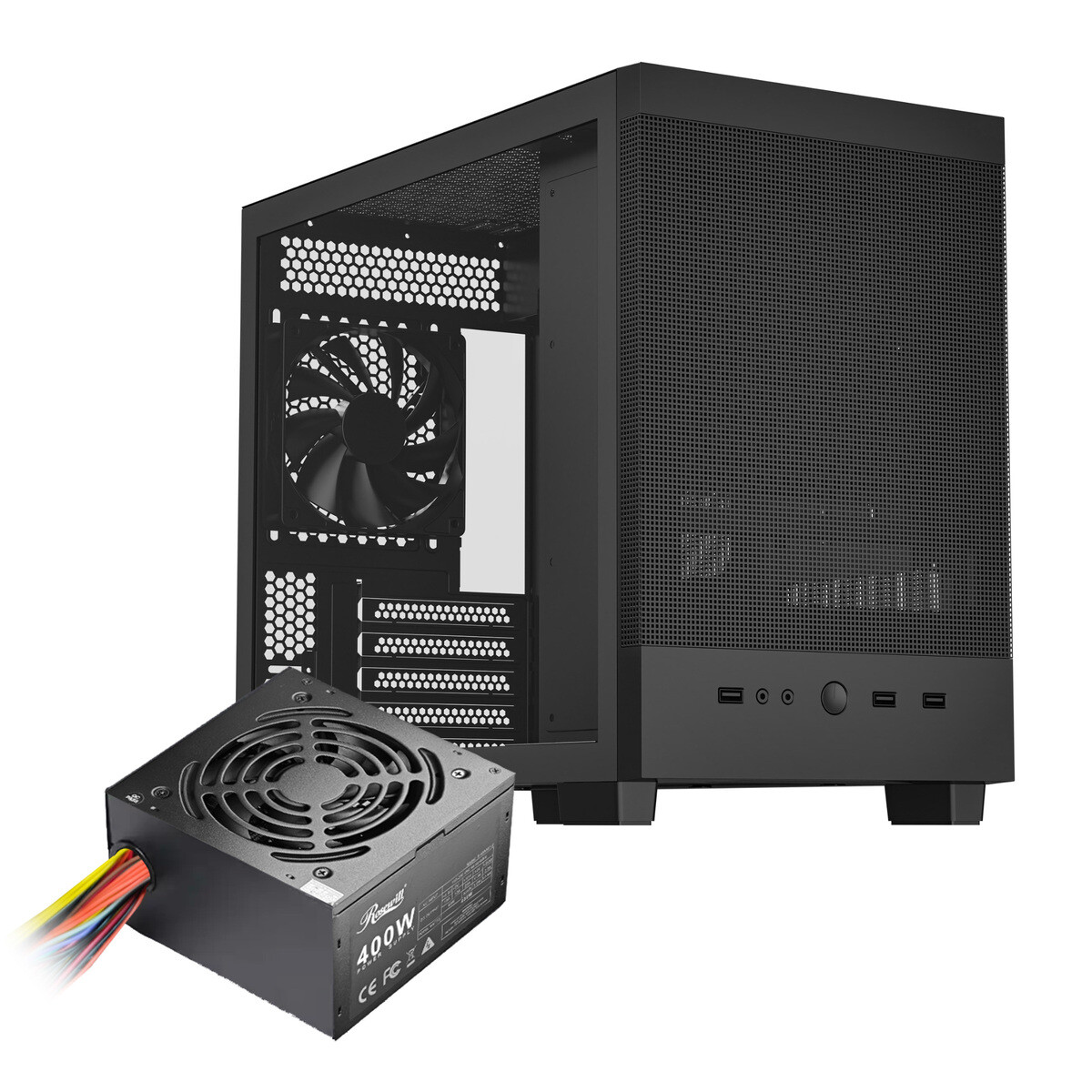
The real innovation lies in the storage solution. By using an M.2 NVMe SSD, the build achieves speeds comparable to mainstream desktop systems. A 1 TB SSD can be added for around $50, pushing the total cost of the system—including the Raspberry Pi 5, power supply, case, and peripherals—to under $200. This is a far cry from the days when Raspberry Pi users were limited to slower microSD cards or USB-based storage.
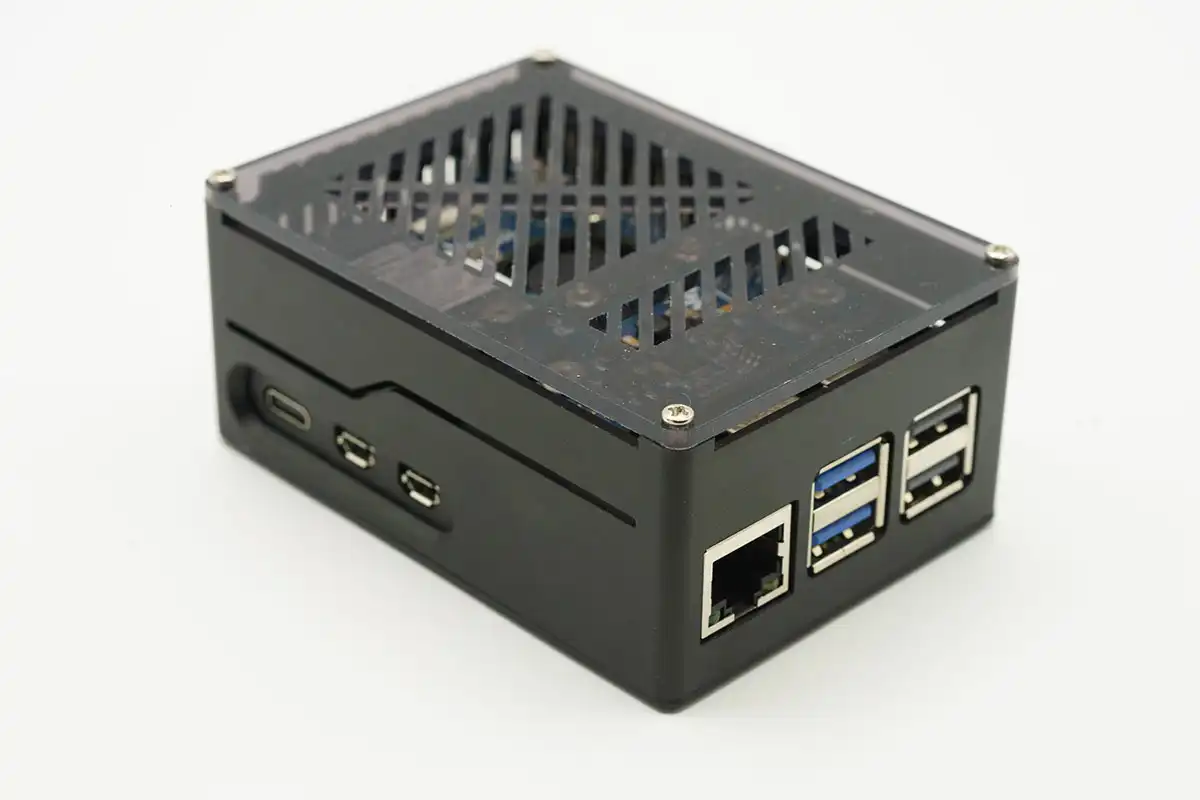
For small businesses, this configuration offers a compelling alternative to traditional ultrabooks or low-end laptops. The power consumption is minimal—typically under 10 watts during active use—meaning it can run for hours on a single power brick without generating significant heat. This efficiency translates to lower operational costs and reduced wear and tear on infrastructure. Additionally, the Raspberry Pi’s open-source nature allows for customization, whether it’s tweaking the operating system or integrating business-specific software.
However, there are tradeoffs. The Raspberry Pi 5 isn’t designed for heavy multitasking or resource-intensive applications like video editing or 3D rendering. While it can handle basic tasks with ease, pushing it beyond its intended workloads will lead to noticeable slowdowns. Moreover, the ecosystem around the board is still evolving, meaning some software may not be fully optimized for ARM-based processors, which could limit compatibility in certain business environments.
The implications for small businesses are clear: this build represents a significant step forward in what can be achieved on a tight budget without sacrificing core functionality. It’s confirmed that the Raspberry Pi 5, when paired with an SSD and properly configured, can deliver desktop-class performance for everyday tasks. What remains unconfirmed is how widely this configuration will be adopted outside of tech-savvy circles and whether software vendors will prioritize ARM compatibility in the near future. For now, it stands as a testament to what’s possible when hardware innovation meets practical constraints—without breaking the bank.