The latest updates to Microsoft’s Xbox app and Game Bar overlay introduce tangible improvements for handheld gaming, but their success depends less on the features themselves and more on how they integrate into an already fragmented ecosystem. The most immediate change is a streamlined display widget embedded within the Game Bar overlay, offering users instant access to refresh rate, resolution, projection mode, and Auto Super Resolution settings without disrupting gameplay.
Previously, adjusting these parameters required navigating away from the game, risking interruptions or even losing progress. The new widget eliminates that friction, but whether it will feel truly seamless remains an open question. Early testers report a noticeable reduction in input lag when switching between settings, though some games may still require additional tweaks to fully optimize performance.
Complementing the display widget is a revamped notification system within the Xbox app. Notifications can now appear along any of eight screen edges—top, bottom, left, or right—in three distinct positions per edge. This flexibility is designed to minimize visual interference, allowing users to glance at alerts without losing sight of the game. The same customization options are accessible directly from the Game Bar overlay, eliminating the need to switch between apps mid-session.
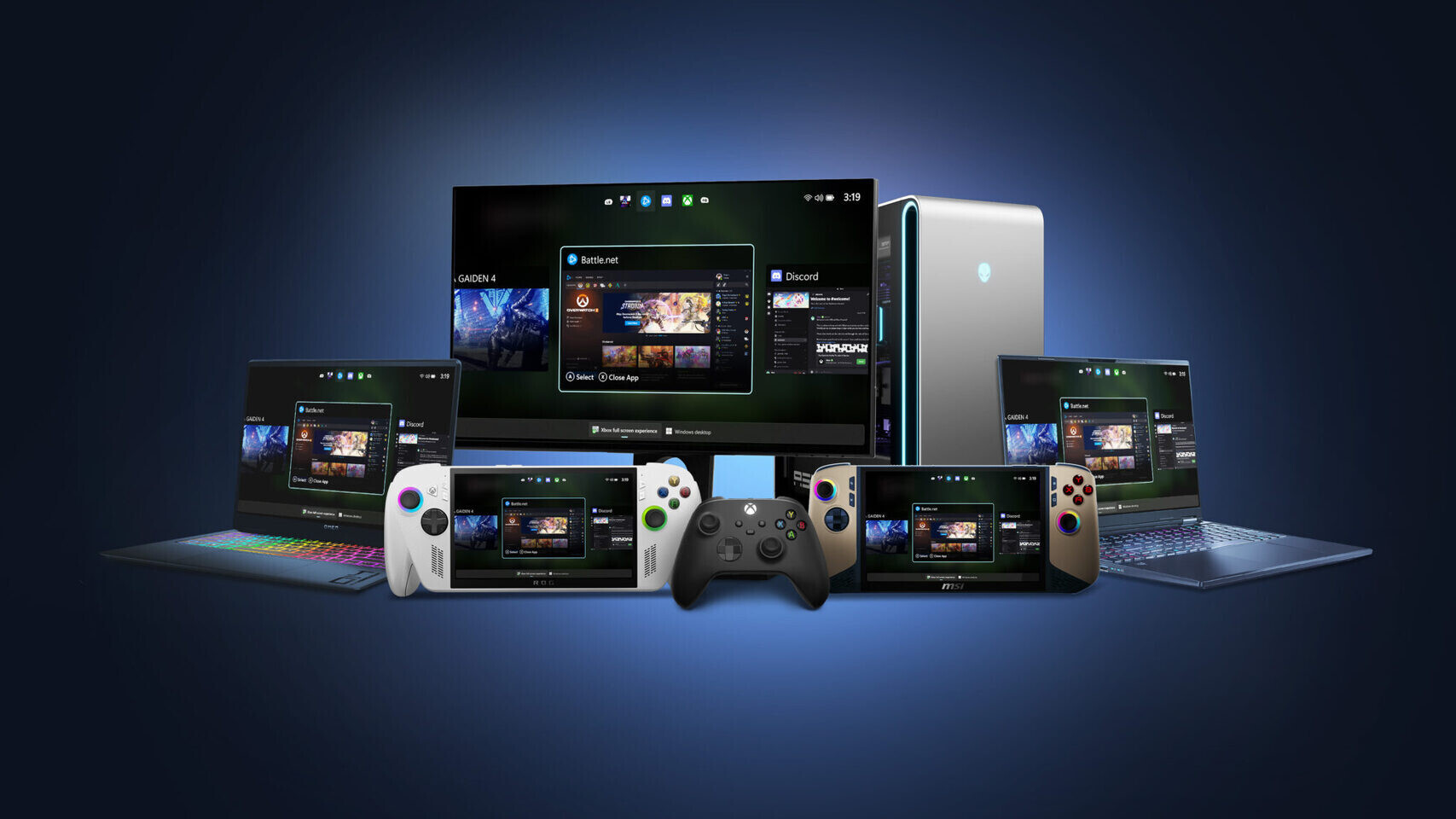
- Display Widget: Integrated into the Game Bar overlay for real-time adjustments to refresh rate, resolution, projection mode, and Auto Super Resolution.
- Notification Placement: Eight configurable positions (three per screen edge) to reduce visual disruption during gameplay.
- Preview Status: Currently available in the Xbox app preview; full release expected within weeks.
The updates reflect Microsoft’s broader strategy to refine handheld gaming on Windows, a domain it entered with the Steam Deck and later expanded through partnerships. However, the company’s recent history with buggy Windows 11 updates introduces skepticism about whether these refinements will be enough to compete long-term or if deeper systemic changes are needed.
For now, the focus is on polish: smoother transitions between settings, fewer interruptions, and a more cohesive experience. But without clearer roadmaps for future development, it’s hard to say whether this is just fine-tuning or a step toward something more transformative. The proof will be in how these features perform under real-world conditions—and whether Microsoft can avoid repeating past mistakes.
One potential limitation is the lack of broader platform integration. While the Xbox app and Game Bar overlay offer incremental improvements, they don’t address fundamental challenges like input latency or performance inconsistencies across different Windows devices. These issues remain unresolved, casting doubt on whether Microsoft’s approach will be sufficient to meet the demands of modern handheld gaming.
The bottom line is that these updates are a step in the right direction, but they’re not a revolution. They offer tangible improvements for users who rely on handheld gaming, but their long-term impact depends on Microsoft’s ability to execute flawlessly and avoid past pitfalls. If the company can deliver on its promises, it could set a new standard for seamless gaming experiences on Windows.