Microsoft has quietly released an optional update for Windows 11—KB5074105—that tackles a growing list of stability problems while rolling out new features ahead of next month’s official Patch Tuesday release. Unlike mandatory updates, this patch is available now for users eager to resolve issues without waiting.
At its core, the update addresses several long-standing frustrations for Windows 11 users. The Start Menu, which has been plagued by crashes and unresponsive behavior, now functions more reliably. Login screens are fixed, including the persistent issue where the password icon failed to display. Additionally, the update resolves various system crashes that have accumulated over time, improving overall responsiveness.
The patch also introduces two notable new features. Cross-Device Resume allows Android apps to pause on a mobile device and resume seamlessly on a Windows PC, a feature previously limited to Microsoft’s own apps. Meanwhile, Smart App Control (SAC)—Windows 11’s security layer that blocks untrusted applications—now offers granular control. Users can toggle SAC on or off directly from Windows Settings without reinstalling the operating system, a significant improvement over past limitations.
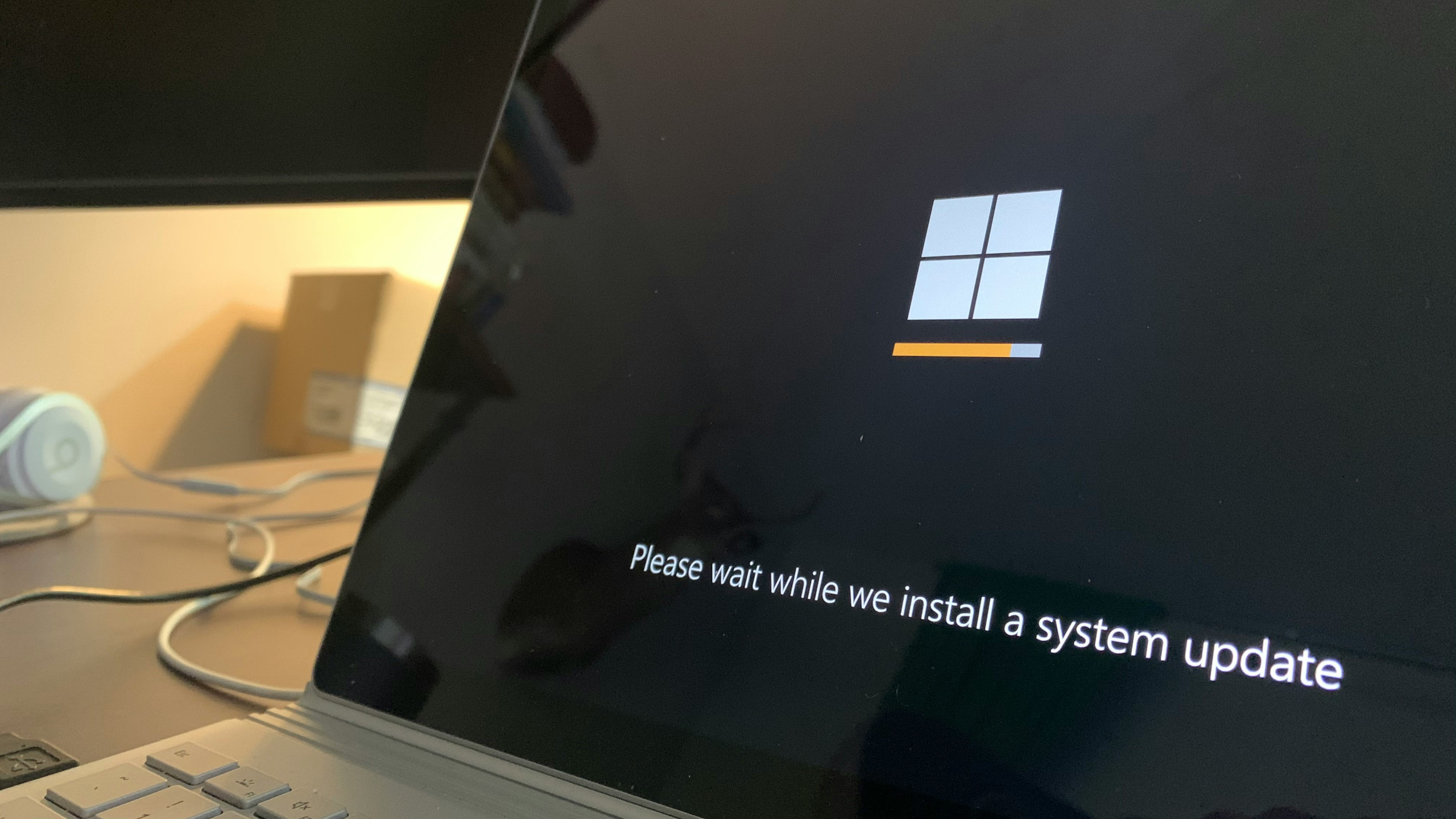
How to install the update
Since this is an optional preview, it won’t install automatically. To apply KB5074105
- Open Settings and navigate to Update & Security.
- Select Windows Update, then check the Optional updates available section.
- Locate KB5074105 under the list of optional updates and install it.
While the update is optional, it serves as a sneak peek into fixes that will arrive in February’s Patch Tuesday release. For users experiencing stability issues, installing it now could provide immediate relief.
Microsoft’s approach of releasing optional previews allows tech-savvy users to test updates before broader deployment, reducing the risk of widespread disruptions. However, those who prefer to wait may opt for the official Patch Tuesday release later this month.