A spreadsheet can now do more than crunch numbers—it can also produce QR codes on demand. The latest update to Google Sheets introduces a built-in function that generates QR codes from cell contents, offering a faster, more precise alternative to manual creation tools.
This change is significant for businesses relying on dynamic data displays or developers embedding QR codes in applications. Instead of switching between apps, users can now generate, customize, and deploy QR codes within the same spreadsheet environment. The function supports standard error correction levels and size adjustments, maintaining compatibility with existing QR code readers.
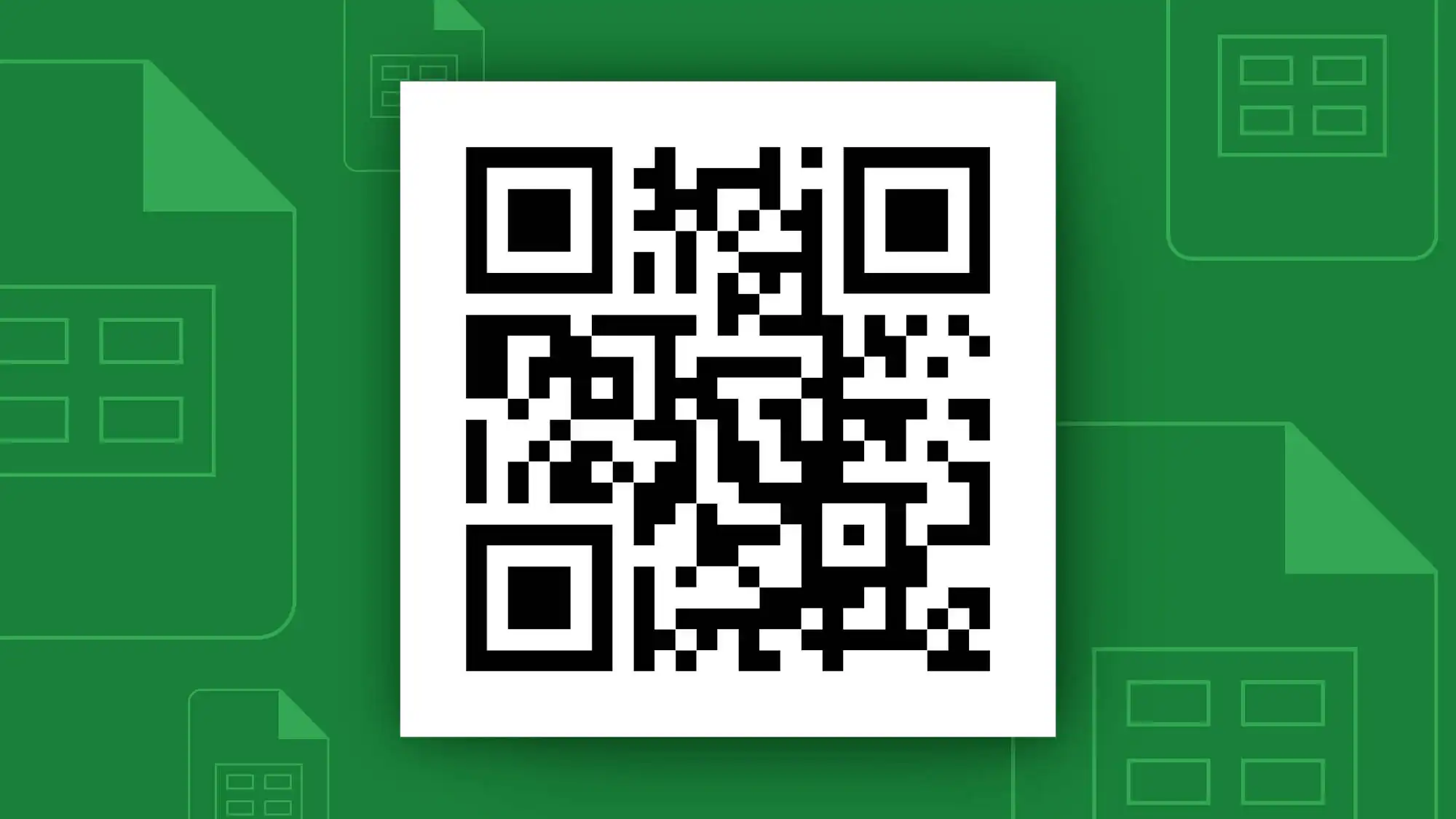
- Key Capabilities:
- Generate QR codes from text, URLs, or contact details stored in cells
- Adjust error correction (low to high) for durability in different environments
- Control output size and margin settings directly in the spreadsheet
The integration removes a common bottleneck in workflows where QR codes are part of batch processes—such as inventory tags, event tickets, or data log entries. Users no longer need third-party tools or manual design steps, reducing errors and saving time.
However, limitations remain: advanced customization (colors, logos) still requires external tools, and the function does not yet support version 2+ QR codes used in some enterprise applications. The feature is available immediately for all Google Sheets users without additional cost.
For teams managing large volumes of QR codes, this update represents a strategic shift toward deeper spreadsheet integration. It aligns with broader trends of consolidating utility functions within productivity platforms, reducing app switching and improving efficiency.