Wooting has taken a significant leap forward in keyboard customization by introducing per-app profile switching for its Hall Effect keyboards. This feature allows users to adjust key feel, response, and behavior dynamically based on the software they are using, rather than relying on a single global setting.
The update builds on Wooting's reputation for high-precision mechanical keyboards, which have long been favored by gamers and power users for their tactile feedback and responsiveness. However, this new capability shifts the focus from raw performance to adaptability, addressing a long-standing limitation in keyboard design: the inability to fine-tune input behavior without sacrificing consistency across different applications.
Previously, users had to choose between a single, universally applied profile or manually switch profiles within an application—a process that was cumbersome and disrupted workflow. With per-app profiles, Wooting keyboards now remember and apply the exact settings for each app, whether it's a game with complex key mappings, a productivity tool like a code , or even a streaming platform that demands specific macros. This means that opening a game no longer requires navigating through profile menus; the keyboard simply adjusts on its own, maintaining a seamless experience.
The practical implications of this feature are substantial. For gamers, it eliminates the need to memorize keybindings or switch between profiles mid-session, which can be critical during intense gameplay. For professionals working with multiple applications—such as developers juggling IDEs, designers using specialized software, or content creators managing streaming tools—the ability to tailor key feel and response per app can significantly boost efficiency. Even everyday users who switch between tasks frequently will benefit from the reduced cognitive load of managing different input preferences.
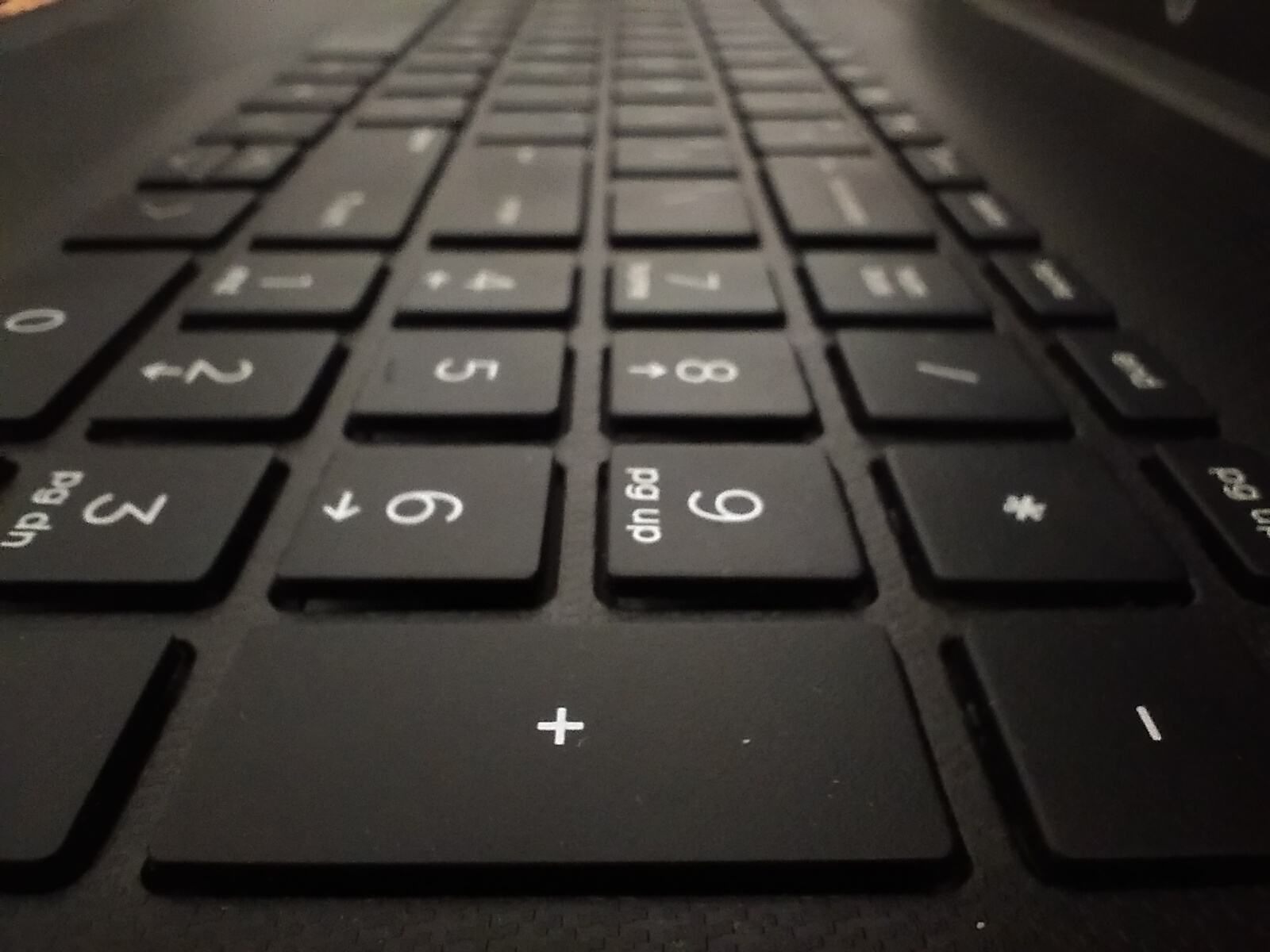
However, this new feature is not without its tradeoffs. Per-app profiles require additional storage on the keyboard's internal memory or cloud-based sync, which could theoretically limit the number of applications that can be customized if the storage capacity is reached. Additionally, users who rely on a minimalist setup with fewer profiles may find the added complexity unnecessary, though Wooting has designed the system to be intuitive enough to avoid overwhelming casual users.
Another consideration is compatibility. While Wooting's Hall Effect keyboards are already known for their advanced features, not all applications will recognize or benefit from per-app profiles. Some software may lack the depth of key mapping required to make the most of these customizations, leaving users with a less tangible improvement in those cases. Nonetheless, for applications that do support complex input, the difference is immediately noticeable.
Looking ahead, this update positions Wooting at the forefront of keyboard innovation, moving beyond traditional mechanical switches to focus on software-driven personalization. It raises the question of whether other manufacturers will follow suit, potentially redefining what users expect from a keyboard in terms of adaptability and functionality. For now, Wooting's keyboards stand out as a tool that doesn't just react to user input but actively shapes it to fit their needs.
For buyers, the decision hinges on whether the added flexibility justifies the premium price point. While per-app profiles are a compelling feature for power users and professionals, those who prioritize simplicity or have less demanding use cases may find the value proposition less clear. Nonetheless, Wooting has once again pushed the boundaries of what's possible with mechanical keyboards, offering a glimpse into a future where input devices are as dynamic as the software they interact with.