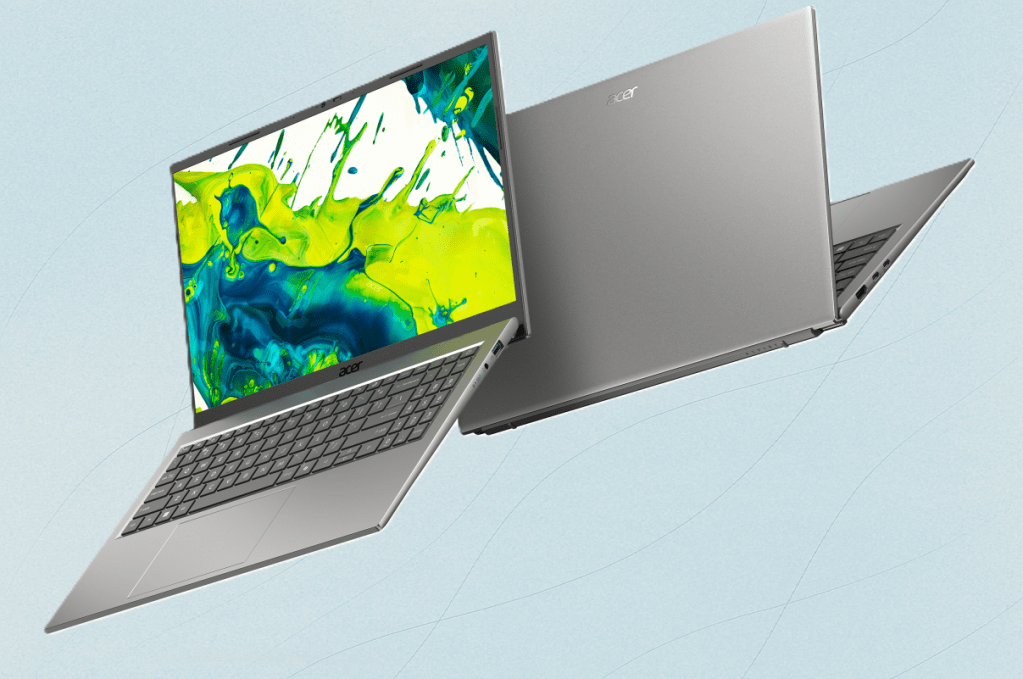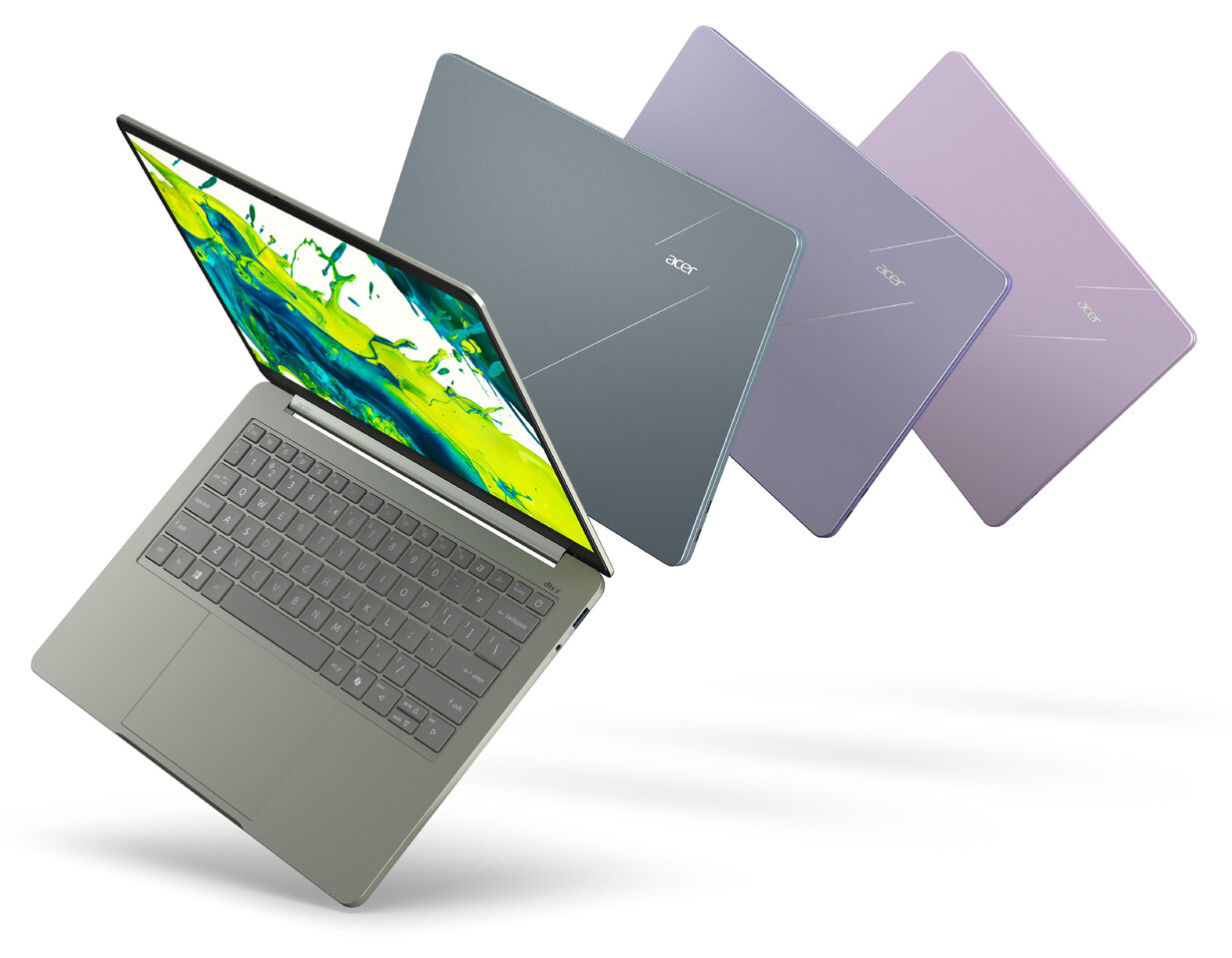
Acer's foray into Snapdragon-powered laptops isn't just about cheaper hardware; it’s about redefining what ‘budget’ means in the performance spectrum. By dropping Qualcomm’s Snapdragon 7c Gen 3—a chip that usually graces $1,000+ ultrabooks—into sub-$600 machines, Acer is challenging the notion that high-end specs require a hefty price tag.
The key here isn’t just the octa-core 2.0 GHz CPU or the Adreno 710 GPU, but how those components are packaged in a form factor that feels familiar to enterprise buyers: lightweight, portable, and ready for office work. Yet, beneath the surface, trade-offs emerge that could make this lineup a double-edged sword.
What you’re getting
- Processor: Qualcomm Snapdragon 7c Gen 3 (octa-core, 2.0 GHz)
- Graphics: Adreno 710 GPU (efficient but not for heavy rendering)
- Memory: Up to 18 GB LPDDR5X RAM (fast, but limited capacity in lower tiers)
- Storage: 256 GB to 1 TB NVMe SSD (no eMMC, so no slow storage here)
- Display: 14-inch 1080p IPS (100% sRGB, optional 16:10 aspect ratio for productivity)
The inclusion of Thunderbolt 4 is a standout—it’s rare to see this feature in budget laptops, and it future-proofs connectivity for those who need fast data transfer or docking. Battery life, clocked at up to 12 hours on a 57 Wh cell, aligns with the Snapdragon ethos: efficiency over brute force.
Real-world trade-offs
The biggest advantage is battery life. Unlike traditional x86 laptops that throttle under sustained workloads, these machines stay cool and maintain performance for longer—ideal for users who move between meetings or work remotely. However, the flip side is clear when it comes to raw power.

For tasks like video editing, 3D modeling, or running demanding enterprise software, an Intel Core i5 or AMD Ryzen 7 will still deliver better single-threaded performance and higher clock speeds. Benchmarks show Snapdragon chips trailing in such scenarios by as much as 20-30%, depending on the workload.
But for office work, web browsing, and light multitasking—where efficiency matters more than raw speed—the difference may not be noticeable. The real question is whether businesses are willing to trade a small performance dip for cost savings and portability.
Who should care
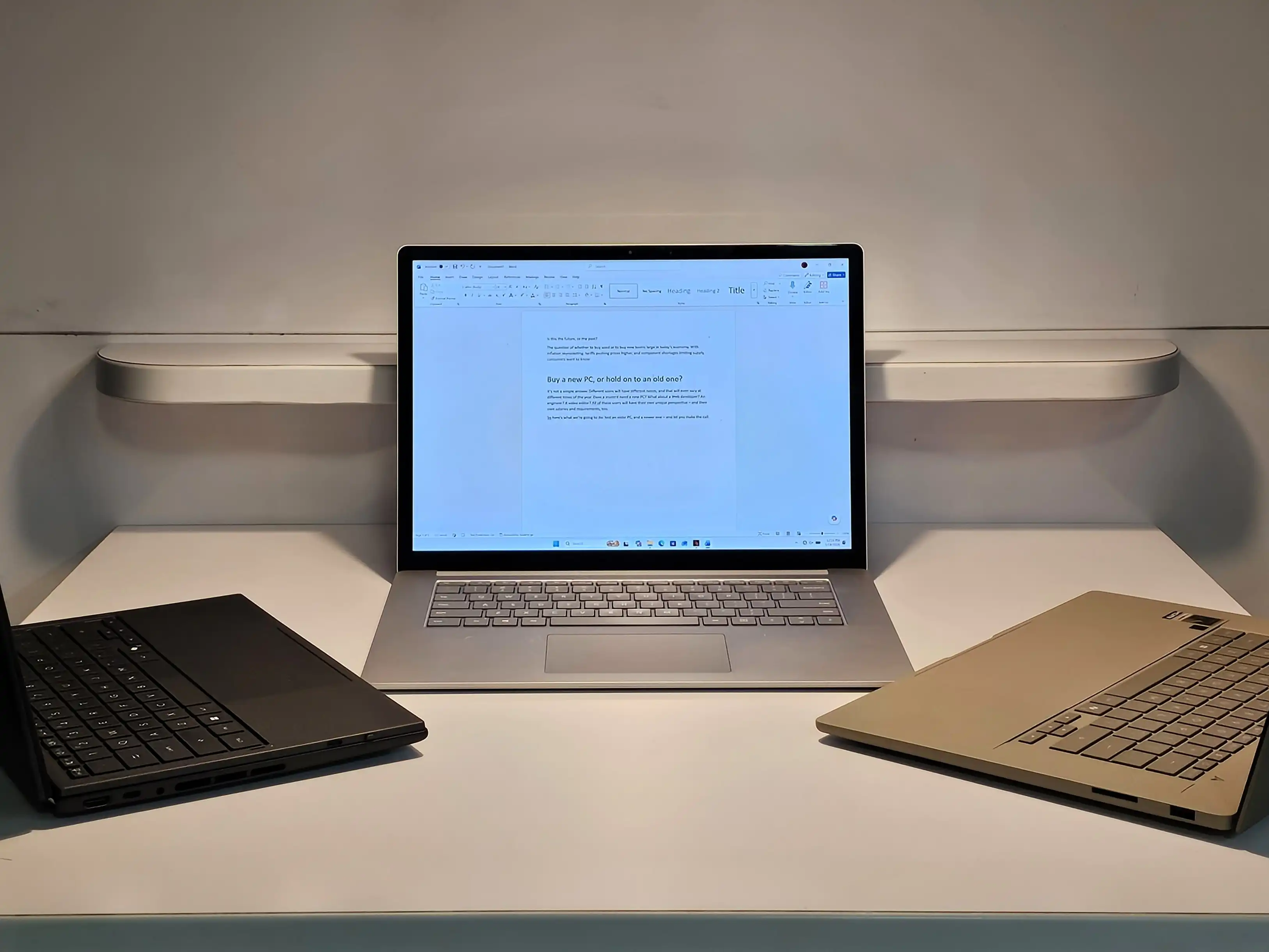
This lineup is tailor-made for organizations that prioritize mobility and battery life over heavy computing. Schools, remote teams, or sales professionals who need reliable devices for presentations and collaboration could find this the sweet spot.
However, enterprises with strict compatibility requirements—such as those running x86-specific software or needing long-term support for legacy applications—should proceed with caution. The Windows-on-Arm ecosystem is still maturing, and not all business tools are optimized for it yet.
Pricing and availability
Starting prices dip below $600, making these laptops competitive in the budget segment. However, availability remains unconfirmed, so buyers should wait for official announcements before committing. If Acer can deliver on both performance and software compatibility, this could be a game-changer for budget-conscious buyers.