Microsoft’s PowerToys utility suite is about to gain a feature that will feel familiar to macOS and Linux users: a docked Command Palette bar. This optional, customizable top-bar—dubbed the Command Palette Dock—lets users pin frequently used extensions like a system monitor, file browser, or clipboard history directly to their screen edge, accessible with a single click.
The new dock resembles macOS’s top menu bar or Linux desktop environments like KDE’s panel, but with a Windows-centric design. Unlike traditional docks, it doesn’t just hold app shortcuts; it integrates PowerToys’ existing Command Palette extensions, offering quick access to tools without keyboard shortcuts.
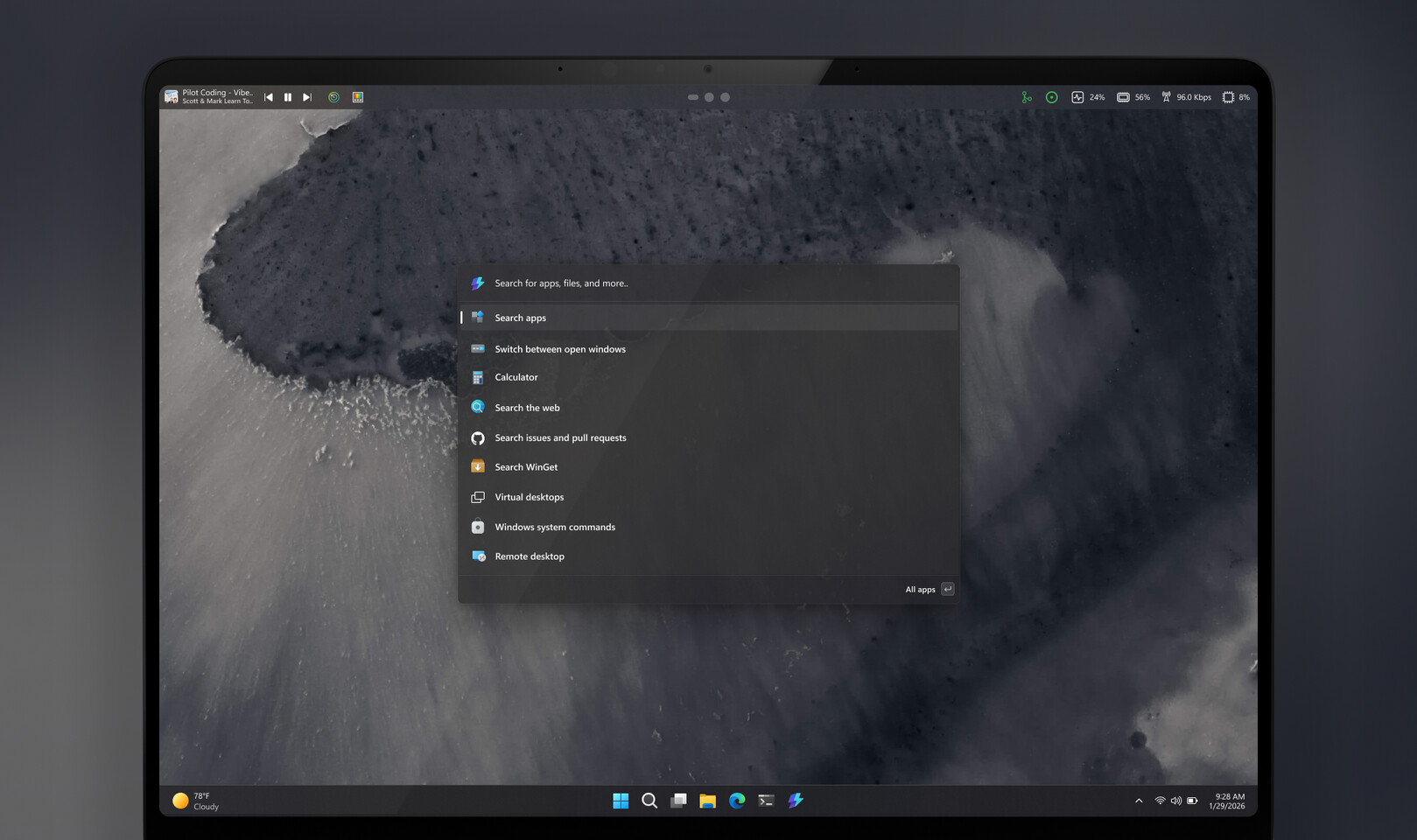
- Command Palette Dock: A persistent top-bar (configurable to any screen edge) that displays pinned extensions.
- Extensions Supported: System monitor, file browser, clipboard history, and all existing Command Palette plugins.
- Interaction: Click the dock icon to expand a pop-up with detailed info, similar to the Windows Taskbar.
- Customization: Positionable (top, bottom, left, right) but less flexible than Linux/KDE docks—no multi-edge support or per-icon styling yet.
- Status: In testing; expected to ship after developer feedback via PowerToys’ preview builds.
The feature builds on PowerToys’ Command Palette—a Windows take on macOS Spotlight or KDE’s Krunner—which lets users search apps, files, and settings via a global shortcut. The dock adds permanence, turning transient commands into always-visible tools. For power users, this could streamline workflows by reducing reliance on keyboard shortcuts, though it may feel redundant for those already using the standalone Command Palette.
Historically, PowerToys has served as a testing ground for Windows features (like window tiling), so this dock could preview future native Windows integrations. For now, it remains a PowerToys-exclusive experiment—no official timeline for broader adoption exists. Users eager to try it will need to enable the preview build.