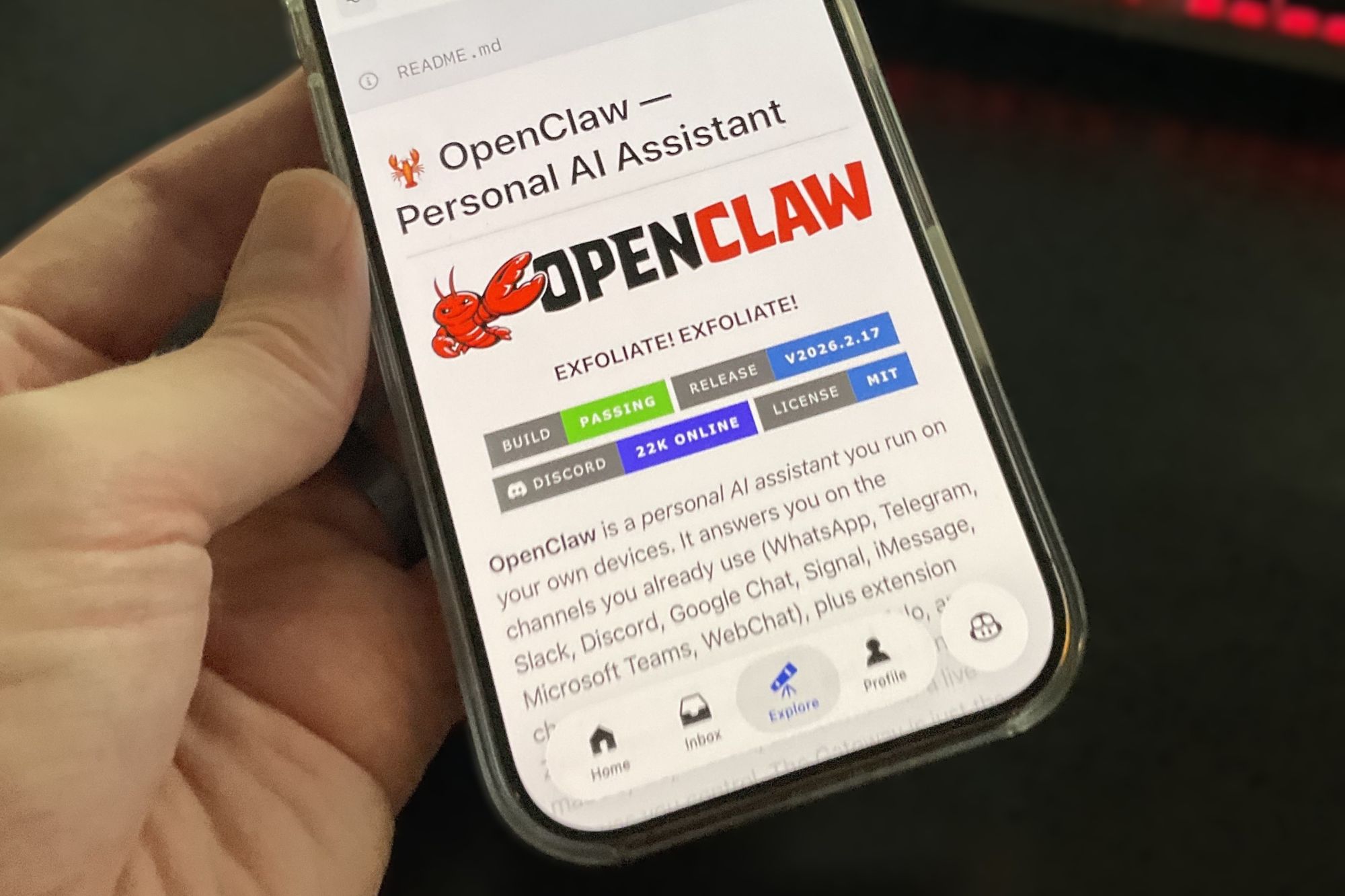
The future of AI automation just landed on your desktop—and it’s terrifyingly capable. OpenClaw, the rebranded successor to Clawdbot and Moltbot, isn’t just another chatbot. It’s an autonomous agent that lives on your system, wakes up with you, works alongside you, and can even make decisions without your direct input. After a quiet start as a niche developer tool, it’s now backed by OpenAI, turning abstract concepts like 'agentic AI' into a tangible reality. But before you install it, there’s a critical question: Are you ready to grant an AI the same unrestricted access as your own user account?
What OpenClaw can do
- System-level access: By default, OpenClaw runs with the same permissions as your user profile, meaning it can read, edit, or delete any file on your system—including critical system files.
- Autonomous execution: Configured via markdown files like HEARTBEAT.md, it can check your calendar hourly, scan your email inbox, or monitor web updates without manual prompts.
- Self-improving: Ask it to build a tool, and it won’t just suggest code—it will compile and install it directly on your machine, expanding its own capabilities.
- Multi-platform chat: Control it via WhatsApp, Telegram, Discord, Slack, Signal, or even iMessage, turning your phone into a command center for system-wide automation.
- Customizable personality: Define its behavior through a SOUL.md file, choosing from models like Claude, ChatGPT, or Gemini to shape how it interacts with you.
For power users, these features are a game-changer. Imagine an AI that not only organizes your files but also proactively backs them up, transcribes meetings, or compiles reports while you sleep. The potential for productivity gains is staggering. But that same power introduces a level of risk most AI tools can’t match.
The danger lies in the details
OpenClaw’s most alarming trait is its ability to act on your behalf—without always asking for permission. A misconfigured prompt or a security oversight could lead to catastrophic outcomes. For example
- Prompt injection: An attacker could trick OpenClaw into executing destructive commands (like rm -rf) by manipulating its input, even if you never typed the command yourself.
- Unchecked third-party plugins: The growing ecosystem of unverified add-ons could introduce malware or backdoors, exploiting OpenClaw’s system-level access.
- Accidental data loss: Since it operates with your user permissions, a single misstep—such as an unsupervised file-deletion task—could wipe critical data without recovery.
- Sudo-level risks: While OpenClaw defaults to a restricted 'workspace' directory, a careless use of the Linux sudo command could grant it full administrative control, turning it into a potential system destroyer.
The tool’s creator, Peter Steinberger, was recently acquired by OpenAI, but the software remains open-source—a double-edged sword. On one hand, transparency allows scrutiny; on the other, it means anyone can modify its behavior, including malicious actors. Even with recent security enhancements, the bar for misuse is alarmingly low.
Who should use it—and who shouldn’t?
OpenClaw isn’t for the cautious. It demands technical expertise to configure safely, and even then, the risks aren’t theoretical. For developers and advanced users willing to isolate it in a controlled environment (like a Docker container), it could be a revolutionary tool. But for most users, the combination of unrestricted access and autonomous decision-making is a recipe for disaster.
Consider this: OpenClaw is the digital equivalent of giving a toddler a flamethrower. The excitement of what it can do must be weighed against the very real possibility of irreversible damage. Until its security model matures—and until more users understand the stakes—this is one AI experiment best left to the lab.
OpenClaw’s rise reflects a broader shift toward autonomous AI agents, but its current state underscores how far we still have to go in securing these tools. For now, the advice is clear: If you’re not an experienced systems administrator, keep OpenClaw uninstalled. The future of AI automation is here—but it’s not ready for prime time.