For Ryzen AM5 users, a seemingly simple task—turning on your PC—has become a frustrating gamble. Some systems refuse to boot after weeks or months of normal operation, leaving owners staring at a blank screen with no clear solution. ASRock has now released a targeted BIOS update, version 4.07.AS01, designed to eliminate these ‘no boot’ scenarios by integrating AMD’s latest AGESA ComboAM5 PI 1.3.0.0a patch. The catch? If your PC won’t power on at all, updating it might require a workaround most users don’t expect.
The update isn’t just a bandage—it’s a direct response to reports where AM5-based systems, particularly those on ASRock’s B650 and X670E motherboards, would suddenly fail to initialize after prolonged use. ASRock’s statement clarifies the fix is not a performance tweak or feature addition, but a stability correction for systems already showing symptoms. For those with working PCs, the update also includes optimized memory compatibility, though its impact is limited to cheaper, unbranded DDR5 kits where timing issues might otherwise cause instability.
How to Update When Your PC Won’t Even Turn On
The real challenge arises when the system in question won’t boot at all. ASRock’s solution leverages its BIOS Flashback feature—a tool that allows users to update firmware without a functioning OS or even a mounted drive. The process involves
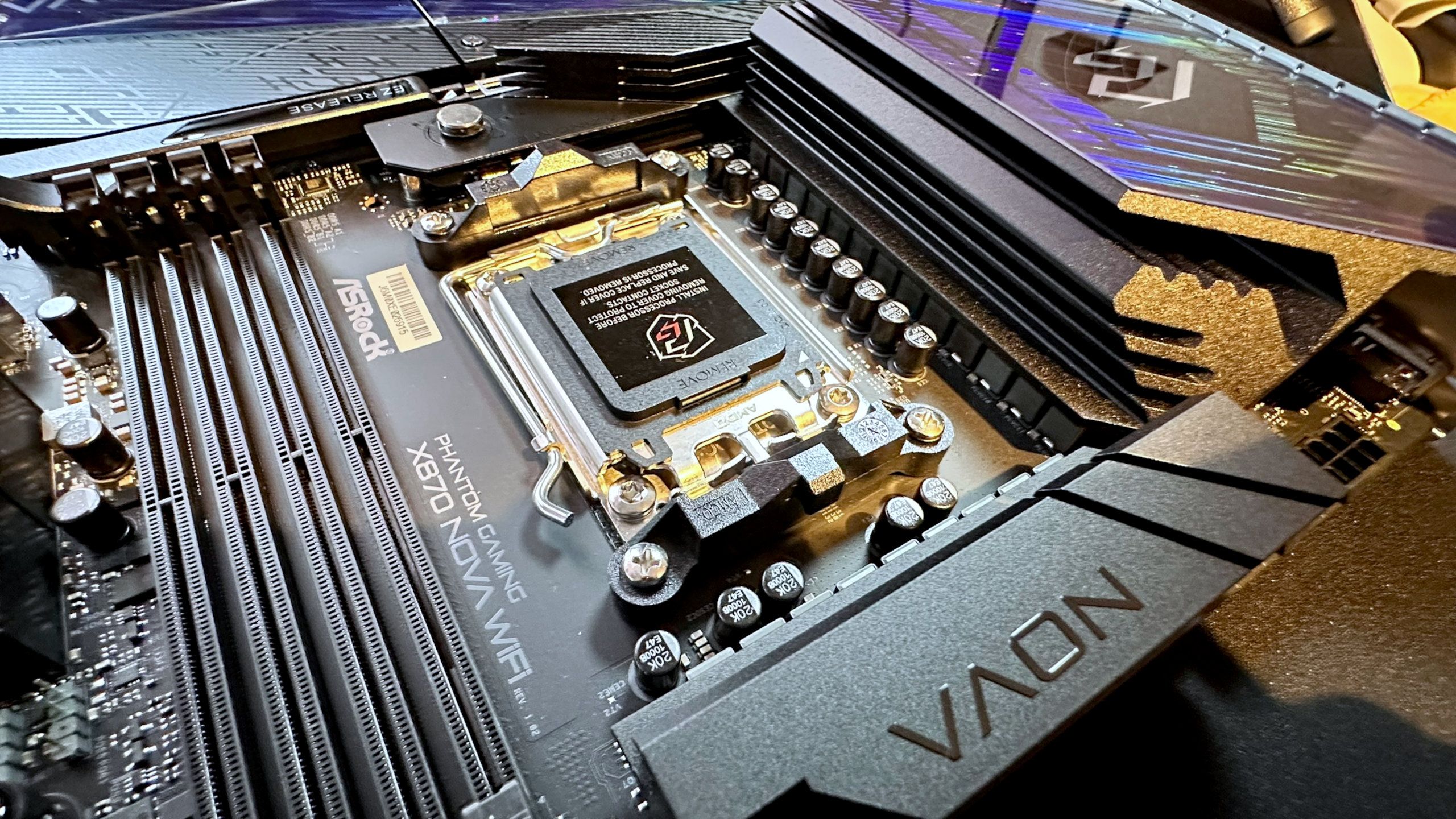
- Downloading the correct BIOS file for your motherboard model from ASRock’s support page.
- Using a USB drive formatted to FAT32 (no larger than 8GB recommended).
- Plugging the drive into the dedicated BIOS Flashback port (not the standard USB headers).
- Powering on the system while holding a specific button combination (varies by model) to trigger the flash.
However, this method isn’t a universal fix. If your PC won’t boot due to hardware failure—such as a fried Ryzen CPU from known motherboard-related issues—BIOS updates won’t revive it. Reports of AM5 processors failing prematurely have affected multiple brands, but ASRock’s models have been disproportionately linked to these incidents. The company has acknowledged the problem and pushed for BIOS updates as a mitigation, though the underlying cause remains unclear.
Who Should Update—and Who Can Skip It
If your AM5 system boots normally, there’s no urgent need to install 4.07.AS01. The update is purely reactive, addressing a niche but frustrating issue. For those affected, the fix may restore functionality, but it’s not a guarantee—especially if the root cause is hardware degradation. ASRock’s broader reputation has taken a hit recently, with its budget-friendly boards often criticized for reliability gaps. While this update shows responsiveness, the company still faces skepticism about whether its long-term fixes will outpace the problems.
For now, users with stable AM5 builds can monitor the situation. Those with non-responsive systems should attempt the BIOS Flashback method, but be prepared for the possibility that deeper hardware issues may still require professional diagnosis.