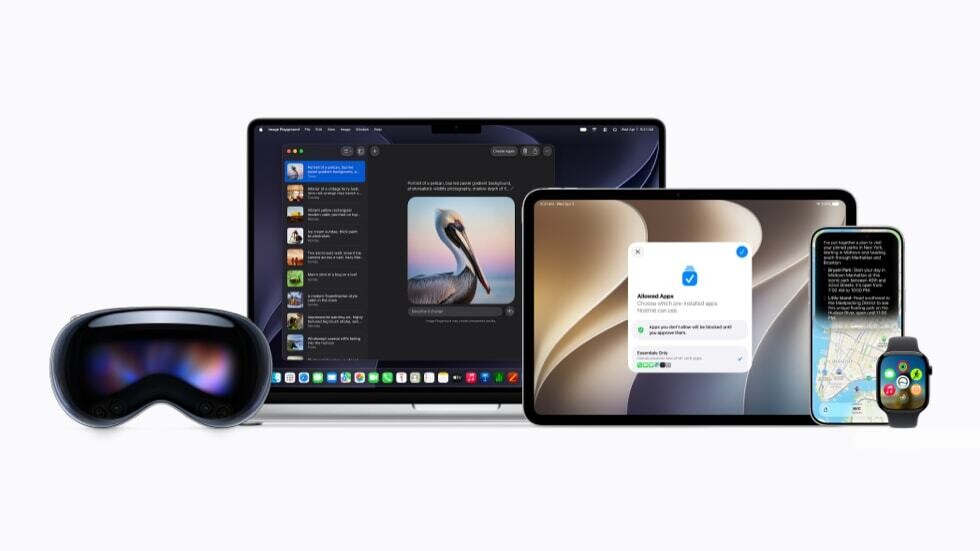
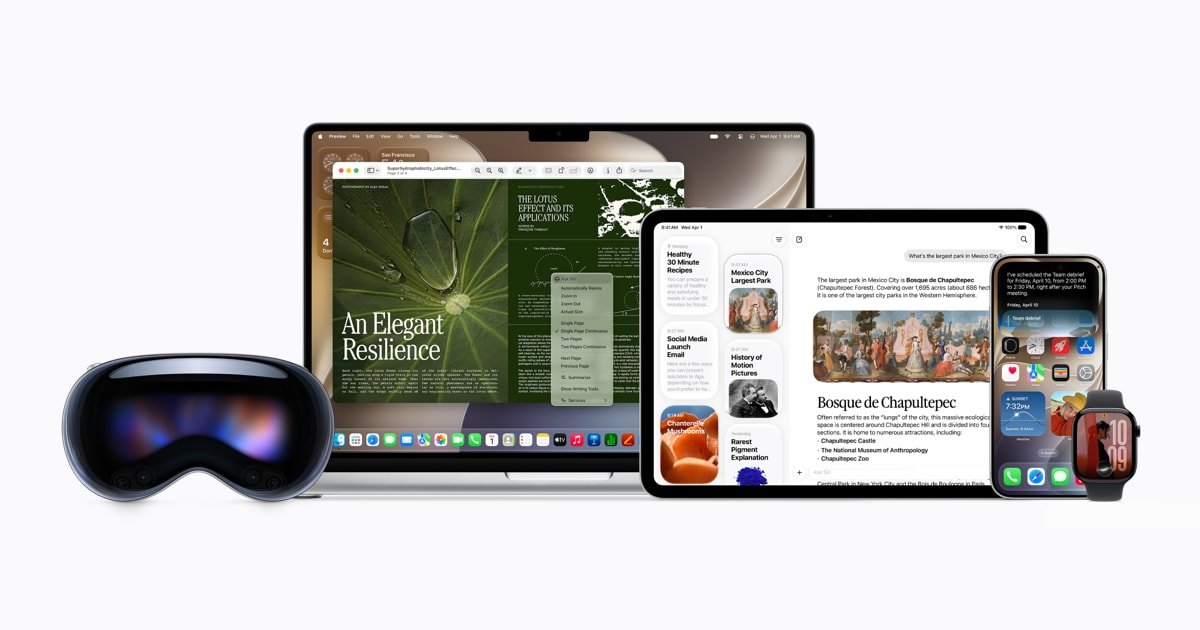
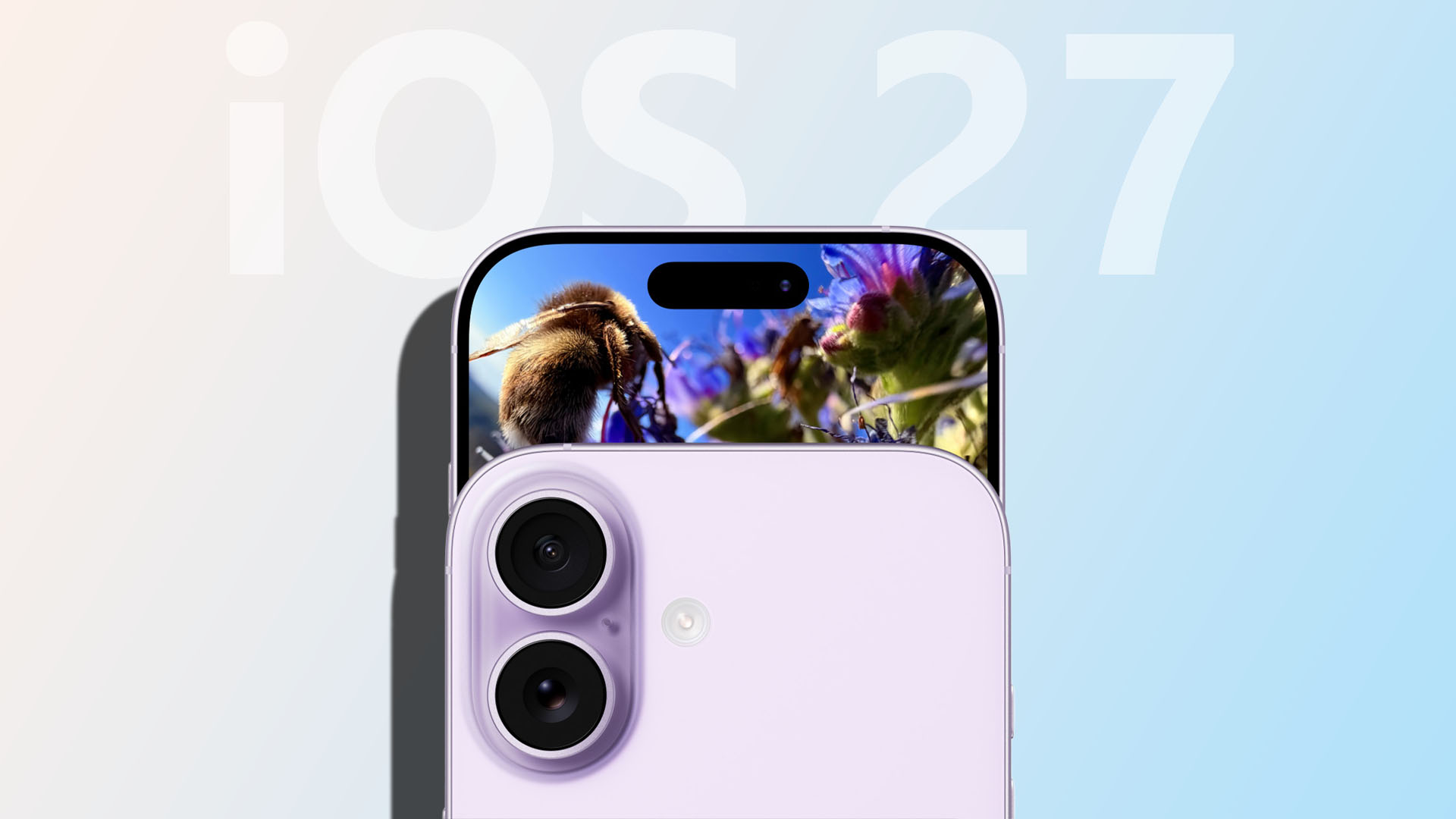
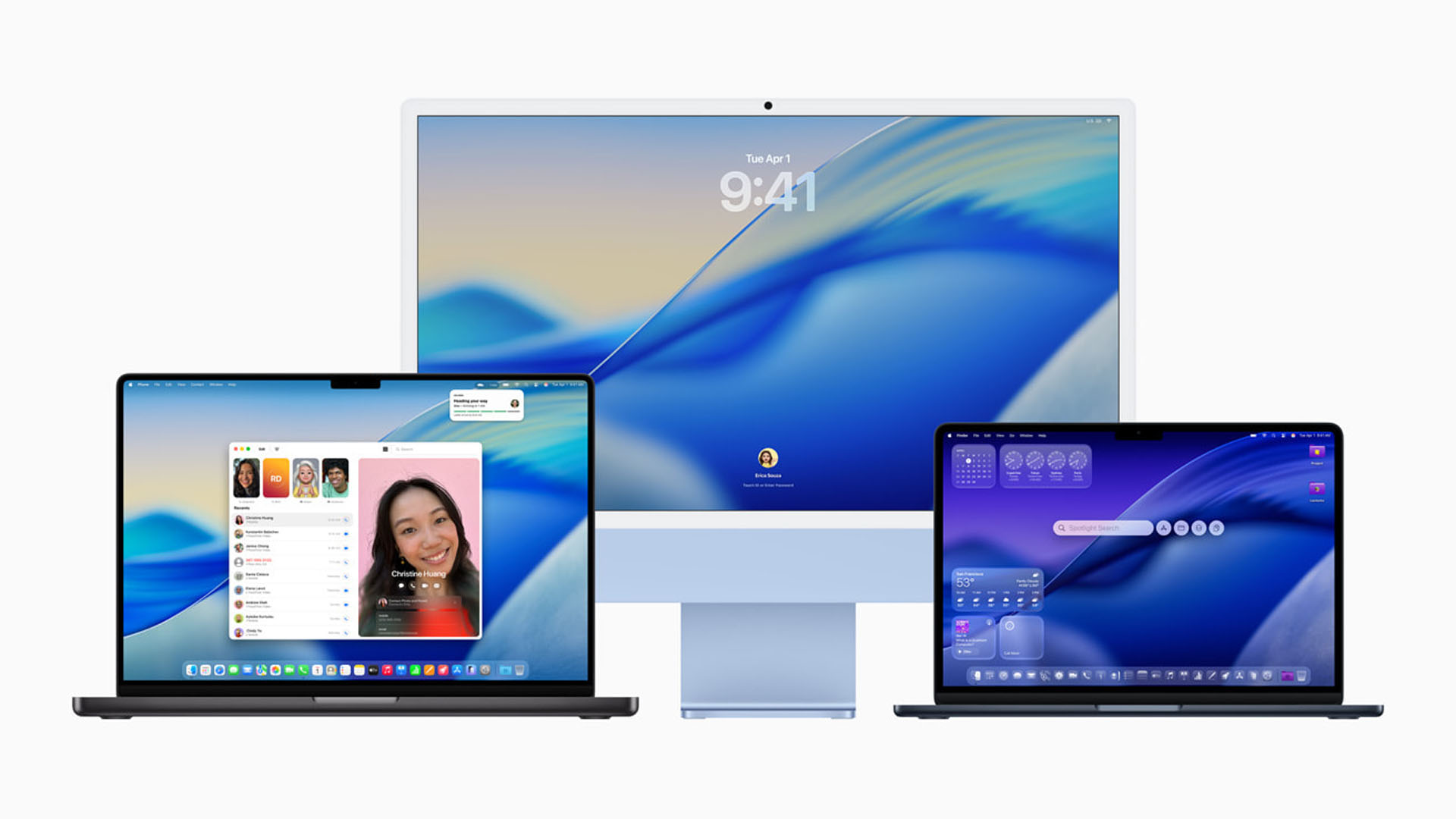
Developers now see a significant leap in on-device intelligence: Siri AI can process screen content, cross-app searches, and real-time web data without leaving the device, while system-level optimizations cut app launch times by up to 30 percent.
The shift matters most for power users who rely on Siri for complex tasks or juggle multiple apps. The new architecture ensures privacy while expanding functionality—though regional rollouts and usage limits may shape real-world adoption.
Deeper Integration, Broader Capabilities
A dedicated Siri app consolidates conversational history across iCloud, but the real innovation lies in its ability to parse on-screen content and fetch updated web information. This means asking Siri about a chart in Safari or a photo’s metadata without switching contexts.
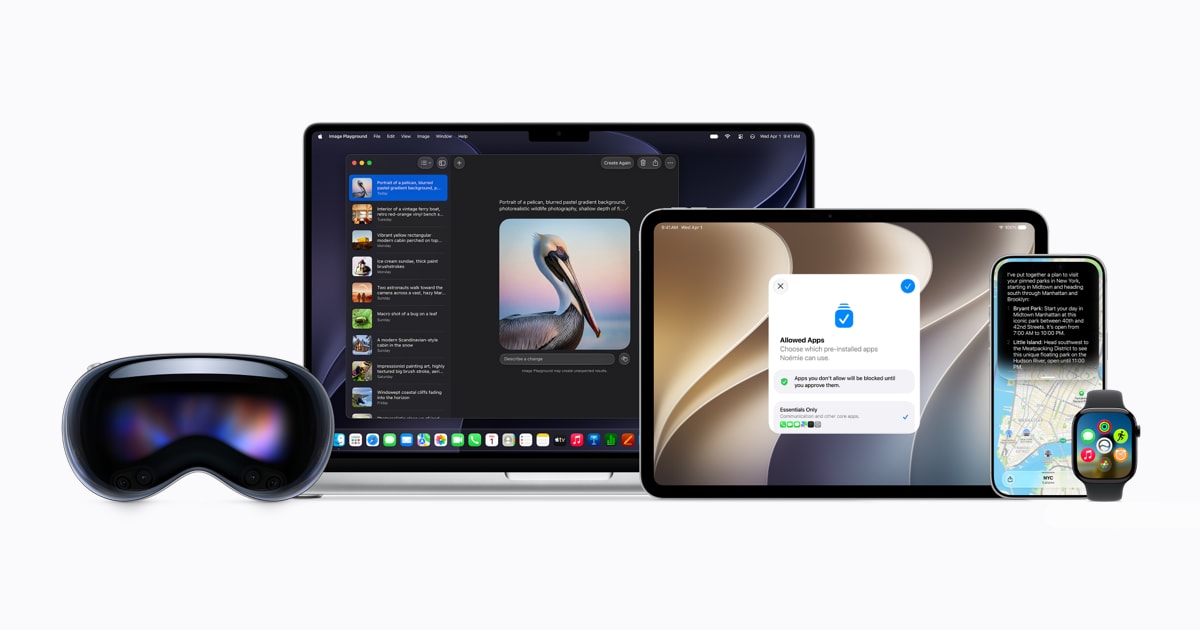
Simultaneously, Apple Intelligence enhances everyday apps: Photos gains spatial reframing tools, Messages adds one-tap suggestions, and Safari introduces Notify Me for tracking price drops or restocks. These features streamline workflows but require supported hardware—iPhone 16 models or later, iPad with M1 or newer chips.
Performance and Parental Controls
- App Launch Speed: Up to 30 percent faster on iPhone and iPad.
- Photo Loading: Up to 70 percent faster after capture.
- AirDrop Transfers: Up to 80 percent faster.
- External Drive Browsing: Up to 5x faster on iPad, matching Mac Finder speeds.
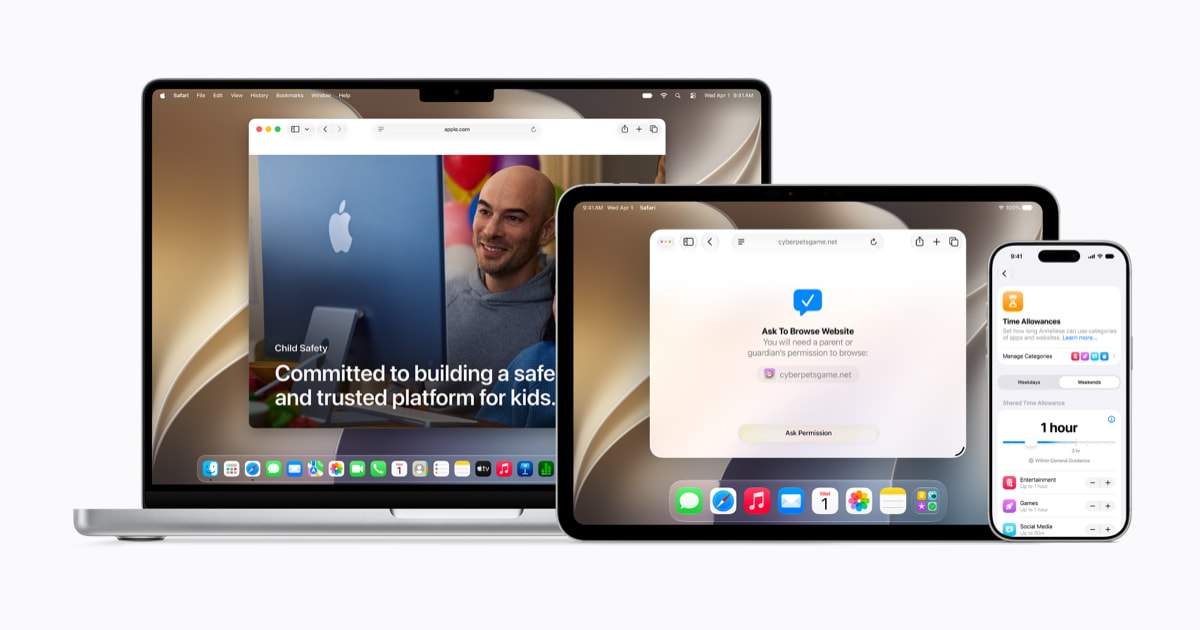
Parents gain granular control with age-appropriate app restrictions, contact approvals for new contacts, and automatic blocking of explicit content. A redesigned Screen Time dashboard offers at-a-glance usage insights, while a Setup Assistant guides parents through initial configurations. These tools aim to balance screen time with safety, though effectiveness depends on consistent parental oversight.
Regional Rollouts and Tradeoffs
Siri AI will debut in English for developers now, with broader language support arriving later this year—but it won’t be available initially in the EU for iOS or iPadOS users. China is also excluded due to regulatory hurdles. Meanwhile, iCloud+ subscriptions can increase daily usage limits for image generation, a feature that relies on server models.
For developers, the focus now shifts from concept to implementation: integrating Siri AI’s expanded app actions and testing performance gains under real workloads. The tradeoff is clear—richer functionality comes with hardware and regional constraints.
Key Specs
- Hardware Requirements: iPhone 16 or later, iPhone 15 Pro/Pro Max; iPad mini (A17 Pro), iPad with M1 or newer; Mac with M1 or later.
- Performance Gains: App launch speeds up to 30 percent faster, photo loading up to 70 percent faster, AirDrop transfers up to 80 percent faster.
- Connectivity: Faster Wi-Fi on Apple Vision Pro (up to 3x), seamless cellular/Wi-Fi transitions.
- Parental Controls: Age-based app restrictions, contact approvals, explicit content blocking, daily time allowances for Entertainment, Games, and Social Media.
The performance improvements are most noticeable in multitasking scenarios—whether switching between apps or transferring large files. However, developers should note that some features, like image generation, have usage limits tied to iCloud+ plans.
Market Reaction
Early adopters and enterprise users stand to benefit the most, given the emphasis on systemwide efficiency and Siri’s expanded context-aware capabilities. The regional exclusions may delay widespread use, but the underlying architecture suggests a stronger path forward for AI-driven personal assistants.