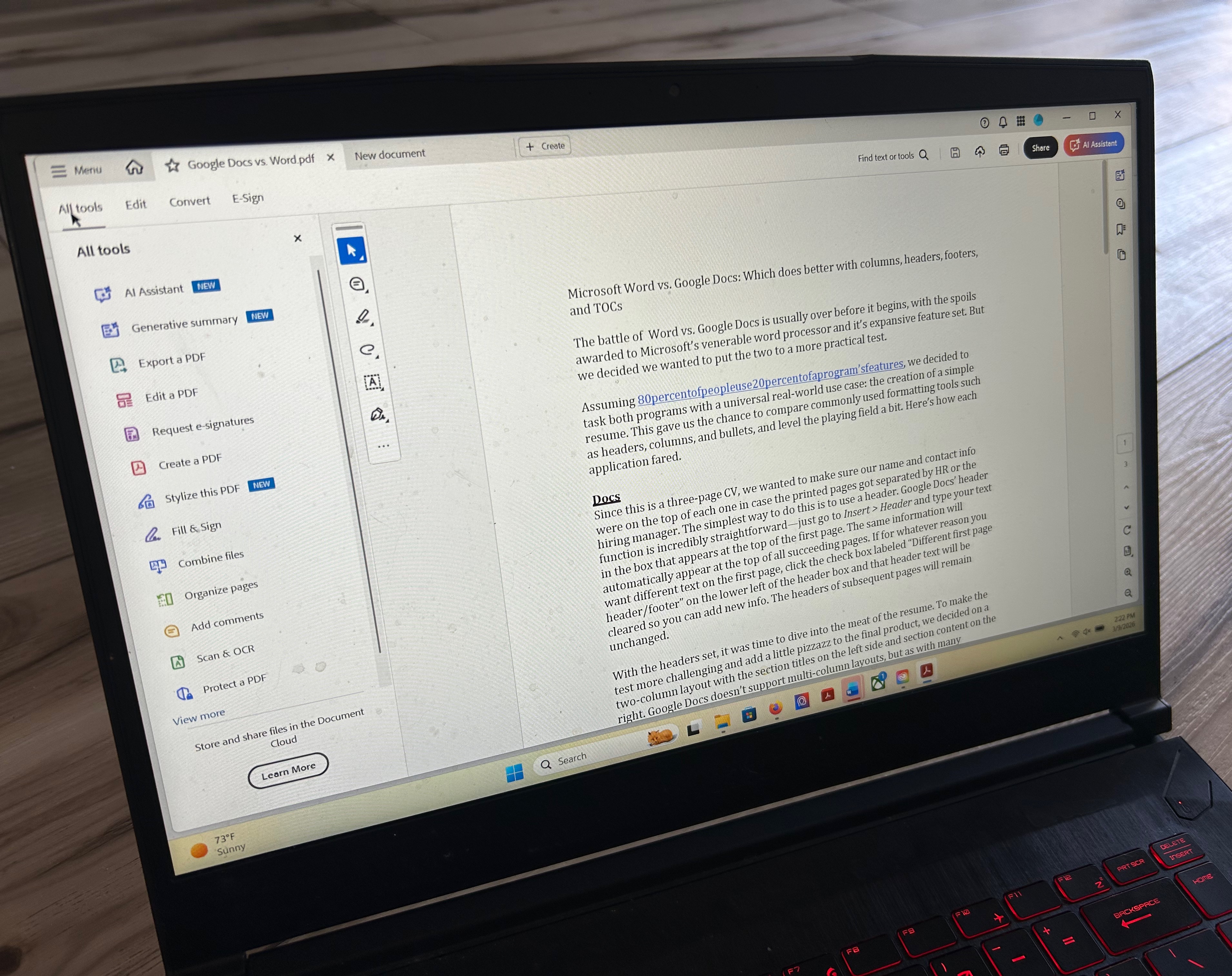
Adobe Acrobat Standard is designed for users who demand precision in PDF manipulation but don’t require the full suite of enterprise-grade features. Positioned between the free Acrobat Reader and the more expensive Pro version at $179 per year, it strikes a balance between capability and cost. However, its lack of cloud-based collaboration tools—reserved for higher-tier subscriptions—can create friction for teams working on shared documents.
The software’s strength lies in its ability to handle complex PDF tasks with minimal effort. Converting files to PDF is seamless, preserving intricate layouts from sources like spreadsheets or InDesign without requiring extensive setup. Its OCR engine delivers high accuracy, though it imposes a 50-file limit for batch processing unless users upgrade to Pro. This makes it ideal for professionals who need reliable document conversion but aren’t overwhelmed by large-scale workflows.
Key Strengths
- Text and image editing: Supports vector adjustments for scalable, high-quality edits, though layer controls remain inaccessible without Pro.
- OCR performance: Processes multi-page scans with strong accuracy, but batch operations are constrained to 50 files unless upgraded.
- Form creation: Offers dynamic fields with conditional logic, though export flexibility is more limited than in the Pro version.
Platform support, however, presents a notable gap. While it runs natively on Windows and macOS, iPad users must rely on a separate app that doesn’t match desktop functionality. Linux support remains absent, a significant oversight given the growing adoption of open-source operating systems in professional environments. Performance is smooth on modern hardware, but memory usage increases noticeably during intensive OCR tasks.
Where It Fits
Standard avoids the complexity of Pro by omitting features like e-signature management, which reduces clutter for users who don’t need legally binding document workflows. This streamlined approach makes it a compelling choice for power users who prioritize Adobe’s ecosystem over standalone competitors like Foxit PhantomPDF, which offers similar functionality at $159 but lacks deep integration with other Adobe tools.
Limitations to Consider
- Cloud collaboration is restricted, forcing users to manage shared documents through external platforms.
- No Linux support leaves open-source users without a native option.
- The subscription model may feel restrictive for occasional users who prefer one-time purchases, though Adobe has phased out perpetual licenses for years.
For professionals who rely on Adobe’s tools and don’t require advanced cloud features or e-signatures, Standard delivers a polished, efficient experience. However, those working in Linux environments or needing seamless real-time collaboration will find its boundaries restrictive—potentially pushing them toward alternatives that offer greater flexibility without the premium cost.