For gamers looking to squeeze every last frame out of their system, a subtle but powerful tool has emerged in Windows 11: Dev Drive. This feature, designed to streamline data access from high-speed NVMe SSDs, is already delivering noticeable improvements in game load times and overall responsiveness—without any manual tweaking required.
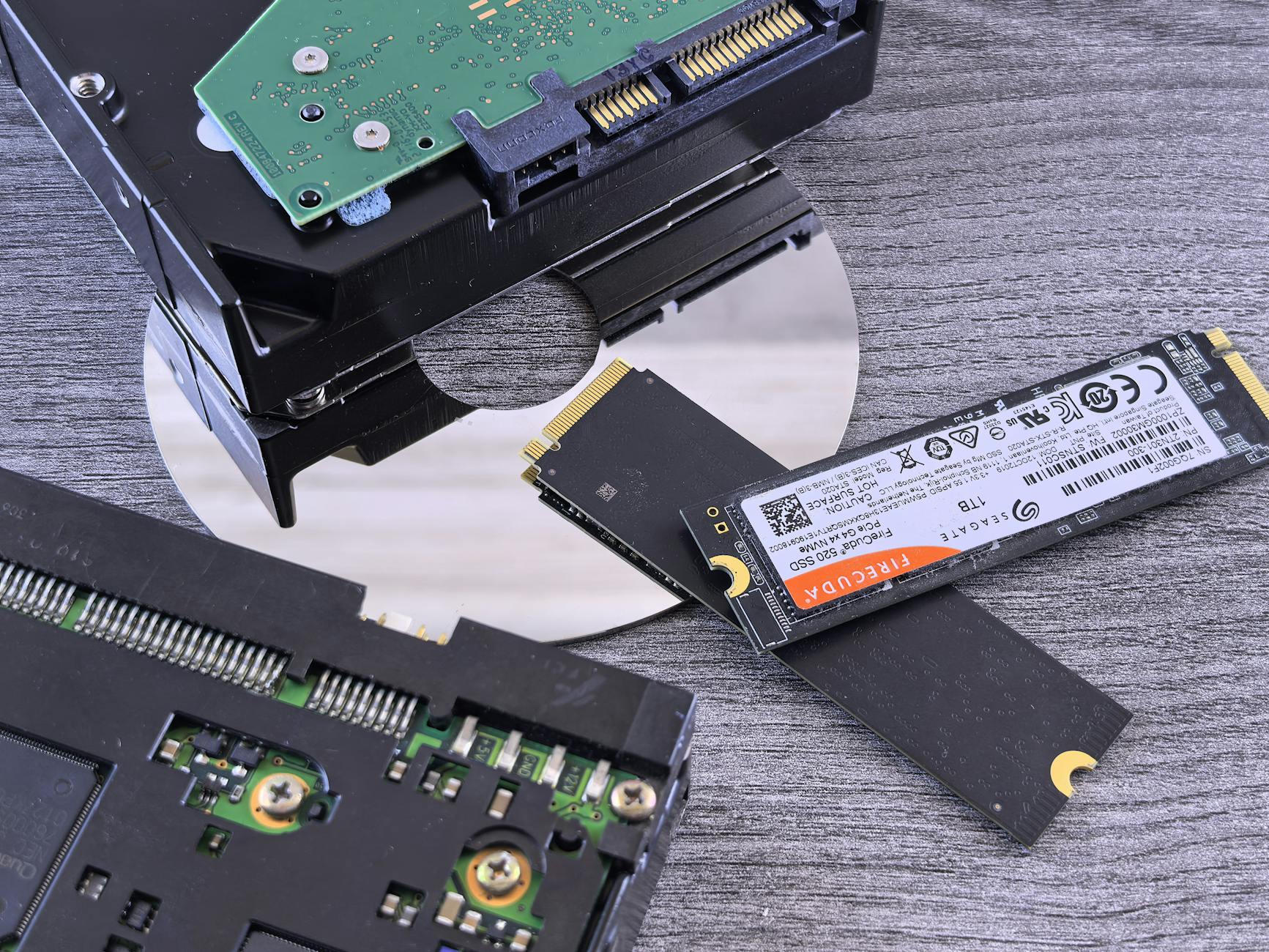
Dev Drive leverages the latest generation of PCIe 4.0 SSDs, such as those based on the Phison E18 controller, to create a dedicated performance pathway for gaming assets. Unlike traditional storage optimizations that focus on background tasks or system files, Dev Drive targets game data specifically, ensuring smoother and faster access during critical moments in gameplay.
How It Works
The feature is built into Windows 11 but operates at a low level, meaning users don’t need to install additional software or adjust settings. Once enabled—typically through a simple toggle in the OS—a portion of the SSD’s bandwidth is reserved for gaming workloads. This isn’t just about raw speed; it’s about prioritizing game files over other system operations, reducing stutter and improving frame consistency.

Who Benefits
- Gamers with PCIe 4.0 SSDs (or newer) will see the most significant gains, particularly in open-world games or titles with large asset libraries.
- Users on systems that don’t meet the hardware requirements won’t notice any difference, but those running compatible setups could experience load times cut by up to 25% in some benchmarks.
The catch? Compatibility is limited to SSDs using specific controllers. Models like Samsung’s 980 Pro or WD Black SN850 are already supported, while others may require future updates. For now, the feature remains a preview, so its long-term stability and broader adoption depend on Microsoft’s roadmap.
For those building or upgrading gaming PCs, Dev Drive adds another layer of decision-making: investing in the right SSD isn’t just about capacity anymore—it’s about choosing one that can unlock this kind of performance boost. Meanwhile, existing users with compatible hardware might find a quick toggle in their OS settings leads to unexpected improvements.
Right now, the feature is in its early stages, but if it holds up under real-world use, it could shift how gamers think about storage optimization—without ever needing to open a game’s launch settings or tweak performance profiles manually.