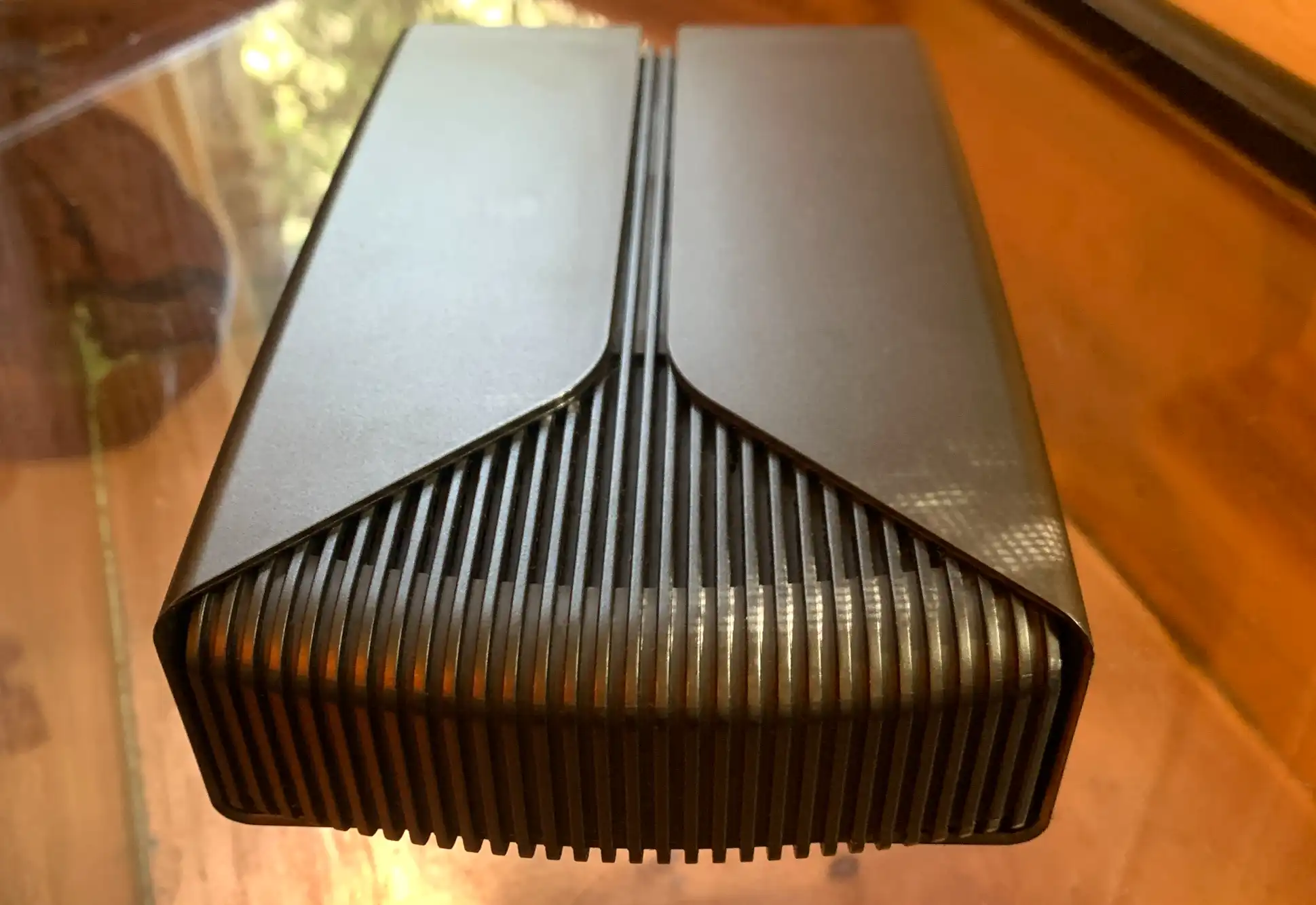
The question isn’t whether the Minisforum M1 Plus can handle demanding tasks—it’s whether its limitations justify the trade-offs compared to a traditional desktop. The answer, for many, will hinge on two factors: thermal constraints and expandability. Unlike a full tower, this mini PC relies on passive cooling for the most part, meaning sustained heavy workloads like 4K video encoding may require occasional pauses to prevent throttling. That said, for short bursts of CPU-intensive work, it performs remarkably well, often outpacing smaller desktops with weaker cooling.
Expandability is another consideration. The M1 Plus supports up to 64GB of DDR5 RAM—a future-proofing move that few mini PCs attempt—but upgrading storage beyond the included 1TB NVMe SSD requires an external enclosure. For most users, this won’t be a dealbreaker, but those planning long-term use should account for the lack of internal bays for additional drives.
Where the M1 Plus truly shines is in multi-display setups. The combination of HDMI 2.1, DisplayPort 1.4, and USB4 allows it to drive three 4K monitors at 60Hz simultaneously, a feature that turns it into a powerhouse for streamers, editors, and developers who rely on multiple screens. Few mini PCs offer this level of display flexibility, and the inclusion of 2.5Gbps Ethernet ports ensures stable connections for latency-sensitive applications like video conferencing or large file transfers.
For those weighing the 16GB RAM version ($413) against the 32GB model ($559), the choice depends on current and future needs. The 16GB configuration is ideal for light multitasking, web browsing, and office applications, while the 32GB option is essential for virtual machines, memory-heavy creative suites, or future-proofing. The Intel i5-based mini PC ($361) remains a budget-friendly alternative for basic productivity, but it lacks the headroom for heavier workloads.

Thermal performance is a mixed bag. Under normal use, the M1 Plus stays cool, but prolonged stress tests reveal its passive cooling design struggles to match the sustained performance of a well-ventilated desktop. Benchmarks show it handles single-threaded tasks—like compiling code or running a single instance of Adobe Premiere—with ease, but multi-threaded workloads like rendering in Blender or running multiple VMs may see performance dips if the system overheats. For most users, this won’t be an issue, but power users should temper expectations.
The $559 price tag is a significant draw, especially when compared to the cost of building a comparable desktop. A mid-range desktop with a Core i7-12700, 32GB DDR4, and a 1TB SSD would likely cost $800 or more, and that doesn’t account for the additional space and power requirements. The M1 Plus, by contrast, fits on a shelf, draws minimal power, and eliminates the need for a bulky case. For home offices, small studios, or secondary workstations, it’s a compelling alternative.
Ultimately, the M1 Plus isn’t for everyone. Gamers will want a dedicated GPU, and hardcore render farmers may still prefer a desktop’s cooling and expandability. But for content creators, developers, and professionals who prioritize space efficiency, it’s a rare blend of power and portability. The 20% discount makes it even more attractive, though stocks may not last—especially as hardware prices continue to fluctuate.
The Minisforum M1 Plus is now available for $559 (32GB RAM model) and $413 (16GB RAM model), with the Intel i5 variant priced at $361. Those interested should act quickly, as deals in the mini PC market are often short-lived. For those on the fence, the 16GB version offers a lower-risk entry point, while the 32GB model delivers the full experience—just be prepared to manage thermal expectations during intensive tasks.