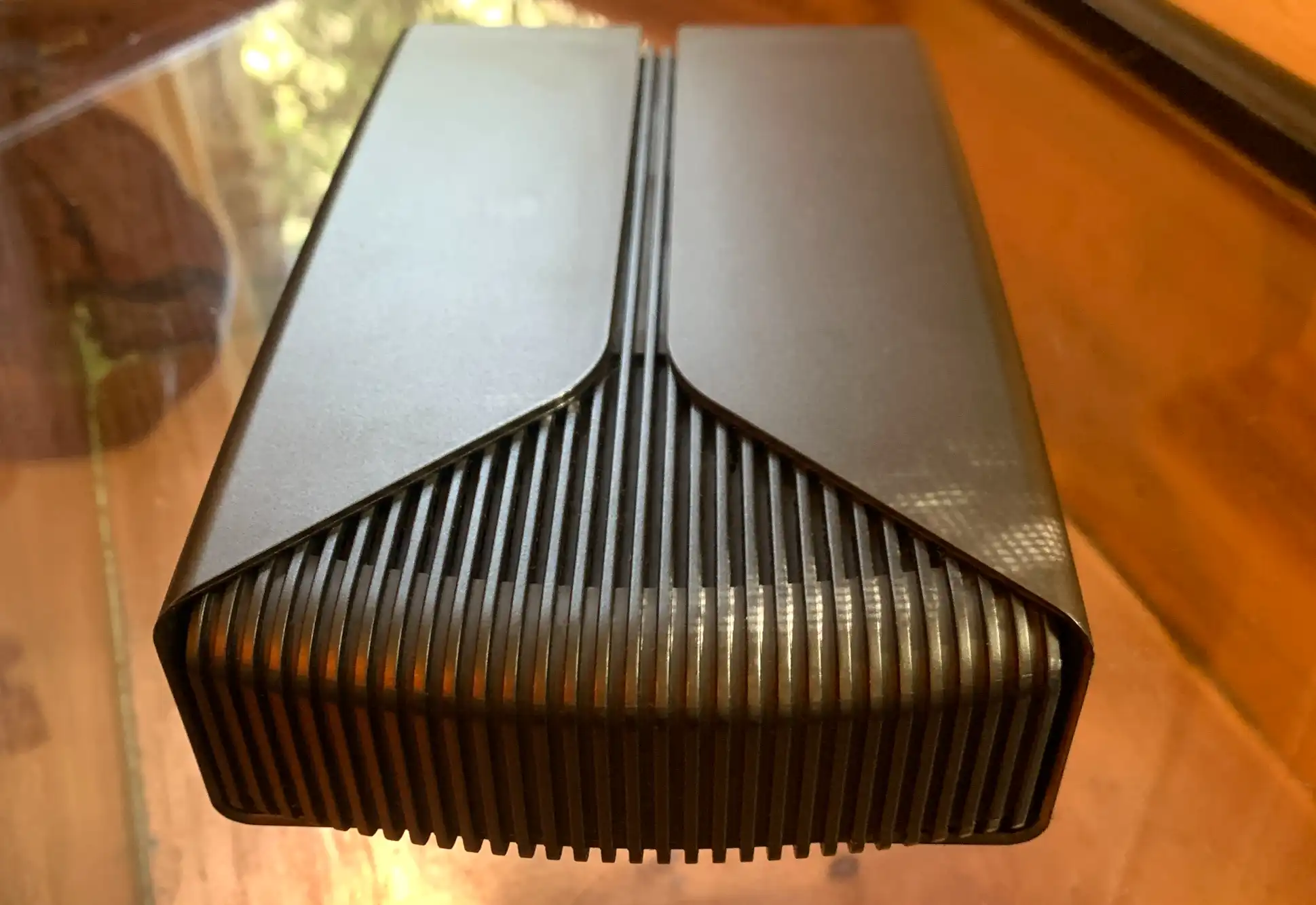
The NucBox G3 Pro’s design reflects a deliberate focus on efficiency over ambition. Its compact chassis, measuring just 114 × 106 × 44 mm and weighing under 300 grams, ensures it fits in tight spaces without sacrificing accessibility. The single-fan cooling system maintains operational noise below 30 dB in silent mode, a critical feature for environments like libraries, small offices, or home theaters where ambient sound matters. This approach, however, comes at the cost of sustained performance under heavy thermal loads—something the Core i3-10110U’s modest TDP (8W–15W) already mitigates.
The processor’s limitations become apparent in multitasking scenarios. While capable of handling a single instance of video editing software or a lightweight database, running multiple applications simultaneously—particularly those with GPU acceleration—results in noticeable stuttering. The integrated Intel UHD Graphics, though sufficient for 4K video playback at 24 Hz via dual HDMI outputs, lacks the bandwidth for higher refresh rates or advanced color spaces like Adobe RGB. This aligns with the device’s intended role as a secondary system rather than a primary workstation.
Storage and memory configurations highlight the NucBox G3 Pro’s strengths. The dual M.2 NVMe slots allow for RAID configurations or redundant storage setups, a boon for NAS applications where data integrity is paramount. However, the absence of SATA ports limits compatibility with traditional HDDs, a deliberate choice to streamline the design. RAM upgrades to 64 GB are possible but impractical for most users; the 16 GB prebuilt model represents a generous ceiling for tasks like virtualization or memory-intensive databases, though real-world performance gains beyond 32 GB are negligible.
Connectivity options reinforce the device’s role as a network-aware assistant. The 2.5 GbE LAN port ensures stable file transfers for NAS use, while Wi-Fi 6 and Bluetooth 5.2 provide backward compatibility with older devices without sacrificing modern efficiency. The inclusion of four USB 3.2 Gen 1 ports, though limited by speed compared to newer standards, suffices for peripherals like keyboards, mice, or external drives. The lack of Thunderbolt or USB-C further narrows its appeal to users with legacy hardware.

The pricing strategy reflects a clear market segmentation. The $169.99 barebones model appeals to hobbyists or IT administrators who prioritize customization, while the $239.99 and $299.99 prebuilt configurations target users seeking immediate functionality. These price points position the NucBox G3 Pro as a viable alternative to repurposed laptops or older desktops, particularly in environments where power consumption and noise are critical. However, the absence of newer Intel processors—such as the Core Ultra series or 13th-gen models—suggests GMKtec is targeting cost-sensitive buyers rather than performance seekers.
Looking ahead, the NucBox G3 Pro’s relevance may hinge on future firmware updates or accessory support. If GMKtec introduces compatibility with emerging standards like USB4 or Wi-Fi 7, the device could extend its lifespan. For now, its design serves as a reminder that even in the mini PC market, trade-offs between power, performance, and price remain unavoidable. The Core i3-10110U’s age (2020) and the lack of modern features like Intel’s Thread Director or AVX-512 further underscore its niche appeal.
For users with specific needs—such as a secondary machine for light coding, a home media server, or a low-power office assistant—the NucBox G3 Pro delivers. For those requiring modern CPU performance or advanced graphics, alternatives with newer architectures (e.g., Intel Core Ultra or AMD Ryzen 7040 series) will be necessary. The device’s introduction at an unspecified date ahead of CES 2026 signals a continued push into the budget mini PC segment, where incremental improvements often outweigh revolutionary leaps.