The Bosgame E4 isn’t just a mini PC—it’s a **RAM efficiency statement**. In a market where 16GB systems often demand $400+ for the memory alone, this box bundles it in for less than half that. The tradeoff? No GPU upgrade path, no fan, and a CPU that won’t render 4K timelapses. But for developers, remote workers, and multi-monitor power users, those compromises might not matter.
The Ryzen 5 3550H (4C/8T, 3.1GHz base/4.0GHz boost) is a workhorse, not a speed demon. It thrives in scenarios where **thermal headroom** and **multi-core efficiency** matter more than single-threaded speed. For example
- **Virtualization:** Running two Windows 10 VMs (4GB RAM each) alongside the host OS won’t throttle performance—unlike many budget laptops.
- **Compilation tasks:** JavaScript or Python builds complete faster than on most ultrabooks with the same CPU.
- **Dual-boot flexibility:** Linux + Windows coexistence is seamless, thanks to the NVMe SSD’s speed.
Where it stumbles is in sustained graphics workloads. The Vega 8 iGPU (2GB VRAM) chokes on anything beyond 1080p video playback or light gaming (think *CS:GO* at 30 FPS on low settings). But for power users who care more about **CPU-bound tasks** than GPU crunching, this is a deliberate design choice.
Advanced Tweaks for Maximum Value
The E4’s real superpower isn’t raw specs—it’s **connectivity and configuration options**. Here’s how to wring every last bit of performance out of it
- Display scaling: Use Windows 11’s display scaling tools to push three 4K monitors to 150% scaling—sharp enough for coding but lighter on GPU load.
- Power delivery: The USB-C port supports up to 65W PD—enough to run it off a high-quality power brick without throttling.
- Network teaming: Enable LACP on the dual Gigabit Ethernet ports for near-2Gbps throughput (ideal for NAS backups or VoIP setups).
- Wi-Fi optimization: Disable 2.4GHz Wi-Fi in Windows settings if your router supports 5GHz-only for better stability.
- Storage partitioning: Carve the 512GB SSD into a 200GB OS drive and 300GB data partition to avoid fragmentation in heavy use.
For users who push limits, the **passive cooling** is the biggest bottleneck. Under prolonged CPU loads (e.g., compiling large codebases), temperatures hover around **80–85°C**—well within safe limits but causing clock speed drops. A $20 aftermarket heatsink (if the case allows) can help, but most users won’t notice in daily use.
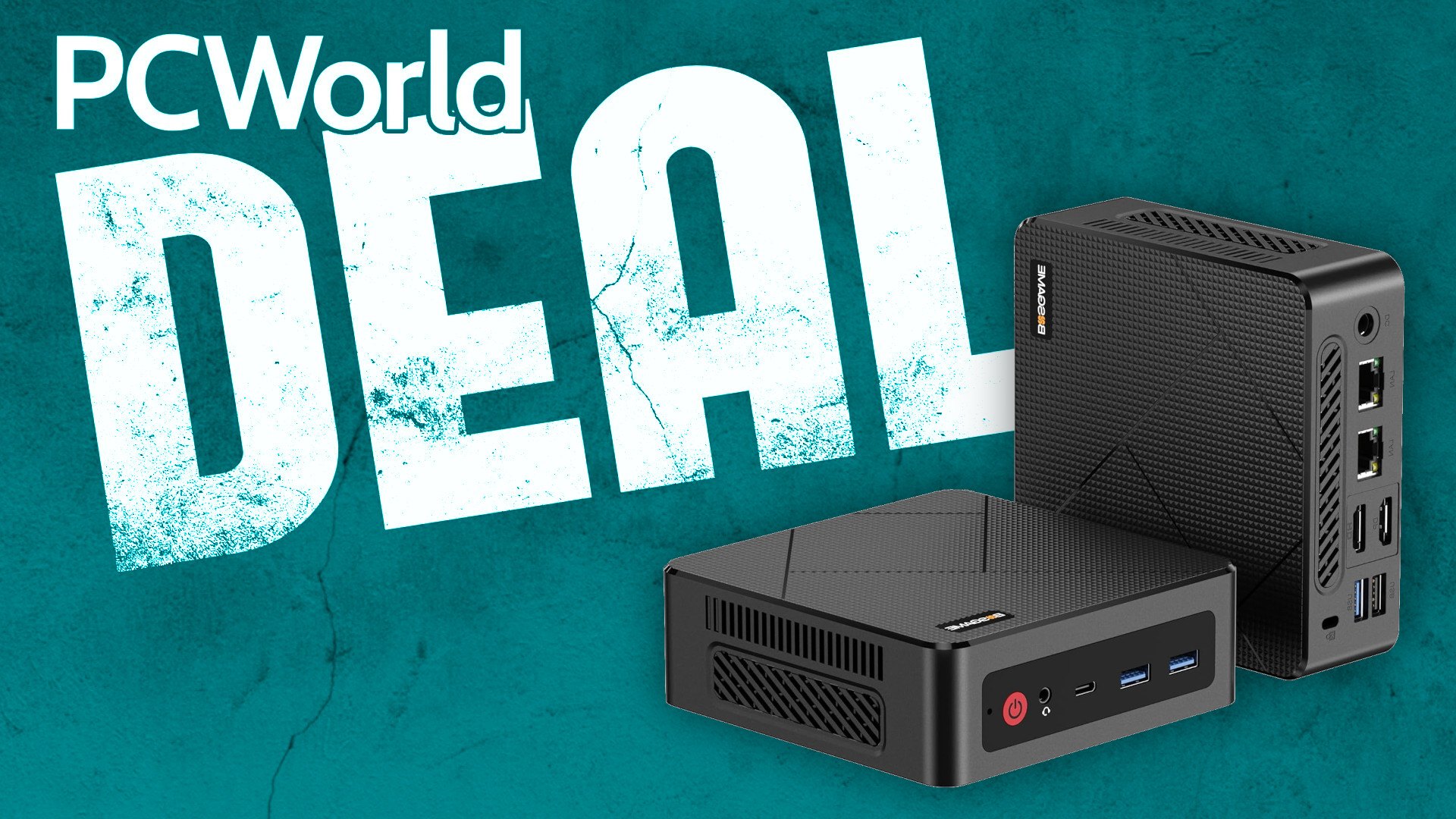
The $208 vs. $499 Debate
The E4’s price drops from $249 to $208, but it’s still a fraction of what similar systems cost when configured manually. Here’s how it stacks up against alternatives
- $208 E4: 16GB RAM, 512GB SSD, Ryzen 5 3550H, no fan.
- $249 (original price): Same specs, but often with bloatware or slower storage.
- $420 (similar specs elsewhere): Usually includes a fan, but still lacks RAM upgradeability.
- $499 (premium mini PCs): 32GB RAM, but often with slower DDR4-2133 or mechanical drives.
The E4’s **32GB RAM sibling** (when available) jumps to $420—a steep premium for 16GB more. That’s a hard pill to swallow unless you’re running memory-heavy workloads like **Docker containers** or **database servers**. For most users, 16GB is enough to run **Windows 11 Pro + two VMs + a browser with 50 tabs** without breaking a sweat.
Who This Isn’t For
If your workflow relies on any of the following, the E4 will frustrate you
- GPU rendering: Blender, Premiere Pro 4K exports, or AI upscaling will crawl.
- RAM-hungry apps: Lightroom Classic (with large catalogs), Photoshop with 3D tools, or multi-instance VMs.
- Future-proofing: The soldered RAM means no upgrade path—unlike desktops or even some laptops.
- Gaming: Even *Fortnite* at 720p will struggle without mods.
But if you’re a **developer testing cross-platform code**, a **remote worker juggling screens**, or a **home server tinkerer**, the E4 delivers **80% of the performance** for **40% of the cost** of a traditional mini PC.
Final Verdict: Buy It—But Set Expectations
The Bosgame E4 isn’t a magic bullet, but it’s a **brilliant RAM bargain** in a market where memory costs more than the rest of the system. For power users who prioritize **CPU power, connectivity, and space efficiency** over GPU muscle, it’s a no-brainer at $208. Just don’t expect it to replace a workstation.
Best for: Developers, remote workers, multi-monitor setups, light virtualization.
Avoid if: You need GPU rendering, RAM upgrades, or gaming performance.
Stock is likely limited, so if you need **16GB RAM in a tiny, silent package**, this might be your last chance to grab one before it’s gone.